

Description
Website: digiter.org | Full version / Shop
Digiter SEO Compass Lite provides a focused set of local SEO controls for WordPress. Add a manual SEO title and meta description to public posts, pages and supported public custom post types. Configure homepage metadata from a single settings page.
The plugin uses WordPress’ built-in XML sitemap. It excludes password-protected posts and respects content marked noindex by Digiter SEO Compass. Public author archive URLs are excluded unless you enable them. WordPress continues to control site visibility and excludes drafts and private content.
Features:
- Manual SEO titles and descriptions in a native panel for the block and classic editors.
- Optional homepage title and description.
- Title variables: %title%, %site%, %tagline% and %sep%.
- Pagination-aware manual titles.
- Controls for the native WordPress XML sitemap, including optional author URLs.
- Automatic pause when a recognized SEO plugin is active, to avoid duplicate output.
- No account, license key, trial period or usage quota.
- No telemetry or external requests made by this plugin.
Search engines decide how pages are indexed and displayed. This plugin does not guarantee rankings or the exact title or description used in search results. Themes should support WordPress’ document-title API.
The separate commercial Digiter SEO Compass edition is available from Digiter. Use the Buy full version button on the Lite settings page to open the matching product in Digiter Shop. Its advanced tools are not included in this ZIP. Every feature included in Lite is available without payment. Use one edition at a time.
Privacy
Settings and metadata are stored in the site’s WordPress database. Lite does not contact Digiter, require registration or send analytics. WordPress may contact WordPress.org for its normal update and translation services. Opening documentation or shop links is a user-initiated visit to digiter.org.
Compatibility and data
Lite uses the same _dsm_title and _dsm_description post-meta keys as Digiter SEO Compass 5.1.5. Existing manual post titles and descriptions can be reused when switching editions. Lite has its own homepage settings. It does not migrate advanced settings or provide commercial features. Back up the site before switching SEO plugins.
When a recognized SEO plugin is active, Lite pauses its metadata output, editor panel and sitemap filters. This is a compatibility safeguard, not a paid feature restriction.
Deleting Lite removes its settings for the current site but deliberately retains manual post metadata so SEO copy is not lost when changing editions. On multisite, settings on other sites are retained.
Buy the Full version from WordPress
Administrators can open Full version under the plugin menu or use Buy Full version on the Plugins screen. Open Digiter Shop, choose Digiter SEO Compass, review the current price and renewal terms, and complete checkout on digiter.org. Recurring plans require a verified Digiter Account. Download the Full ZIP and license from the order or Customer Account. Back up your site, test on staging, deactivate Lite, and install the Full ZIP through Plugins > Add New > Upload Plugin. Activate the license in the Full plugin’s License screen.
Manual SEO title and description metadata use compatible keys. Other settings and advanced features may differ; review them after switching editions.
All Lite features remain free. These are ordinary optional links: Lite makes no new external requests and never downloads or installs premium code. Full version documentation.
Captures d’écrans
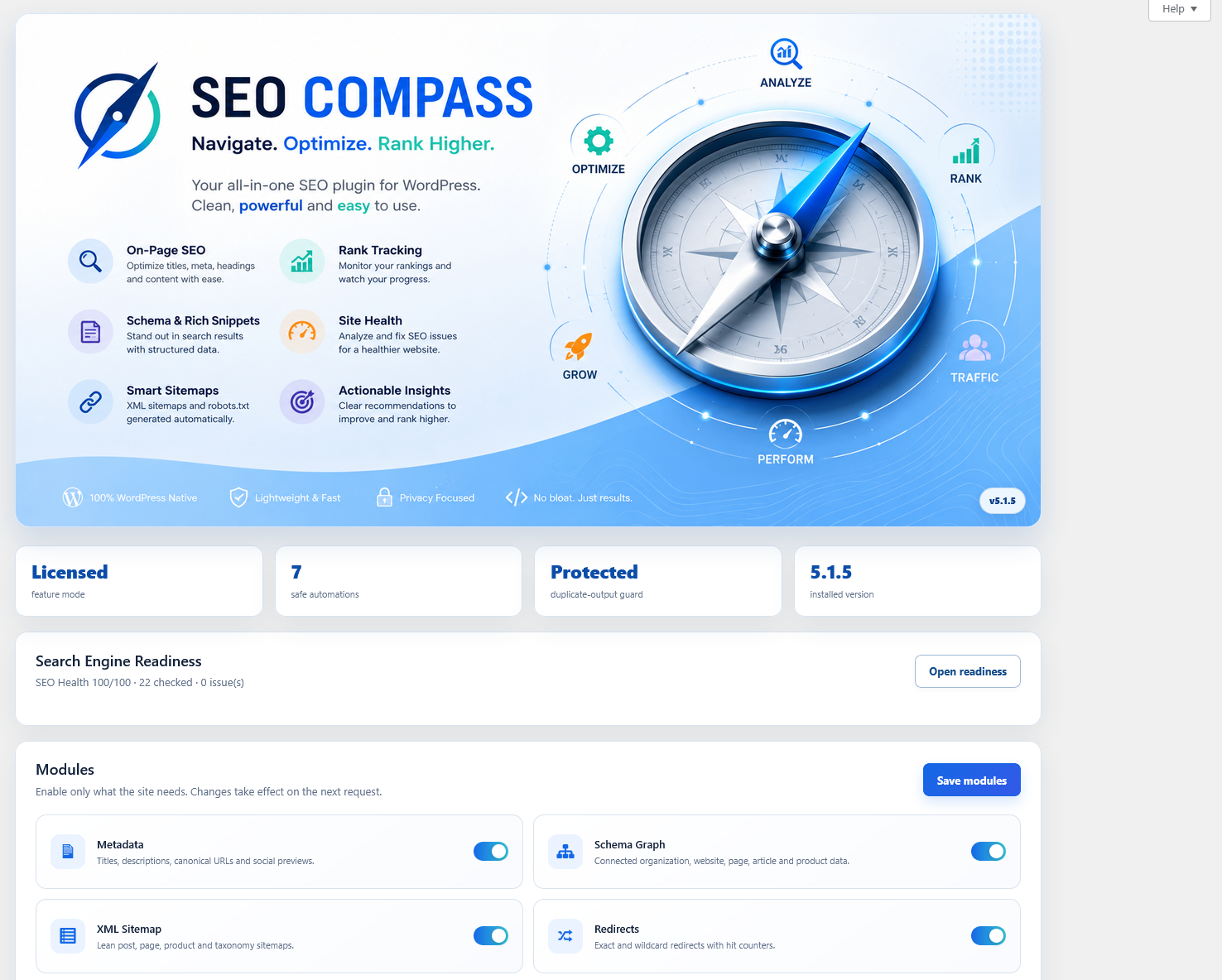
Installation
- Upload the digiter-seo-compass-lite directory to wp-content/plugins, or install this ZIP through Plugins > Add New > Upload Plugin.
- Activate Digiter SEO Compass Lite.
- Open Settings > SEO Compass Lite to configure the homepage and author sitemap preference.
- Edit a page or post, find the SEO Compass Lite panel, enter your text and save the post. In newer block editor layouts, expand Meta Boxes at the bottom of the editor first.
- Use View XML sitemap in the settings screen to check the native sitemap. It remains unavailable on sites that discourage search engine indexing or disable native sitemaps.
FAQ
-
Is this a trial?
-
No. All included features are free and do not expire. The commercial edition is a separate product.
-
Does Lite generate descriptions automatically?
-
No. Descriptions are entered manually. An empty field adds no meta description. WordPress keeps its normal title when no manual title is supplied.
-
Does it replace canonical URLs or robots settings?
-
Lite leaves WordPress’ canonical tags alone. It preserves an existing Digiter noindex flag on individual posts through WordPress’ robots filter and excludes those posts from the sitemap. It does not provide an editor for advanced robots rules or migrate other commercial settings.
-
Where is the XML sitemap?
-
Normally at /wp-sitemap.xml. With plain permalinks WordPress uses a query-string URL. The settings screen provides the correct link.
-
Can I use it with another SEO plugin?
-
Use one SEO plugin at a time. Lite detects the commercial Digiter edition and several common SEO plugins and pauses its output. Unknown plugins or themes can still produce duplicate metadata; check your page source after setup.
-
Will switching to the commercial edition keep my text?
-
Manual post titles and descriptions use compatible fields. Deactivate Lite before activating the commercial edition. Homepage settings must be configured separately. Lite’s %title%, %site%, %tagline% and %sep% title variables are supported by that edition.
Avis
Il n’y a aucun avis pour cette extension.
Contributeurs/contributrices & développeurs/développeuses
« Digiter SEO Compass Lite » est un logiciel libre. Les personnes suivantes ont contribué à cette extension.
Contributeurs
Traduisez « Digiter SEO Compass Lite » dans votre langue.
Le développement vous intéresse ?
Parcourir le code, consulter le SVN dépôt, ou s’inscrire au journal de développement par RSS.
Journal des modifications
1.0.2
- Make the website and Full version shop links visible at the beginning of the description and provide the product homepage link.
1.0.1
- Add optional Full version purchase links and clear checkout, installation and edition-transition instructions in WordPress.
1.0.0
- Initial standalone free edition based on the manual metadata workflow in Digiter SEO Compass 5.1.5.
- Added native WordPress sitemap integration and a separate settings page.
- Excluded commercial modules, license validation, external updater and remote services.