
Description
Send customer emails to a Mailchimp list at the completion of a Cart66 transaction. Customer will receive a confirmation email from Mailchimp to opt-in.
Captures d’écrans
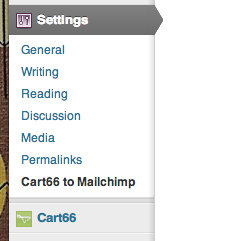
Cart66 to Mailchimp Settings Page 
Cart66 to Mailchimp Options Page
Installation
To Install Cart66 to Mailchimp
- Download the cart66-to-mailchimp.zip file
- Extract the zip file so that you have a folder called ‘cart66-to-mailchimp’
- Upload the ‘cart66-to-mailchimp’ folder to the
/wp-content/plugins/directory - Activate the plugin through the ‘Plugins’ menu in WordPress
- Configure your settings in the Settings panel
To Uninstall Cart66 to Mailchimp
- Deactivate Cart66 to Mailchimp thorugh the ‘Plugins’ menu in WordPress
- Click the « delete » link to delete the Cart66 to Mailchimp plugin. This will remove all of the Cart66 to Mailchimp files from your plugins directory and will delete the data used by Cart66 to Mailchimp.
Avis
Il n’y a aucun avis pour cette extension.
Contributeurs/contributrices & développeurs/développeuses
« Cart66 to Mailchimp » est un logiciel libre. Les personnes suivantes ont contribué à cette extension.
Contributeurs
Traduisez « Cart66 to Mailchimp » dans votre langue.
Le développement vous intéresse ?
Parcourir le code, consulter le SVN dépôt, ou s’inscrire au journal de développement par RSS.