

Description
Contributor Photo Gallery – Display, Customize & Share Your WordPress.org Photo Contributions
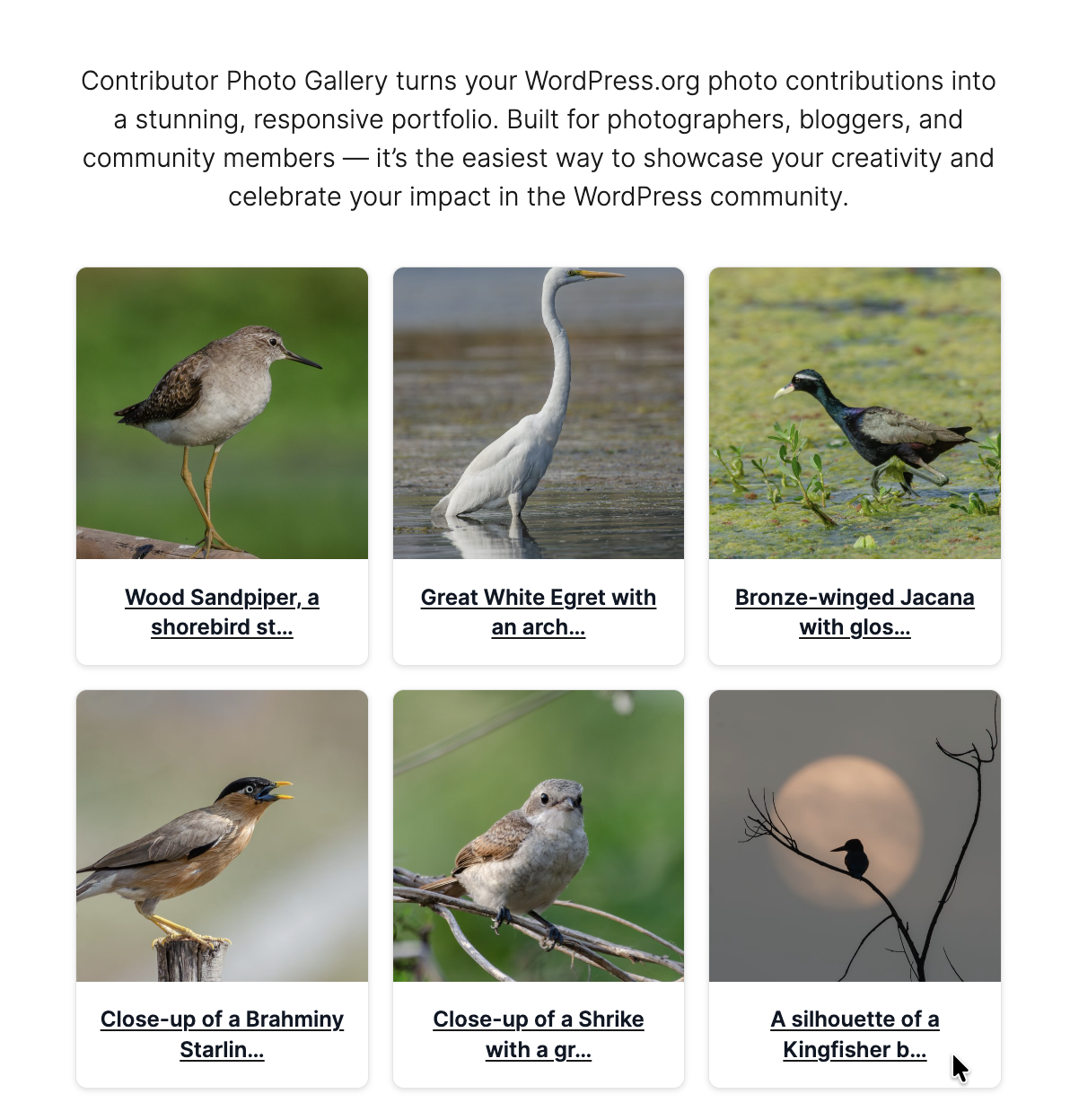
Contributor Photo Gallery is the easiest way to turn your WordPress.org/photos contributions into a professional, responsive gallery.
Built for photographers, agencies, and WordPress community members, it helps you create a beautiful portfolio or add authentic visual credibility to your site — no coding required.
Why Use Contributor Photo Gallery?
Fast & Easy: Display your WordPress.org photos with a single shortcode.
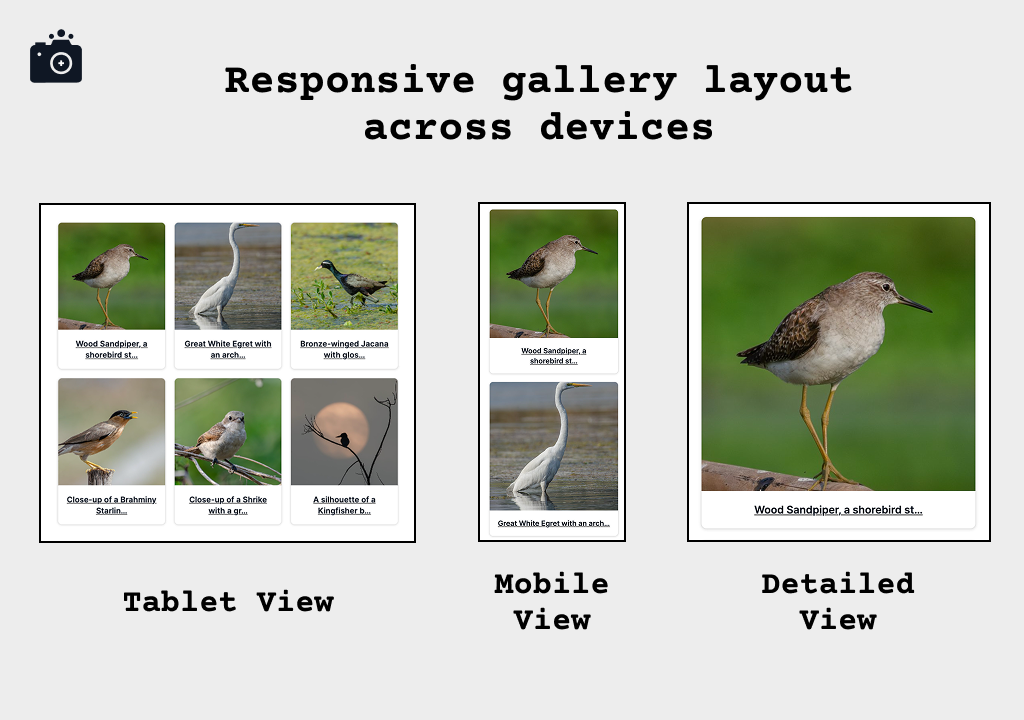
Multiple Styles: Choose from Modern, Polaroid, Circle, and Fixed Height card designs.
Fully Customizable: Adjust borders, shadows, backgrounds, and caption colors.
Live Preview: Configure and style in the admin with instant preview updates.
SEO & Accessibility: Semantic HTML, alt attributes, and WCAG-friendly controls.
Performance-Minded: Smart caching, lazy loading, and optimized API calls.
Backwards Compatible: Supports [cp_gallery] (new) and [wpcontrib_photos] (legacy).
Perfect For:
- Photographers — build a WordPress-powered portfolio using your contributions.
- Agencies & Professionals — highlight team work beyond code.
- Speakers & Community Members — add credibility for profiles and bios.
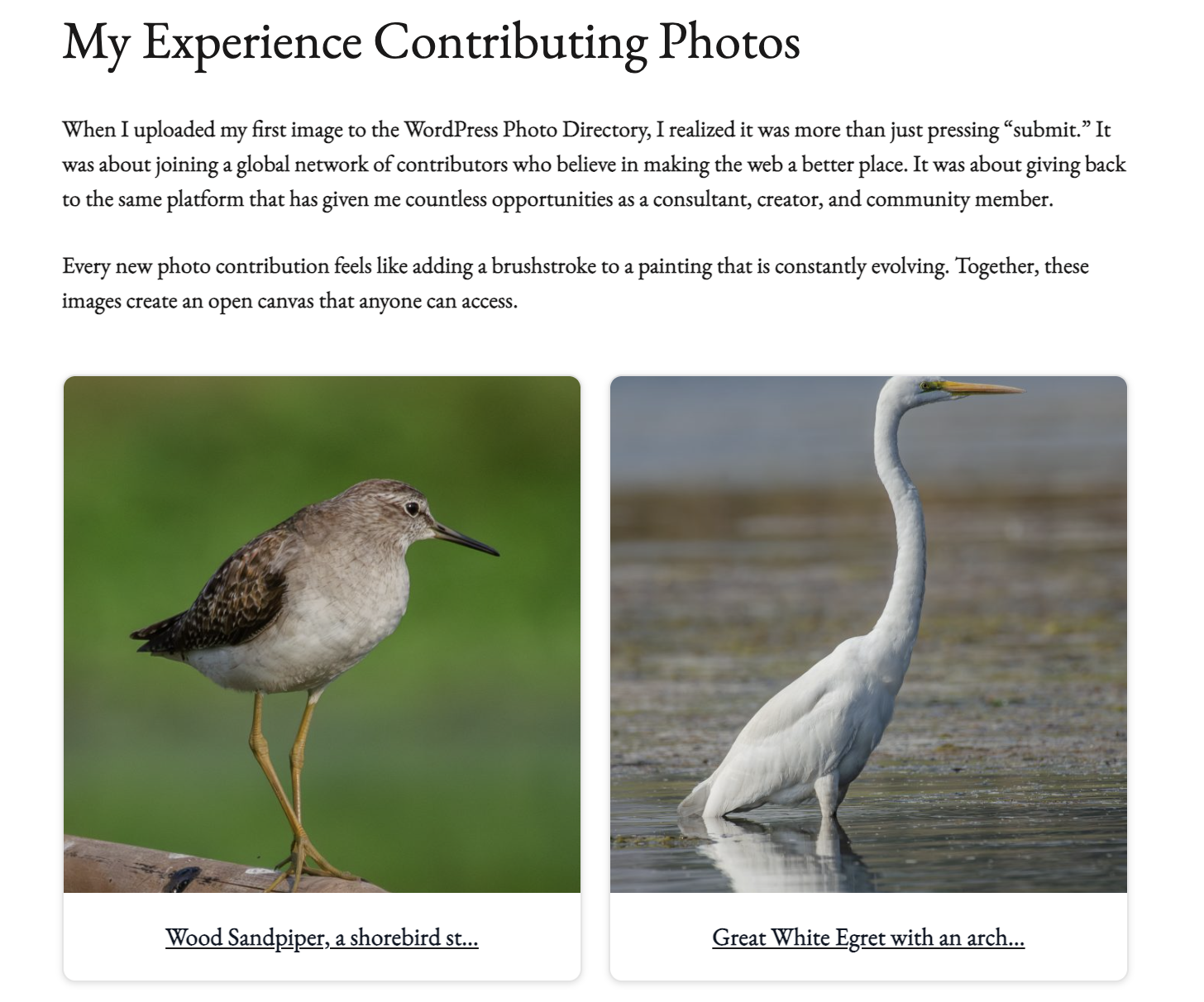
- Bloggers & Content Creators — enrich content with authentic community photos.
Lightweight, privacy-friendly, and compatible with any WordPress theme, Contributor Photo Gallery gives you a polished way to showcase your WordPress.org photos with speed and style.
New in v2.5.0 (Major Update)
- Primary shortcode:
[cp_gallery](recommended). - Legacy shortcode
[wpcontrib_photos]preserved for compatibility. - Caption text color option with live admin preview.
- New gallery styles: Polaroid, Circle, Fixed Height.
- Advanced card customization: borders, backgrounds, shadows.
- Auto-refresh preview (removed manual refresh button).
- Smooth settings migration to keep existing configurations.
- Minimum WordPress version updated to 5.8.
Special Thanks
Special thanks to snilesh for his open-source WordPress.org photo contribution, which we’re proud to feature in our plugin’s identity and marketing visuals.
Shortcodes
Primary Shortcode:
[cp_gallery]
Examples:
– [cp_gallery] — uses your saved settings.
– [cp_gallery per_page="12" columns="3"]
– [cp_gallery per_page="20" columns="4" user_id="21053005"]
Legacy Shortcode:
– [wpcontrib_photos] — still supported for backward compatibility.
Attributes:
– per_page — photos per page (1–50). Example: per_page="12
– columns — grid columns (1–6). Example: columns="3
– user_id — override saved WordPress.org numeric User ID. Example: user_id="21053005
Support
- Documentation: https://github.com/askhellosatya/contributor-photo-gallery/wiki
- Issues: https://github.com/askhellosatya/contributor-photo-gallery/issues
- Discussions: https://github.com/askhellosatya/contributor-photo-gallery/discussions
For commercial support, contact: Satyam Vishwakarma
License
This plugin is licensed under the GPL v2 or later. See the LICENSE for details.
Captures d’écrans

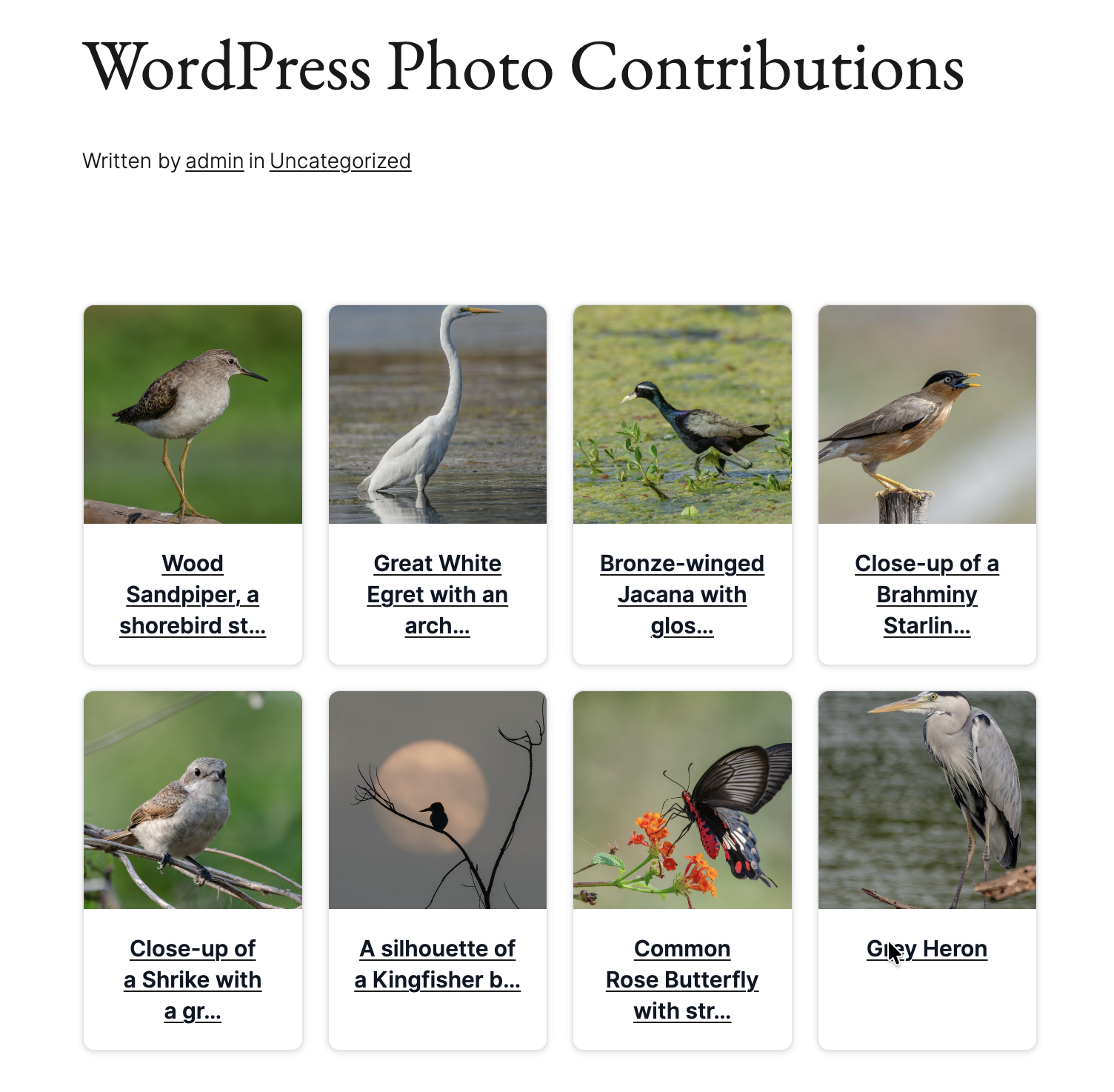
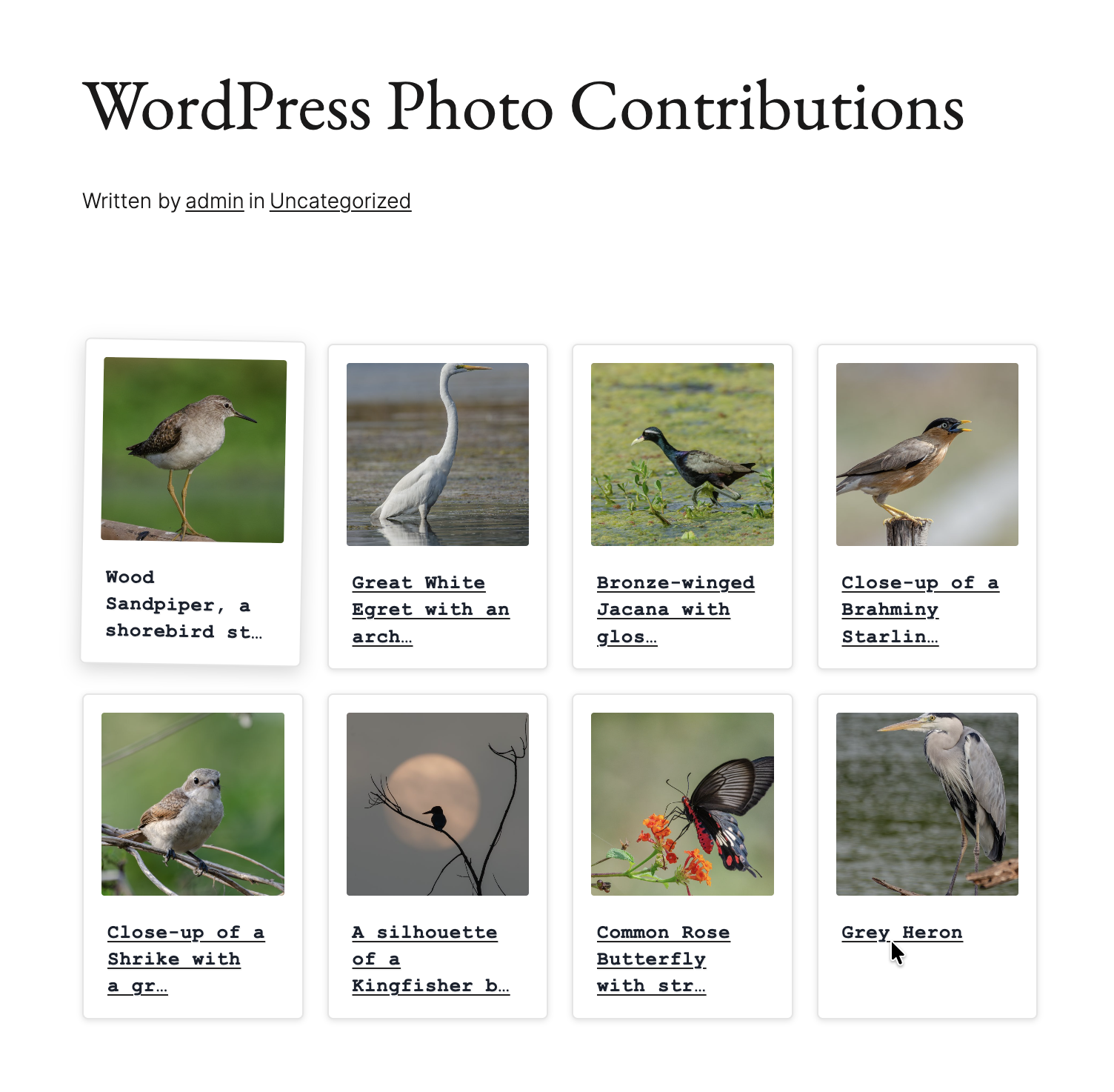
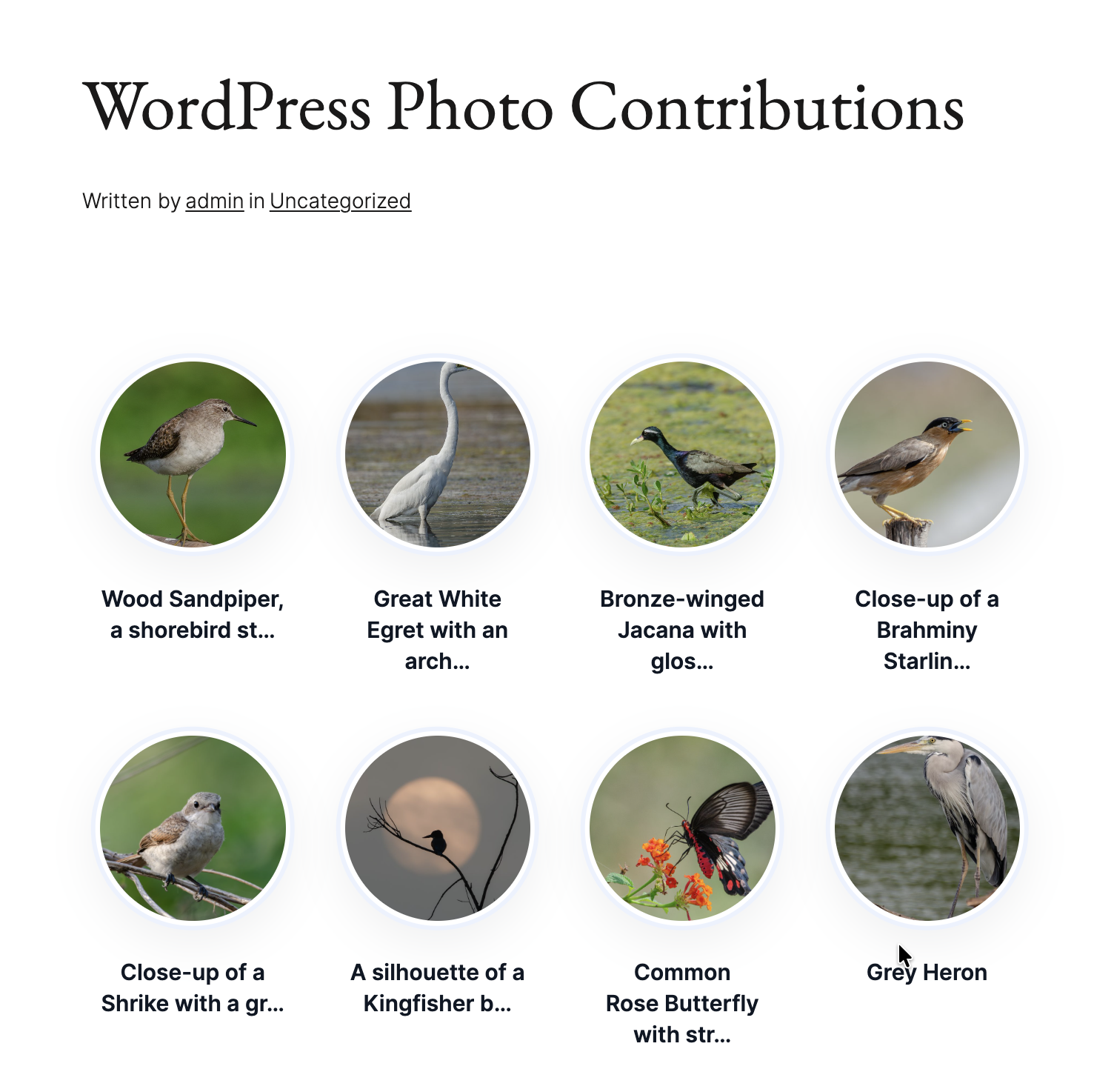
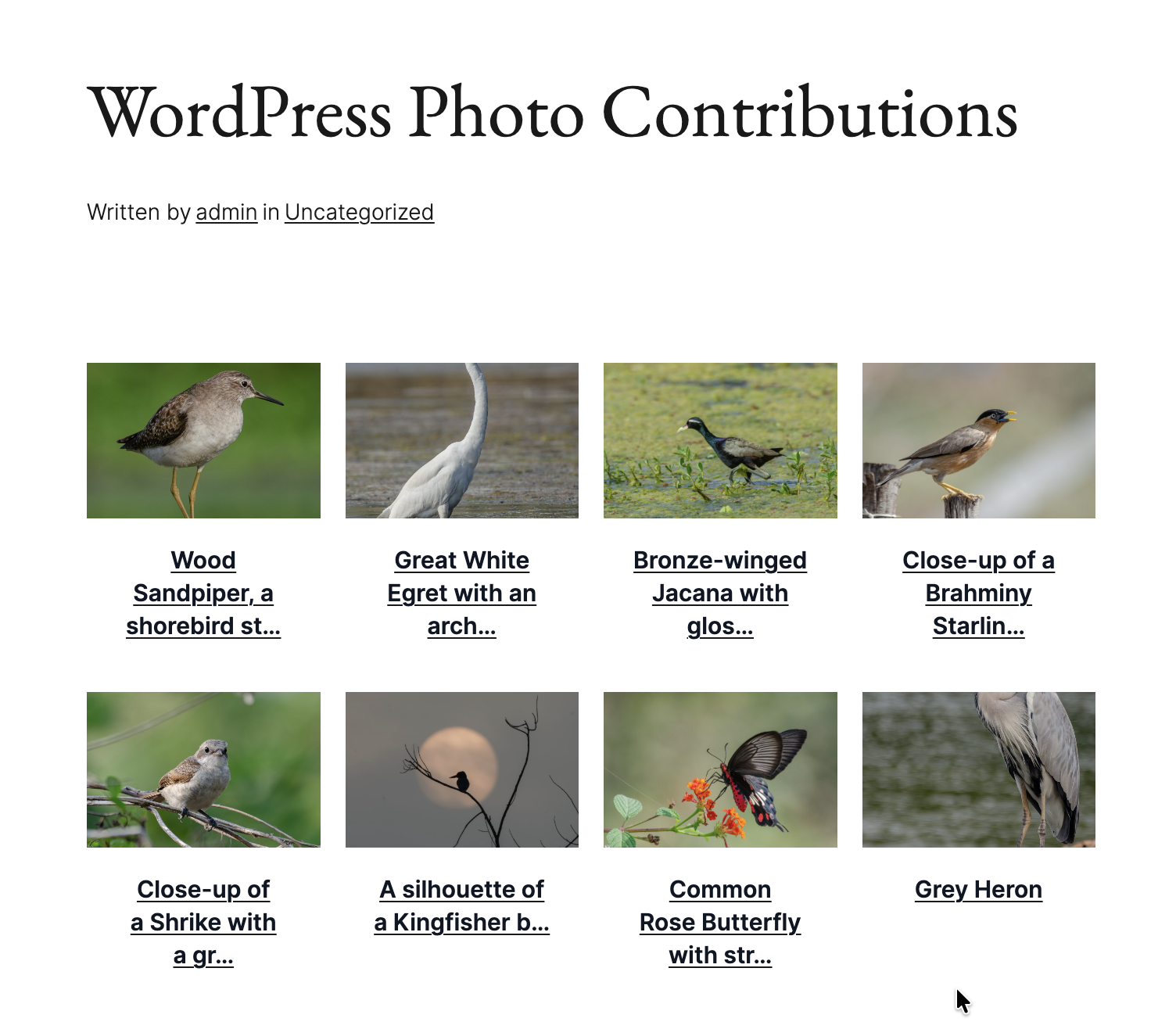
![Portfolio showcase using [cp_gallery per_page="20" columns="4"]](https://ps.w.org/contributor-photo-gallery/assets/screenshot-7.png?rev=3369943)

Installation
- Upload the plugin folder to
/wp-content/plugins/contributor-photo-gallery/or install via the Plugin Installer. - Activate through the « Plugins » menu.
- Go to Settings Contributor Photo Gallery and enter your WordPress.org numeric User ID.
- Adjust styling (card style, borders, shadows, caption color) and save.
- Add
[cp_gallery]to any page, post, or widget.
FAQ
-
How do I find my WordPress.org User ID?
-
Visit:
https://wordpress.org/photos/author/YOUR-USERNAME/
Right-click « View Source » and search forwp-json/wp/v2/users/.
The numeric ID following the endpoint is your User ID. -
Will my settings be preserved on update?
-
Yes. Settings are stored safely and preserved during updates. Version 2.5.0+ also migrates legacy options automatically.
-
Can I style the gallery with CSS?
-
Yes. The plugin outputs predictable classes like:
–.cpg-gallery-grid
–.cpg-photo-card
–.cpg-photo-contentYou can override these or use built-in CSS variables for deeper customization.
-
Will this plugin slow down my site?
-
No. It’s optimized with:
– Smart caching (configurable from 5 minutes to 24 hours).
– Lazy loading images.
– Lightweight, semantic markup.
Avis
Il n’y a aucun avis pour cette extension.
Contributeurs/contributrices & développeurs/développeuses
« Contributor Photo Gallery » est un logiciel libre. Les personnes suivantes ont contribué à cette extension.
Contributeurs


“Contributor Photo Gallery” a été traduit dans 2 locales. Remerciez l’équipe de traduction pour ses contributions.
Traduisez « Contributor Photo Gallery » dans votre langue.
Le développement vous intéresse ?
Parcourir le code, consulter le SVN dépôt, ou s’inscrire au journal de développement par RSS.
Journal des modifications
2.5.1 – 2025-09-10
- Fixed: Review notice styling inconsistencies (spacing, alignment, and typography).
- Fixed: Uneven photo card layouts by standardizing aspect ratios and scaling.
- Fixed: Overlapping and stacking issues in edge cases.
- Changed: Function prefix updated from
cpg_tocpglry_for clarity and conflict avoidance. - Improved: Cross-browser and cross-device reliability.
- Improved: Polaroid-style font for a more authentic vintage look.
2.5.0 – 2025-08-16
- New primary shortcode
[cp_gallery]. - Legacy shortcode
[wpcontrib_photos]preserved. - Caption text color option with live preview.
- New gallery styles: Polaroid, Circle, Fixed Height.
- Advanced card customization (backgrounds, borders, shadows).
- Auto-refresh preview (removed manual refresh button).
- Minimum WordPress version bumped to 5.8.
2.0.3
- Security improvements and caching refinements.
2.0.0
- Major UI/UX overhaul, responsive grids, live preview, performance updates.
1.0.0
- Initial release with gallery fetch from WordPress.org/photos.