

Description
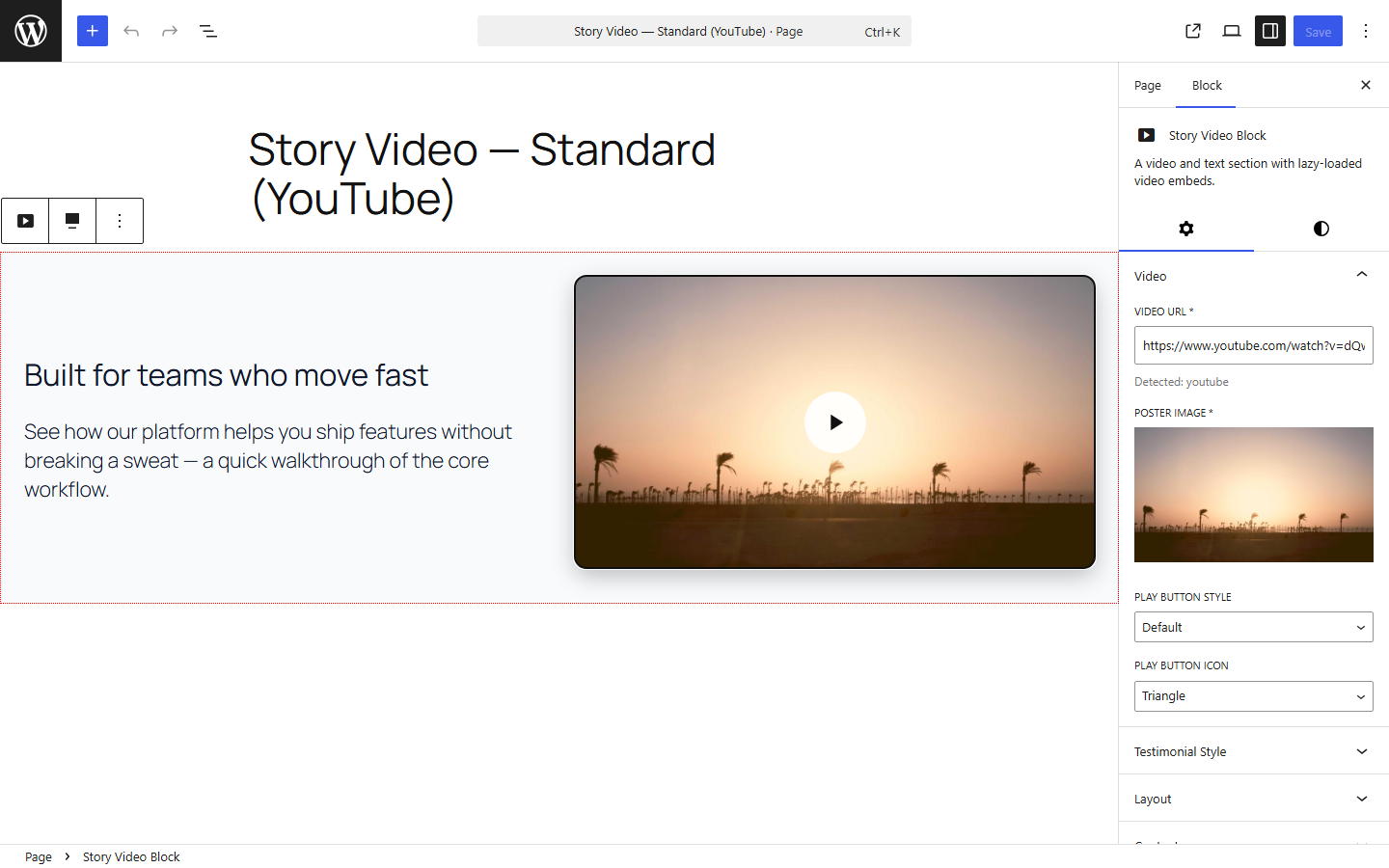
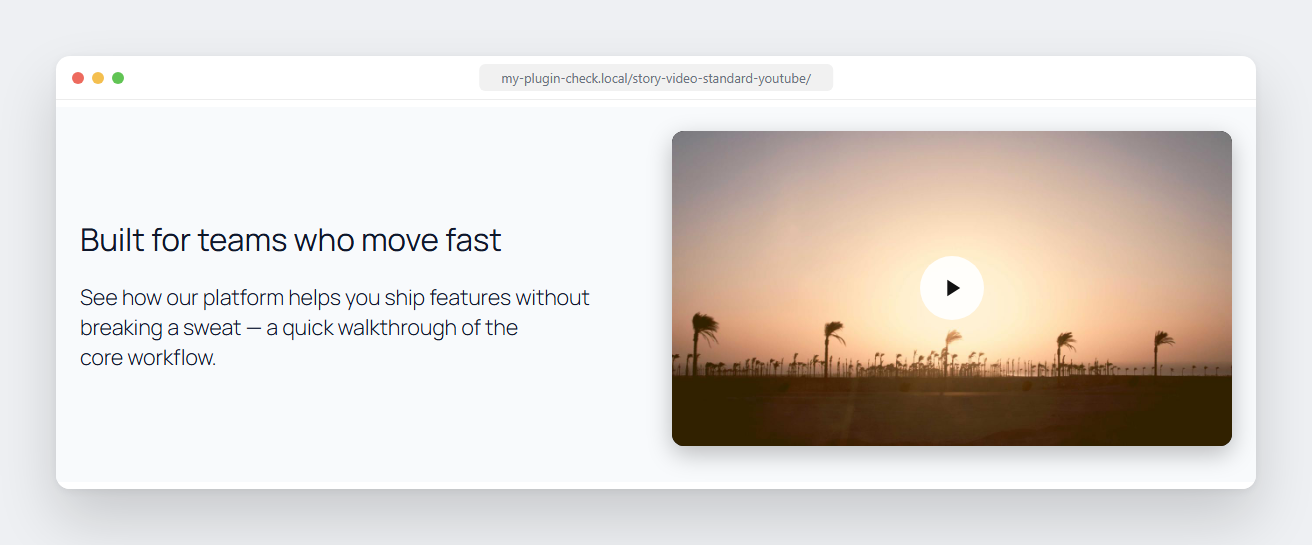
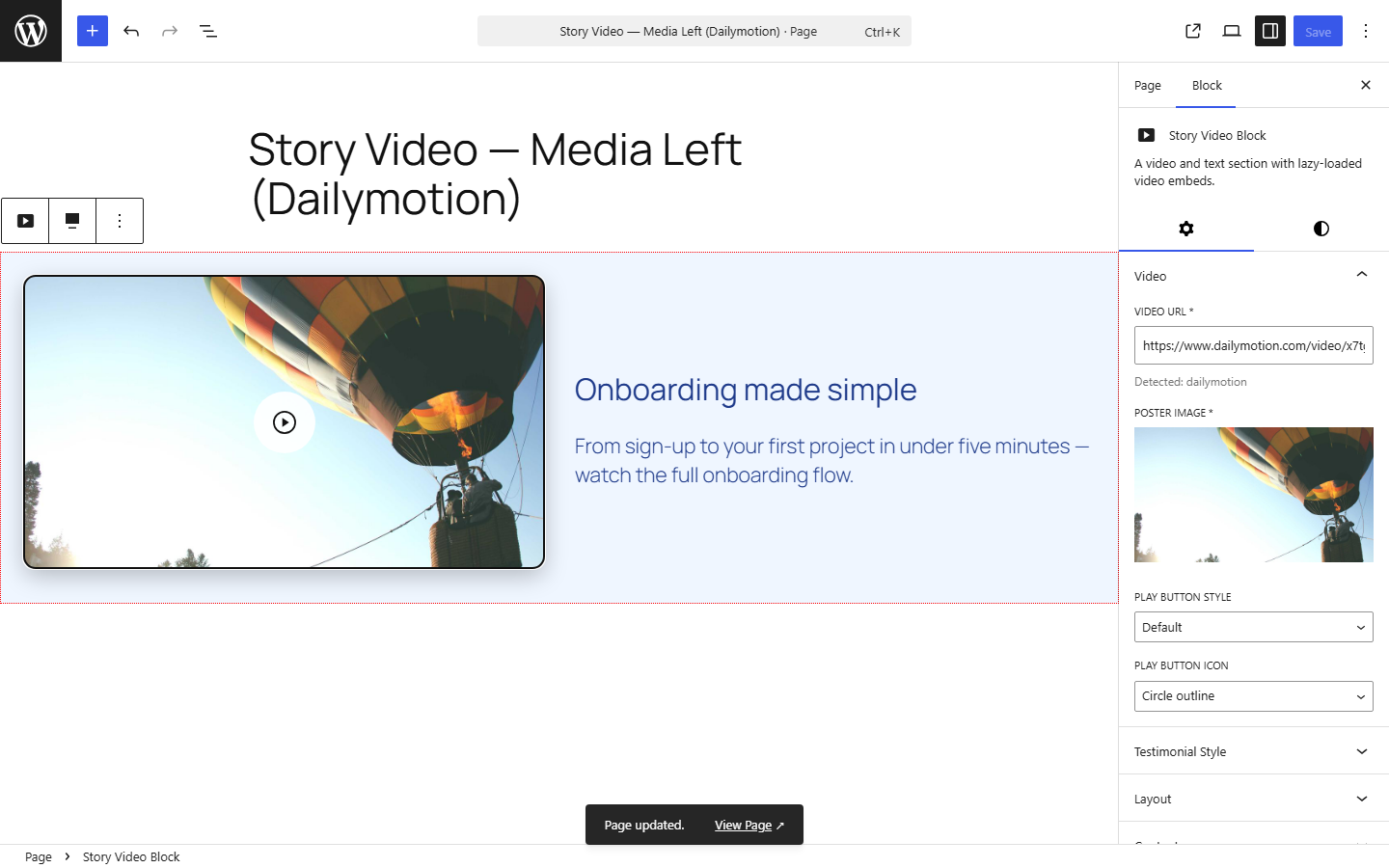
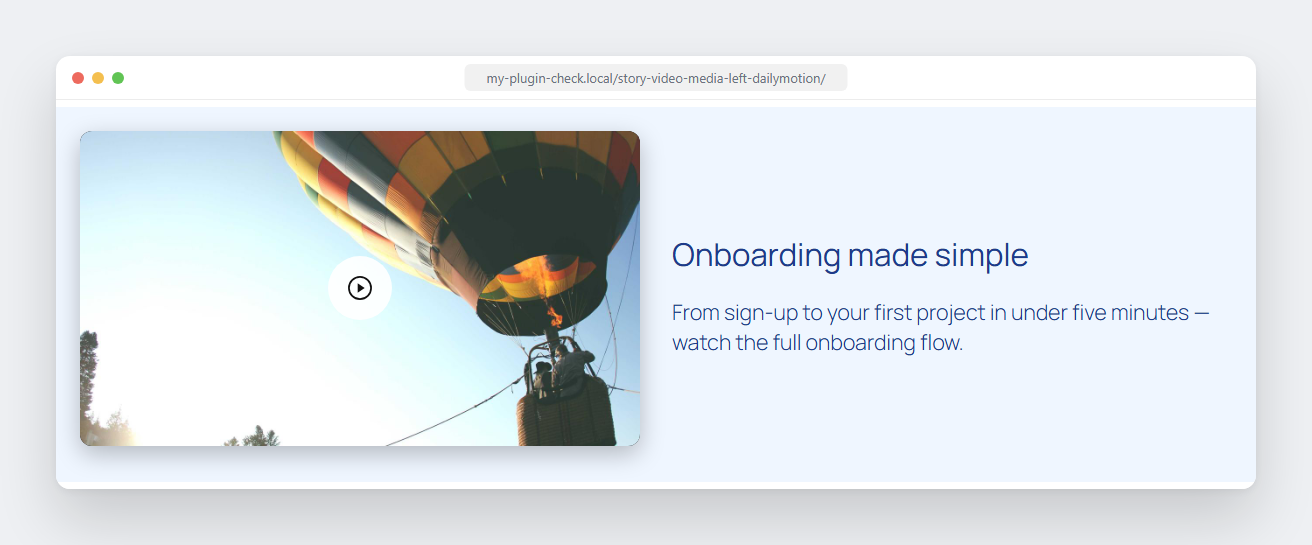
Story Video Block is a Gutenberg video block that pairs a video with a heading, description, and attribution — built for video testimonial and story-style page sections. Paste a YouTube, Vimeo, or other video URL, add a poster image, and the block handles a fast, click-to-play embed automatically.
Unlike most video blocks, nothing is shipped to visitors just to swap a poster image for a video player: the click-to-play interaction runs on WordPress’s native @wordpress/interactivity module — no React, no jQuery, no extra framework loaded on the front end.
Features
- One field, auto-detected — paste a URL from YouTube, Vimeo, Dailymotion, Facebook, Twitch, Wistia, Loom, TikTok, VideoPress, or a self-hosted
.mp4/.webm/.ogg/.movfile. The provider and video ID are detected automatically. - Poster image — auto-pulled from YouTube, Dailymotion, and Loom, or upload your own for any provider.
- Click-to-load playback — no video player loads until the visitor clicks play, keeping the page fast.
- No React, no jQuery on the front end — the click-to-play interaction runs on WordPress’s native
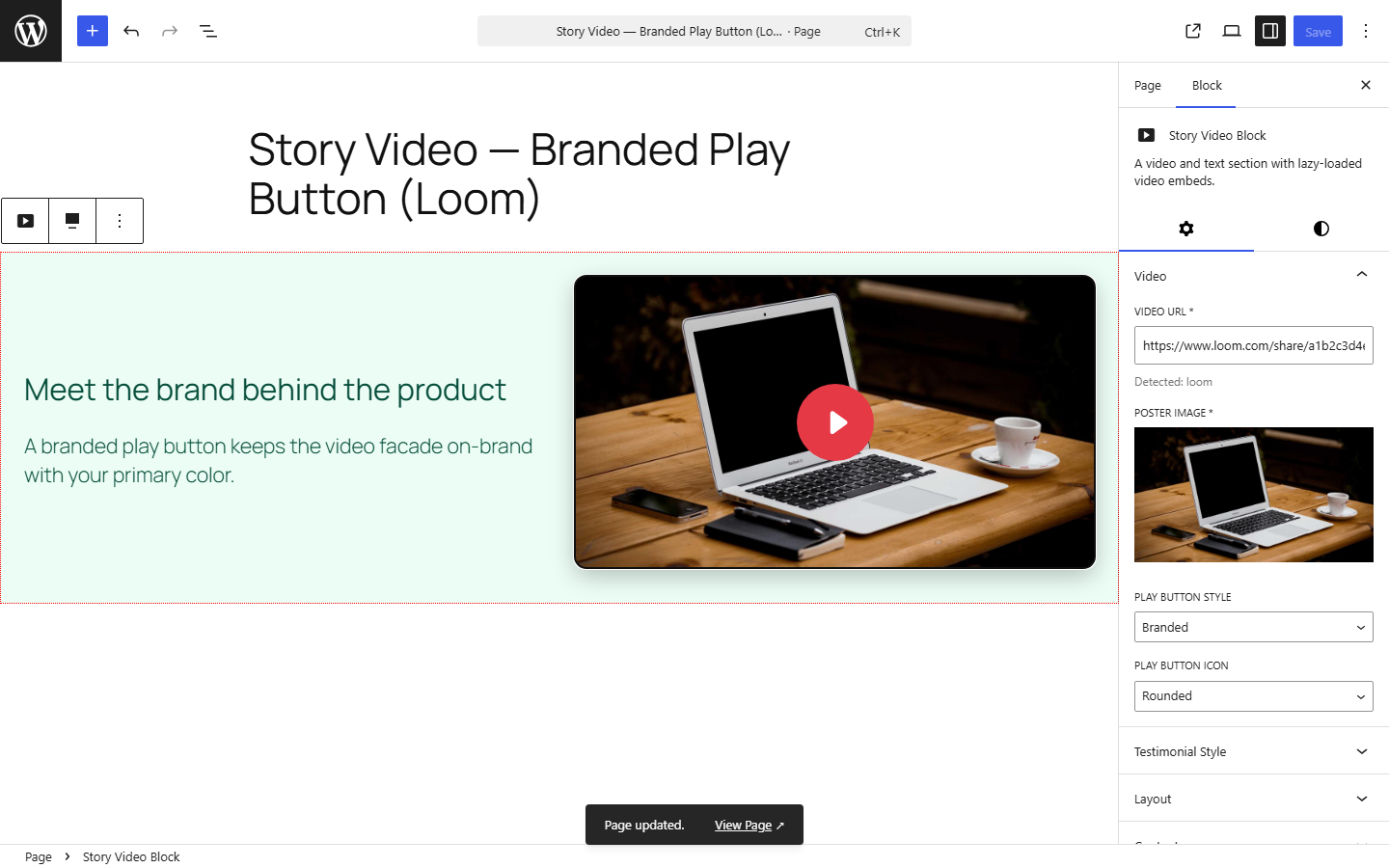
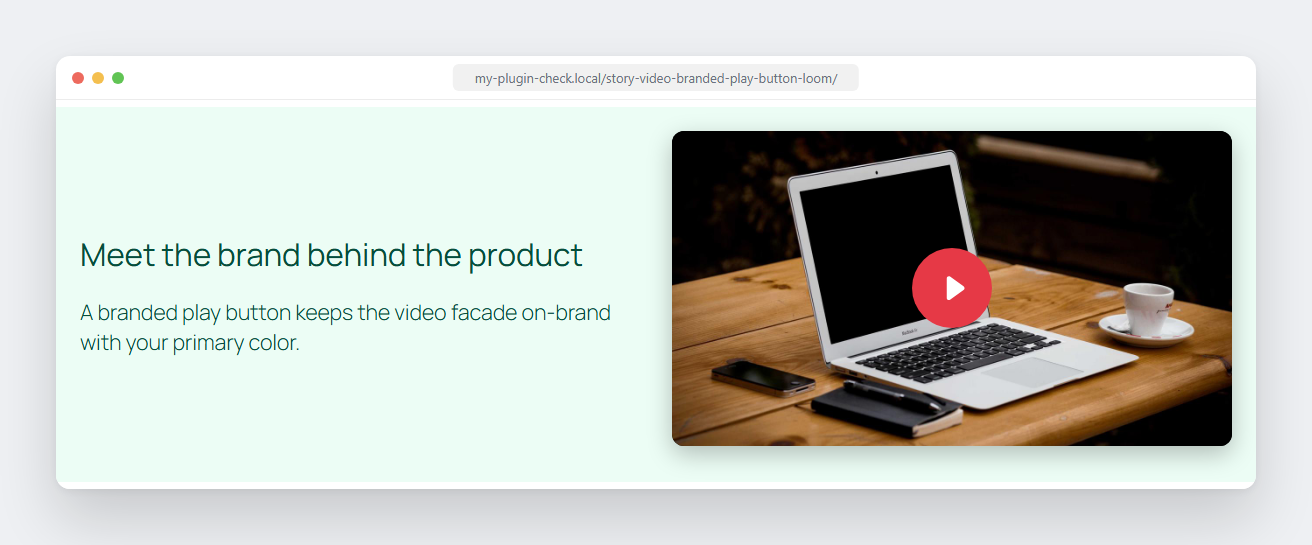
@wordpress/interactivitymodule (a script module, not a classic script), not a framework. Nothing is shipped to visitors just to swap a poster image for a video embed. - Configurable play button — 4 built-in icon shapes x 3 color styles, and extendable via WordPress filters if you want to bring your own icon library.
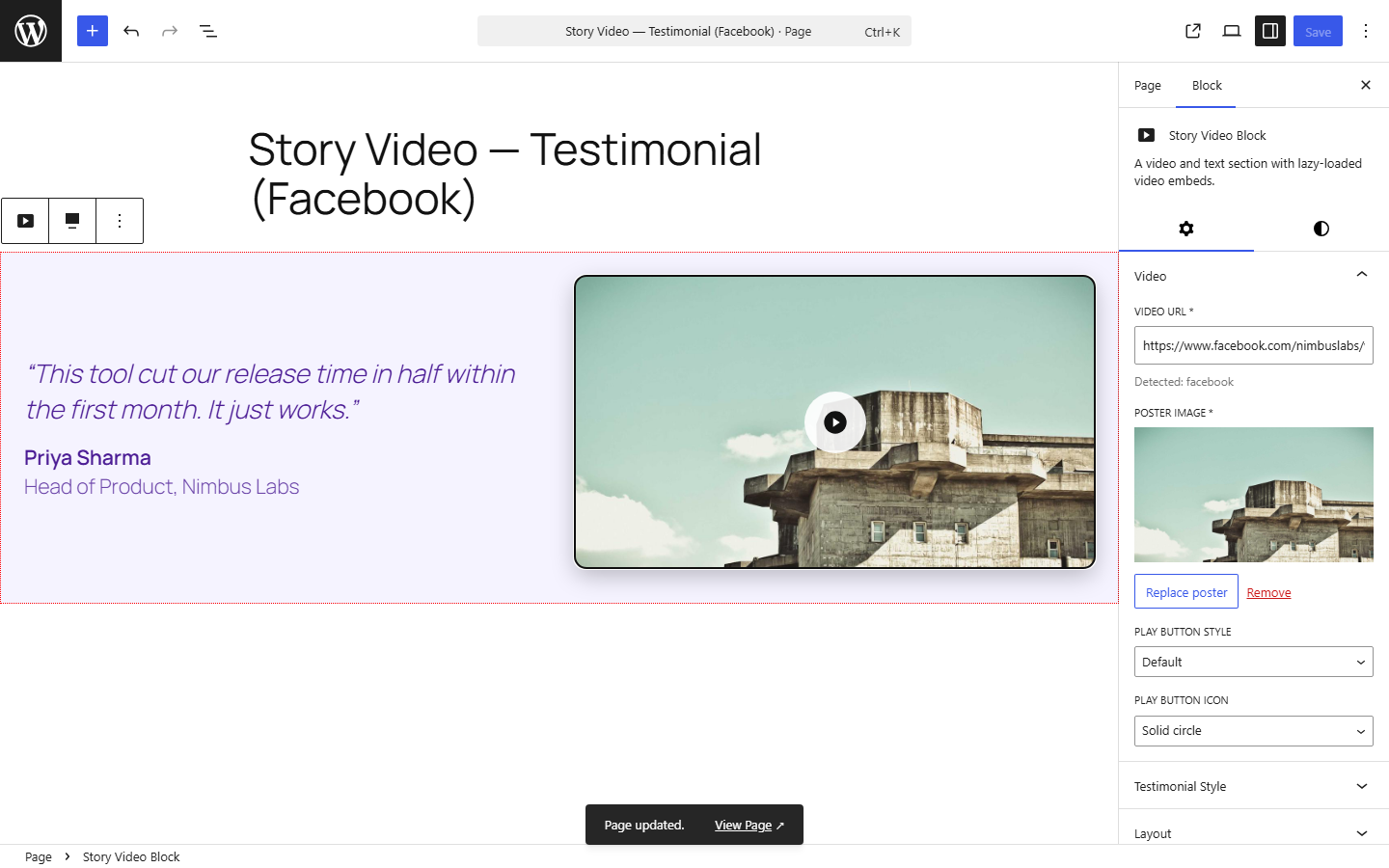
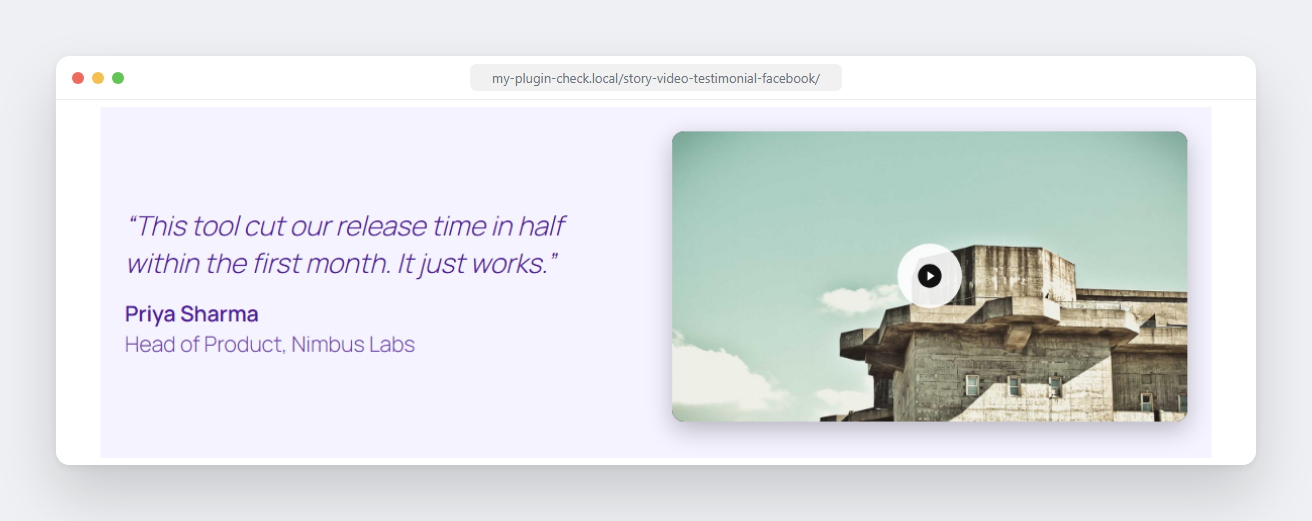
- Testimonial mode — swap the heading/description for a quote, author name, author title, and avatar.
- Media position — video on the left or right of the content.
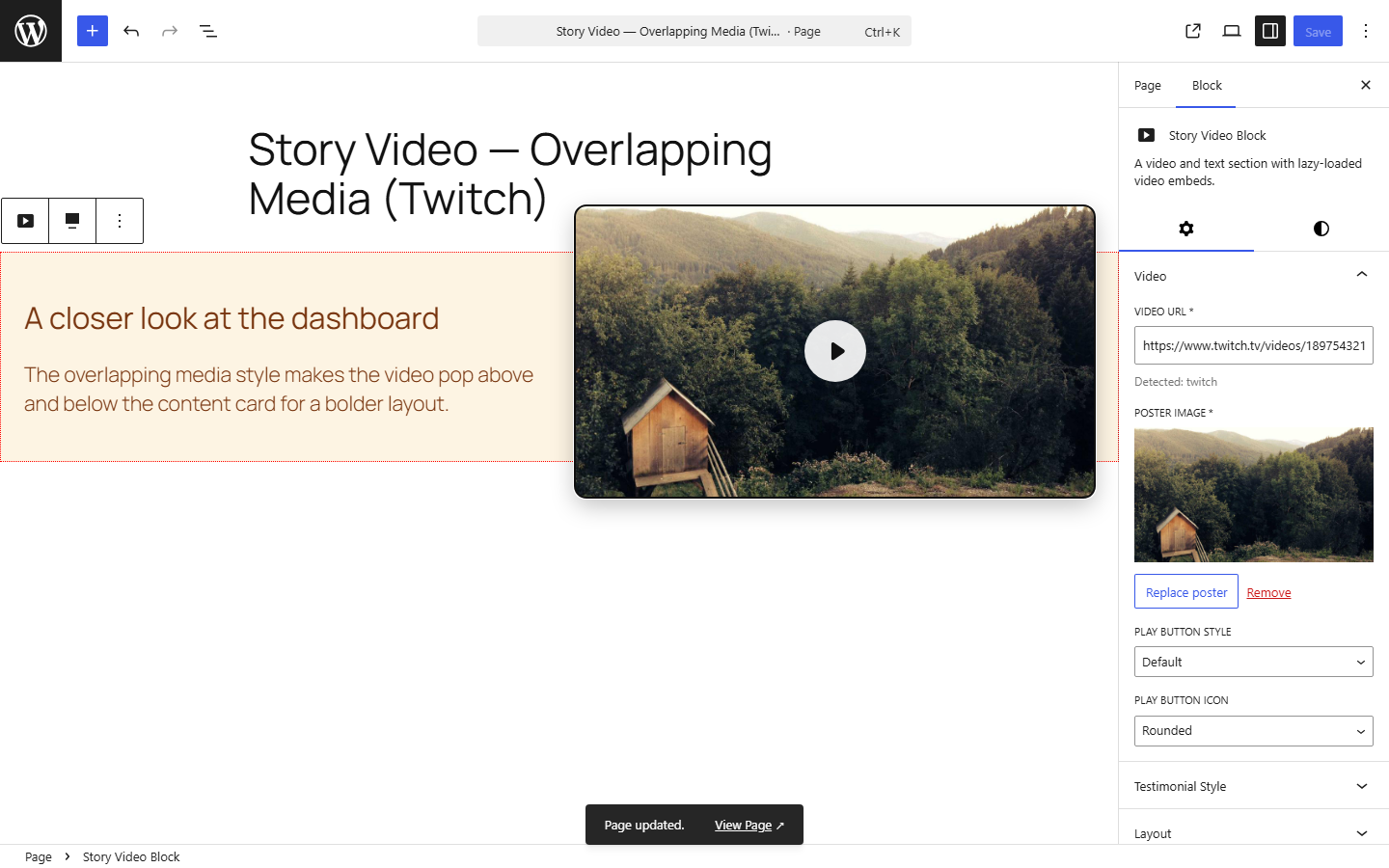
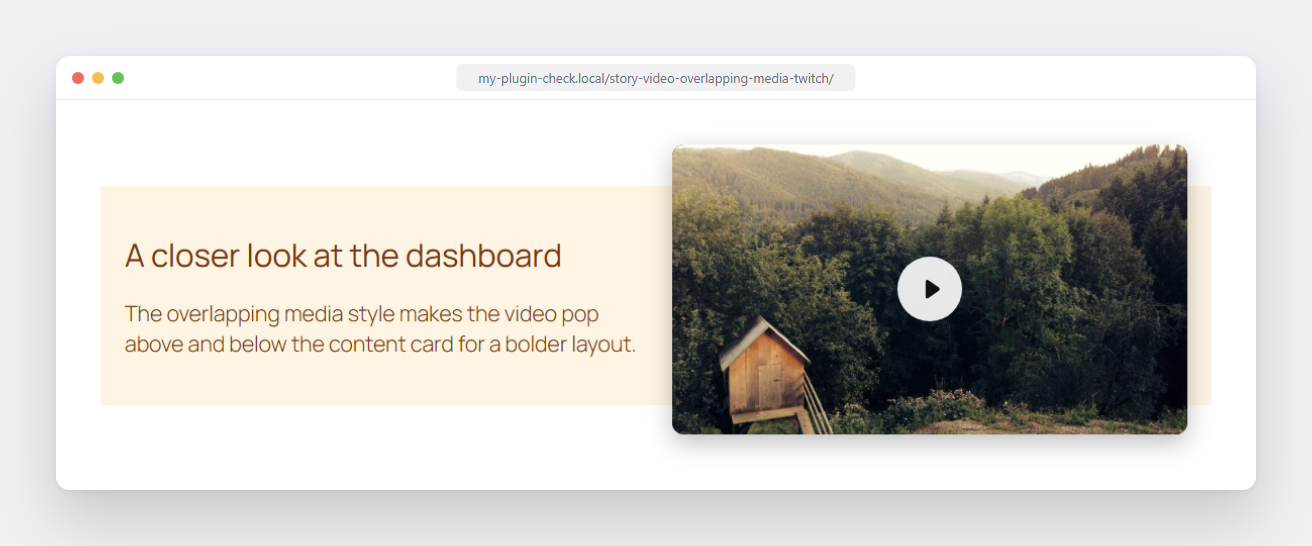
- Card style — standard, or an « overlapping media » look where the video pokes out above/below the card.
- Background color control, plus CSS custom properties for everything else (padding, gap, radius, shadow, play-button colors, and more) so a theme can restyle the block without editing plugin files.
- Transcript upload — attach a PDF/Word/text file for accessibility; renders as a labeled download link.
- Developer filters —
story_video_block_css_varsandstory_video_block_contentlet a theme or must-use plugin adjust the block’s frontend CSS/markup fromfunctions.php. - Accessible by default — labeled controls,
aria-labels on interactive elements, decorative images marked as such, and visible « opens in a new tab » hints for screen readers.
Captures d’écrans
Blocs
Cette extension fournit 1 bloc.
- Story Video Block A video and text section with lazy-loaded video embeds.
Installation
- Upload the plugin files to the
/wp-content/plugins/story-video-blockdirectory, or install the plugin through the WordPress plugins screen directly. - Activate the plugin through the ‘Plugins’ screen in WordPress.
- Add the « Story Video Block » block to any post or page and paste a video URL in the sidebar.
FAQ
-
Which video providers are supported?
-
YouTube, Vimeo, Dailymotion, Facebook, Twitch, Wistia, Loom, TikTok, VideoPress, and self-hosted video files (
.mp4,.webm,.ogg,.mov). -
Why does the block require a poster image?
-
The play button overlays a poster image so the real video embed isn’t loaded until a visitor actually presses play. For providers without an automatic thumbnail, you’ll need to upload one.
-
Can I change the block’s colors, fonts, or spacing without a child theme?
-
Yes. Every visual value is a CSS custom property. Add a filter in your theme’s
functions.php:add_filter( 'story_video_block_css_vars', function ( $vars ) { $vars['--story-video-block-bg'] = '#000'; $vars['--story-video-block-font-family'] = '"Poppins", sans-serif'; return $vars; }, 10, 3 );Every variable the block reads (with its default) — set any subset of these from the filter above:
Card
--story-video-block-bg(#21759b) — background color--story-video-block-color(#fff) — text color--story-video-block-font-family(inherit) — font--story-video-block-padding(24px) — card padding--story-video-block-gap(32px) — gap between media and content--story-video-block-media-overflow(80px) — how far media pokes out in the « overlapping media » card style--story-video-block-block-gap(40px) — extra spacing reserved above/below for that same overlap
Media (video/facade/poster)
--story-video-block-radius(12px) — corner rounding--story-video-block-shadow(0 8px 24px rgba(0,0,0,.25)) — drop shadow--story-video-block-media-margin-bottom(12px)--story-video-block-facade-bg(#000) — poster background before the image loads
Play button
--story-video-block-play-btn-size(64px),--story-video-block-play-btn-padding(18px),--story-video-block-play-btn-radius(50%),--story-video-block-play-btn-bg(rgba(255,255,255,.9)),--story-video-block-play-btn-color(#111) — default style--story-video-block-play-btn-minimal-size(56px),--story-video-block-play-btn-minimal-color(#fff),--story-video-block-play-btn-minimal-shadow— « minimal » style--story-video-block-play-btn-branded-size(80px),--story-video-block-play-btn-branded-padding(22px),--story-video-block-play-btn-branded-bg(#e63946),--story-video-block-play-btn-branded-color(#fff) — « branded » style
Testimonial quote & author
--story-video-block-quote-margin(0 0 16px),--story-video-block-quote-size(1.25em)--story-video-block-quote-mark-open(“),--story-video-block-quote-mark-close(”)--story-video-block-author-gap(12px),--story-video-block-avatar-size(48px)--story-video-block-author-name-weight(600),--story-video-block-author-title-opacity(0.8)
Anything not covered by a variable can still be styled with plain CSS targeting
.wp-block-create-block-story-video-blockfrom your theme, or via thestory_video_block_contentfilter for full markup control. -
Does this block track visitors or call any external service on page load?
-
No. Nothing loads until a visitor clicks play, at which point the browser requests the embed directly from the video provider (e.g. YouTube) the same way any embedded video would.
Avis
Il n’y a aucun avis pour cette extension.
Contributeurs/contributrices & développeurs/développeuses
« Story Video Block » est un logiciel libre. Les personnes suivantes ont contribué à cette extension.
Contributeurs
Traduisez « Story Video Block » dans votre langue.
Le développement vous intéresse ?
Parcourir le code, consulter le SVN dépôt, ou s’inscrire au journal de développement par RSS.
Journal des modifications
0.1.0
- Initial release.