

Description
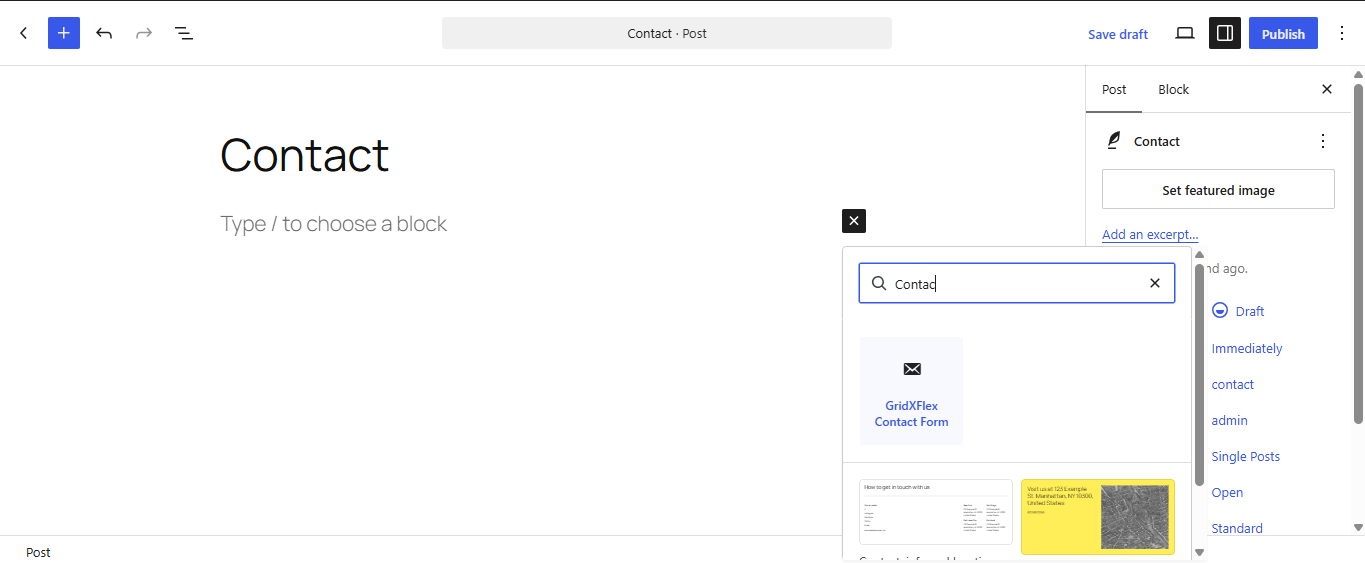
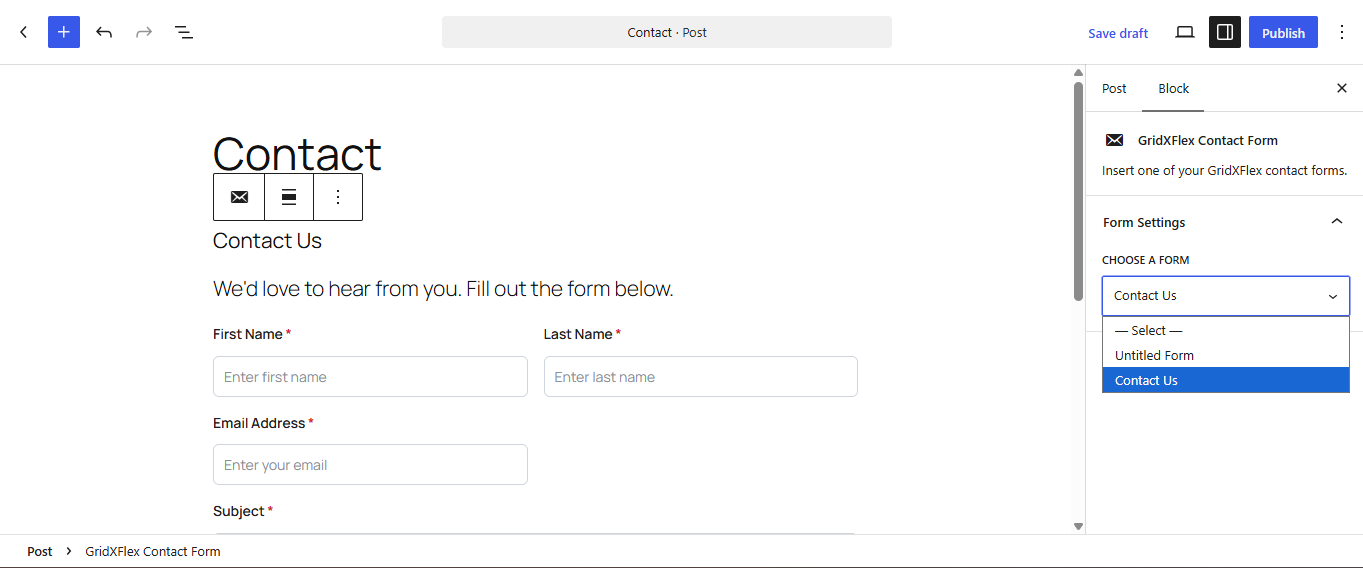
GridXFlex Contact Forms is a lightweight contact form builder for WordPress — no third-party services required. Build unlimited forms, each with its own fields, design, and settings, and insert them anywhere with the « GridXFlex Contact Form » block or a simple shortcode.
Features
- Unlimited forms, each with its own fields, design, and settings
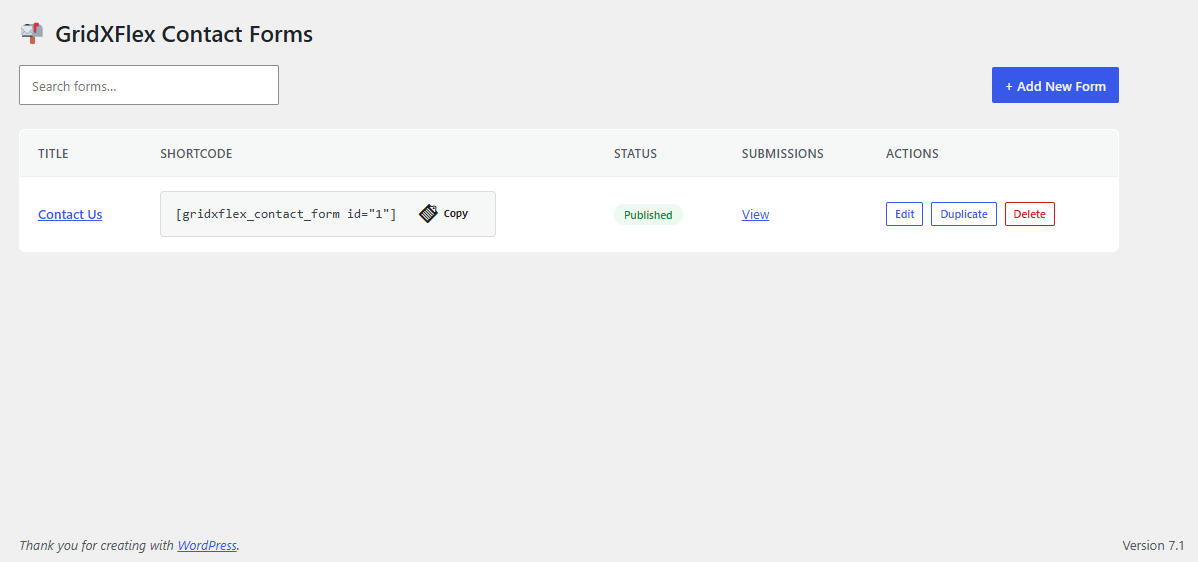
- Duplicate an existing form with one click from the Forms list — copies its fields, design, and settings
- Search/filter the Forms list by title
- Insert via shortcode
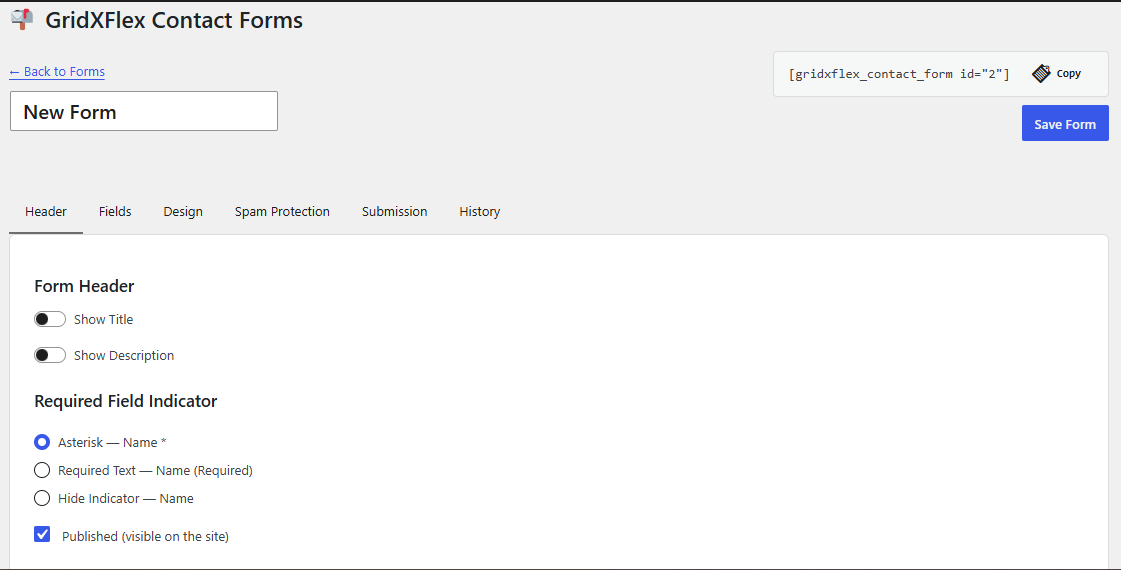
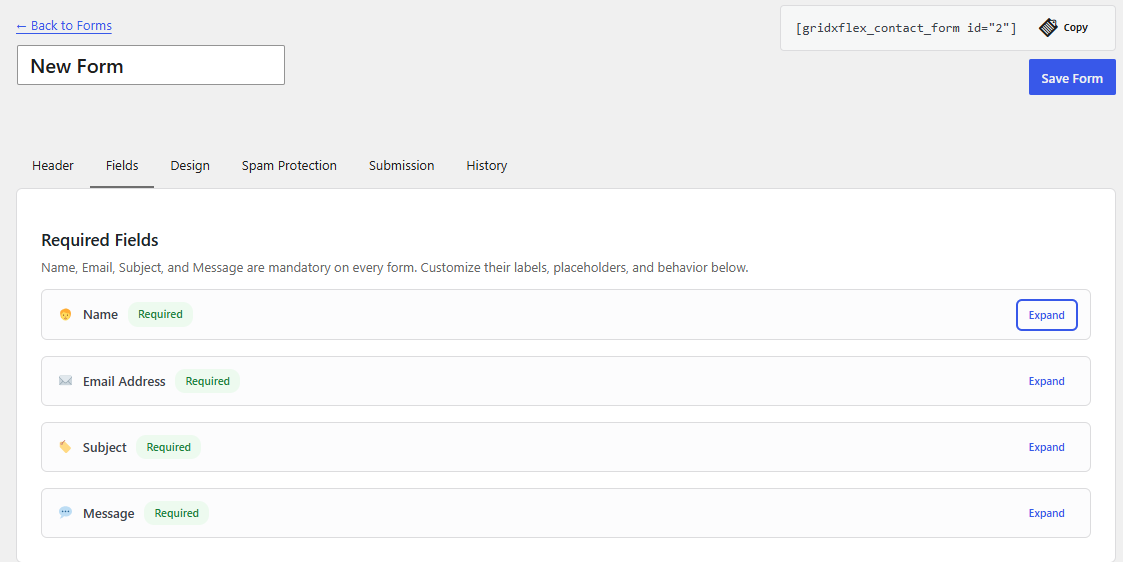
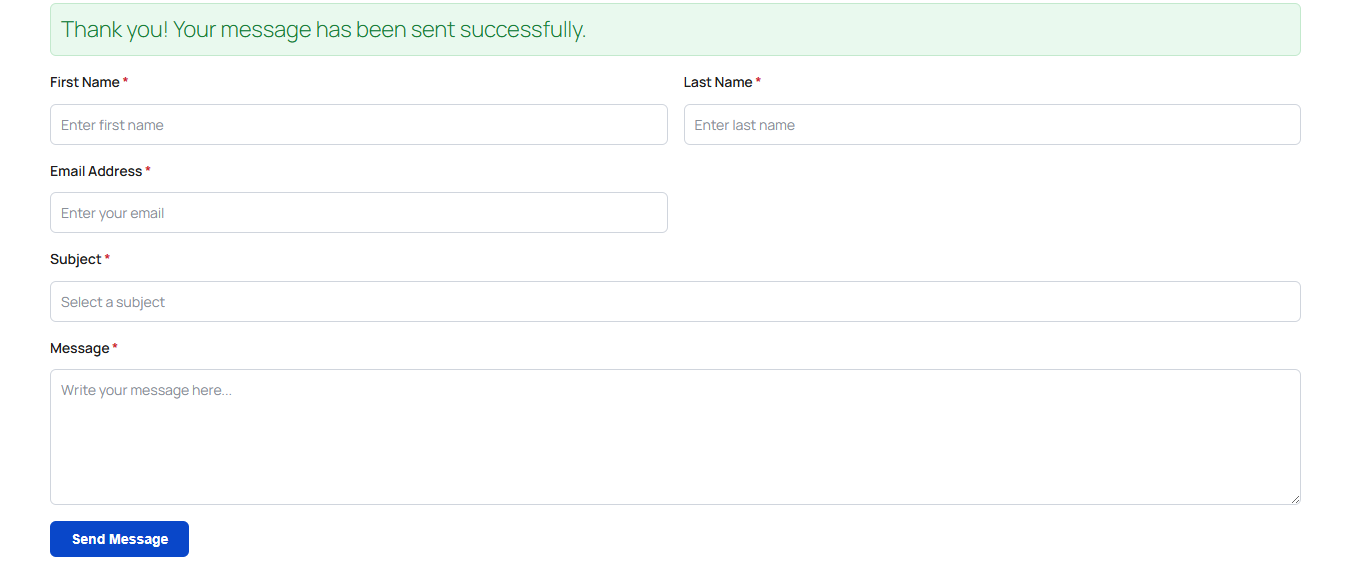
[gridxflex_contact_form id="12"]or the « GridXFlex Contact Form » block — with a one-click copy-to-clipboard button next to the shortcode, in both the Forms list and the form editor header - Fields: Name (single or split first/last), Email (real-time validation), Subject (text or dropdown), Message (adjustable rows, optional character limit); every field also supports its own placeholder text, help text, and default value
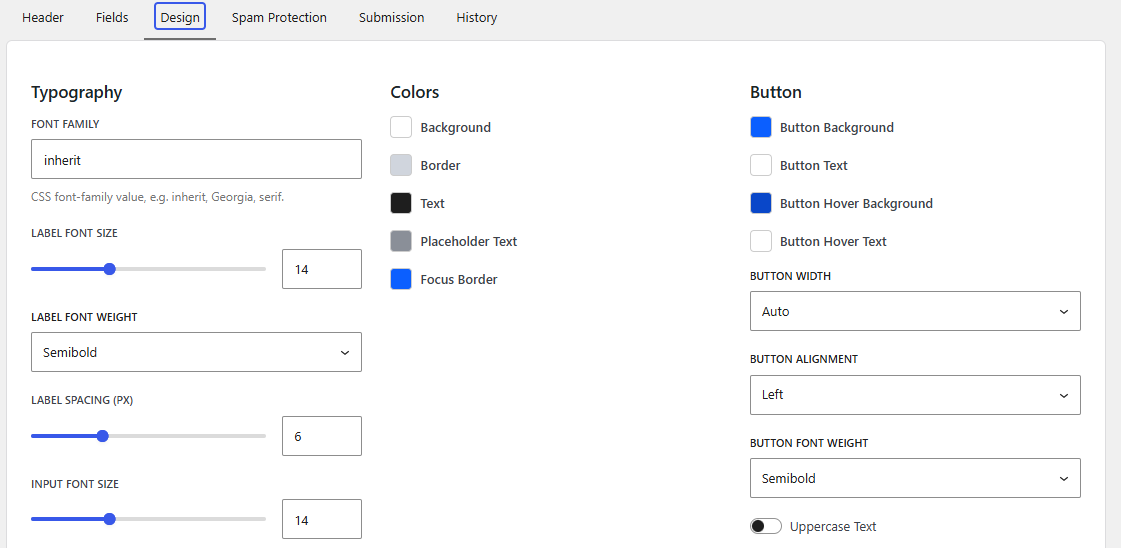
- Full visual design controls per form: typography, colors, borders, spacing, shadows, container layout, and button styling
- Responsive Design Responsive Spacing panel: independent per-side (top/right/bottom/left) padding and margin for Mobile, Tablet, and Large Devices, plus a container background color picker — every value defaults to 0px until you set it
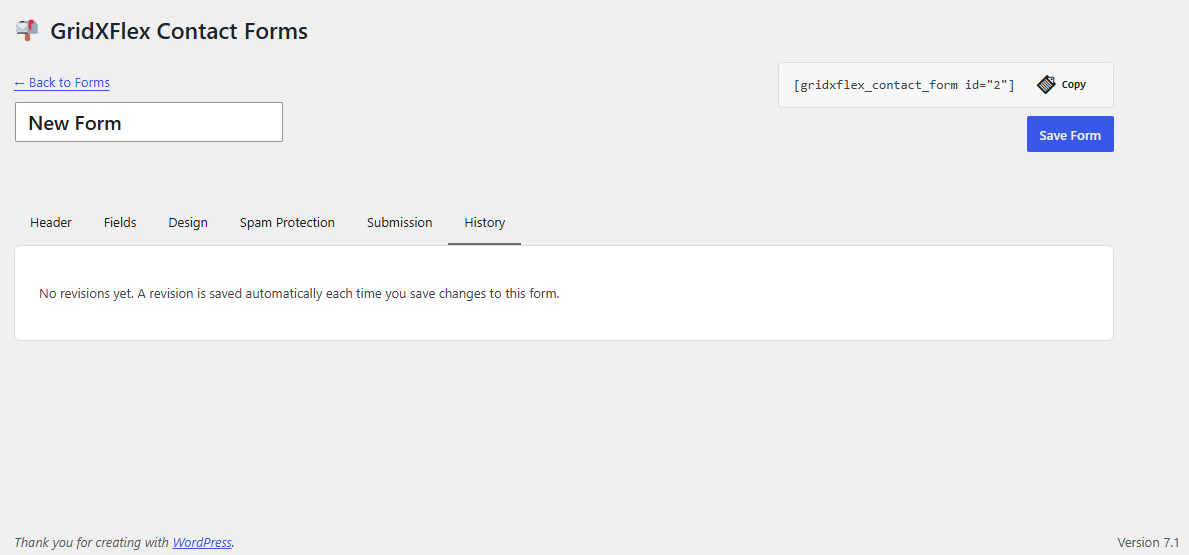
- Revision history: every save snapshots the form’s previous state, viewable and restorable from the editor’s History tab — restoring itself creates a new revision, so it’s always undo-able
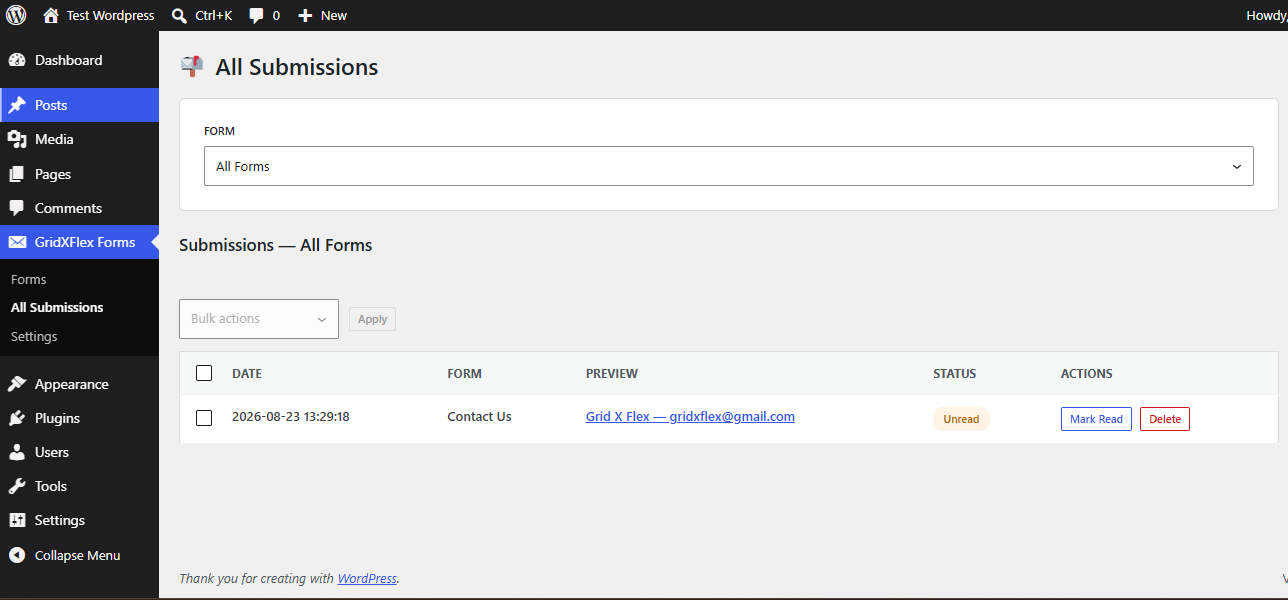
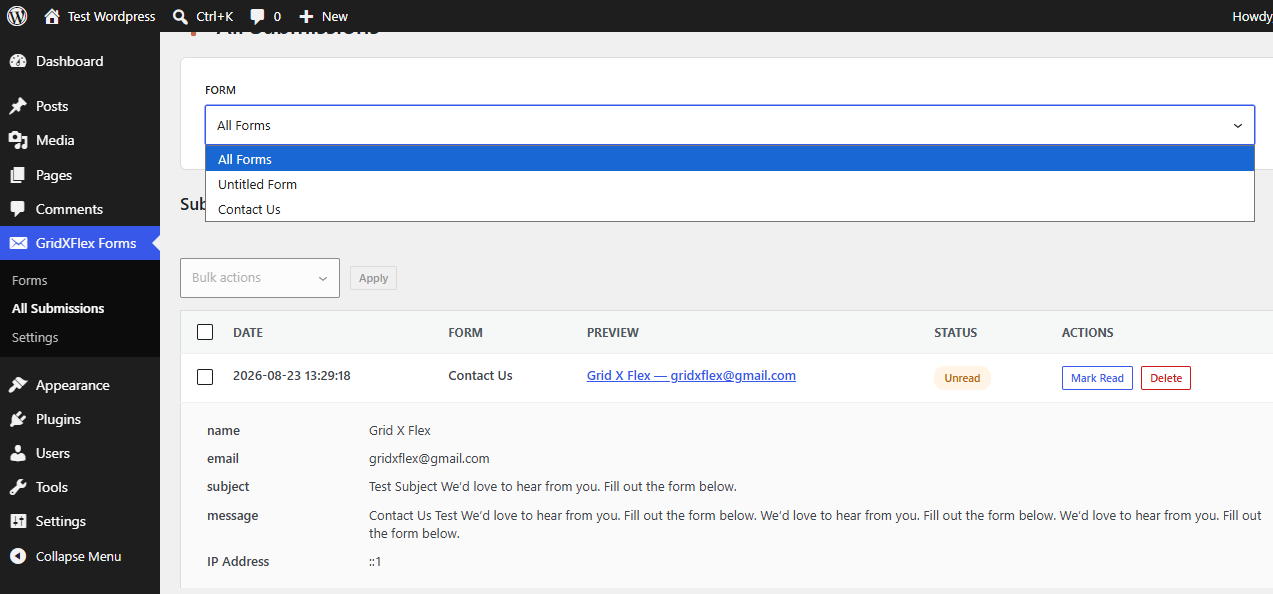
- A dedicated All Submissions page lists submissions across every form, with a form picker, independent of the per-form editor
- Responsive field layout with configurable field widths (100% / 50% / 33%)
- Configurable required-field indicator: asterisk, « (Required) » text, or hidden
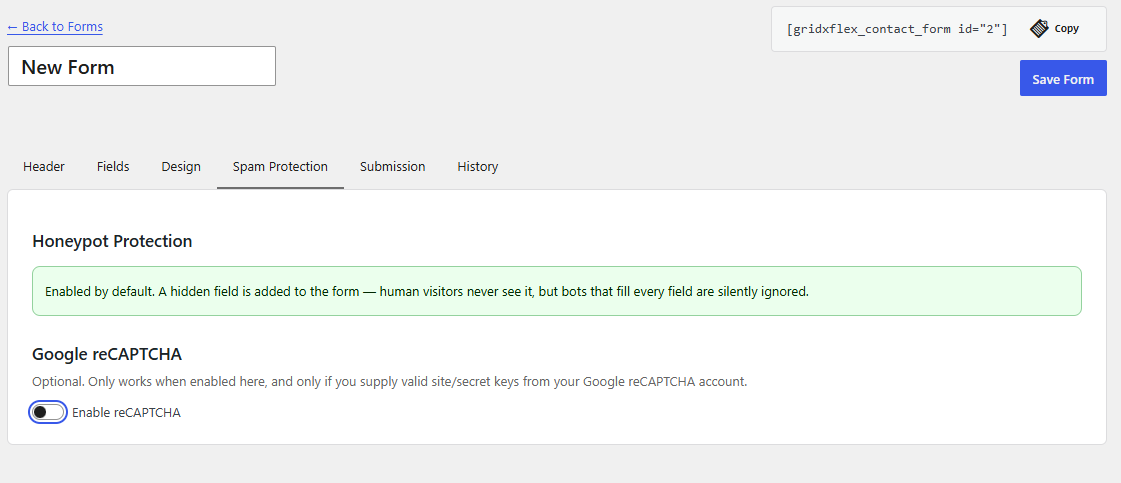
- Honeypot spam protection, enabled by default
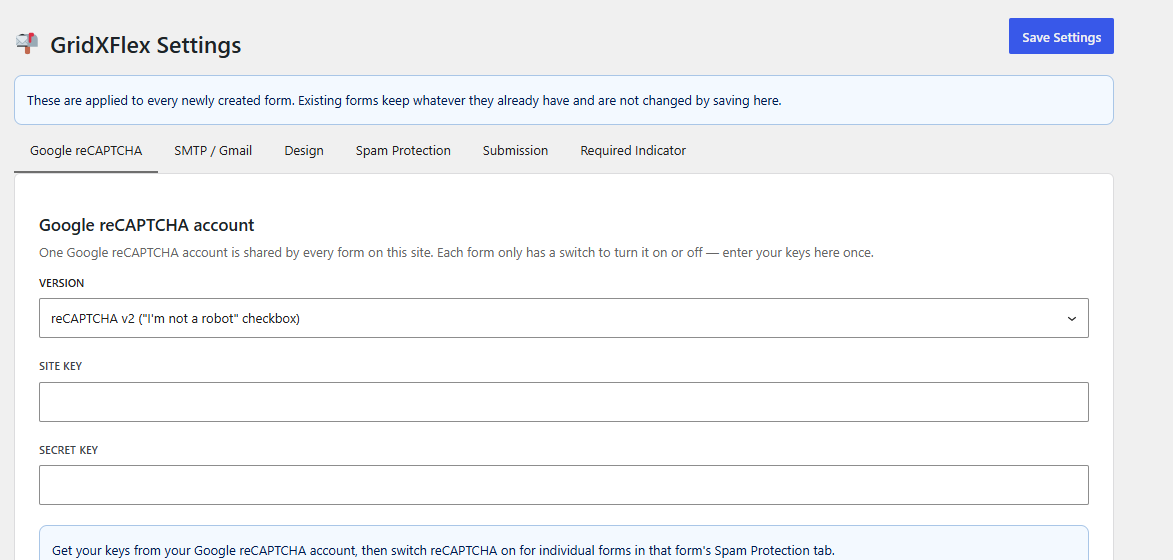
- Optional Google reCAPTCHA v2 or v3
- Submissions dashboard: read/unread status (toggle any submission between Mark Read / Mark Unread), an unread-count badge shown per form in the Forms list, detail view, delete, CSV export
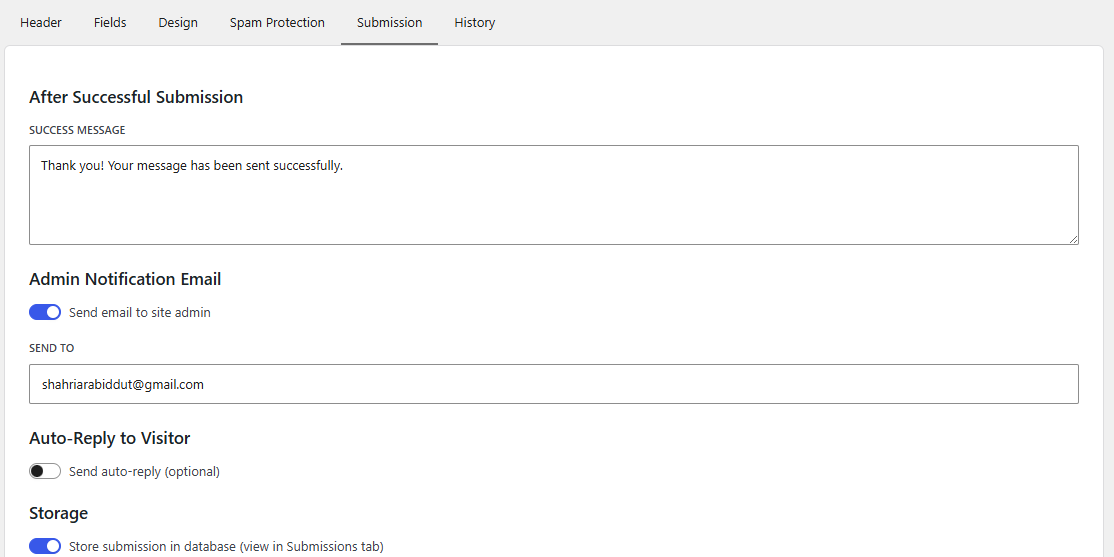
- Email notifications to the site admin, with optional auto-reply to the visitor — sent via
wp_mail()with a proper From header and failure logging - Optional SMTP sending (e.g. Gmail) as a backup mail transport: one shared account configured once in Settings, with a per-form switch (Submission tab) to route that form’s emails through it
- Accessible markup: keyboard navigation, screen-reader-friendly labels, inline error messages
External services
This plugin can optionally connect to Google reCAPTCHA (v2 or v3) for spam protection on individual forms. It is disabled by default; a site owner must explicitly enable it site-wide (GridXFlex Forms Settings) and then switch it on per form (Spam Protection tab) before any data is sent to Google.
When enabled for a given form, on every submission of that form the visitor’s browser loads a script from Google (https://www.google.com/recaptcha/api.js), and the plugin’s server sends the reCAPTCHA response token and the visitor’s IP address to Google’s verification endpoint (https://www.google.com/recaptcha/api/siteverify) to confirm the submission is not automated.
This service is provided by Google: Terms of Service, Privacy Policy.
Captures d’écrans
Installation
- Upload the
gridxflex-contact-formsfolder to/wp-content/plugins/. - Activate the plugin through the Plugins menu in WordPress.
- A starter « Contact Us » form is created automatically. Go to GridXFlex Forms in the admin menu to edit it or add new ones.
- Insert a form using its shortcode (shown on the Forms list and inside the form editor) or the « GridXFlex Contact Form » block.
FAQ
-
Does this plugin store submissions in my database?
-
Yes, by default. Disable database storage per-form in the form’s Submission tab if you only want email notifications.
-
Can I use my own reCAPTCHA keys?
-
Yes — enable reCAPTCHA in a form’s Spam Protection tab and enter your site key and secret key.
-
My contact form emails aren’t arriving — can I use SMTP instead?
-
Yes. Go to GridXFlex Forms Settings SMTP / Gmail, enable it, and fill in your SMTP host, port, encryption, and credentials (for Gmail, use a 16-character App Password, not your normal password — the « Fill in Gmail defaults » button prefills the host/port/encryption for you). Then, per form, turn on « Send this form’s emails via SMTP » in that form’s Submission tab. Forms that leave the switch off keep using WordPress’s default mail transport.
-
What happens to my data if I remove the plugin?
-
Deactivating the plugin never touches your data. Deleting it does not run any cleanup — export what you need first (CSV export is in the Submissions tab), then remove the plugin’s two database tables manually if desired.
-
Does this plugin transmit any data externally?
-
No, unless you enable the optional Google reCAPTCHA feature (verification requests go to Google), or you enable and opt a form into the optional SMTP feature (that form’s emails are sent through the SMTP server you configure, e.g. Gmail, instead of your host’s default mail transport).
-
Does the plugin keep a history of changes to a form?
-
Yes. Every time you save a form, its previous state is kept as a revision, visible on the editor’s History tab. Restoring an older revision saves the current version as a new revision first, so restoring is itself undo-able. The most recent 20 revisions per form are kept.
-
Why did my email notifications stop arriving?
-
Check the form’s Submission tab settings are correct, and confirm your host’s outbound mail is configured (an SMTP plugin is often needed —
wp_mail()alone relies on your server’s mail transport). A failed send is logged so the underlying cause is easier to diagnose.
Avis
Il n’y a aucun avis pour cette extension.
Contributeurs/contributrices & développeurs/développeuses
« GridXFlex Contact Forms » est un logiciel libre. Les personnes suivantes ont contribué à cette extension.
Contributeurs
Traduisez « GridXFlex Contact Forms » dans votre langue.
Le développement vous intéresse ?
Parcourir le code, consulter le SVN dépôt, ou s’inscrire au journal de développement par RSS.
Journal des modifications
1.0.0
- Initial release.
- Unlimited forms, each with its own fields, design, and settings.
- Insert via shortcode
[gridxflex_contact_form id="12"]or the « GridXFlex Contact Form » block. - Fields: Name (single or split first/last), Email (real-time validation), Subject (text or dropdown), Message (adjustable rows, optional character limit).
- Full visual design controls per form: typography, colors, borders, spacing, shadows, container layout, and button styling.
- Design Responsive Spacing: independent per-side (top/right/bottom/left) padding and margin for Mobile, Tablet, and Large Devices, plus a container background color picker.
- Form revision history: every save snapshots the previous state, viewable and restorable from the editor’s History tab. Restoring itself creates a new revision, so it’s always undo-able.
- A dedicated « All Submissions » admin page listing submissions across every form via a form picker, independent of the per-form editor.
- Responsive field layout with configurable field widths (100% / 50% / 33%).
- Configurable required-field indicator: asterisk, « (Required) » text, or hidden.
- Honeypot spam protection, enabled by default; optional Google reCAPTCHA v2 or v3, configured once for the whole site on a dedicated Settings page — each form only gets an on/off switch.
- A Settings page for site-wide reCAPTCHA keys and the default field/design/spam/submission values every newly created form starts from.
- Submissions dashboard: read/unread status, detail view, delete, CSV export.
- Email notifications to the site admin, with optional auto-reply to the visitor, sent via
wp_mail()with an explicit From header and failure logging. - Optional SMTP sending (e.g. Gmail) as a backup mail transport: one shared account on the Settings page (host, port, encryption, credentials, optional From override, Gmail-defaults shortcut) plus a per-form « Send this form’s emails via SMTP » switch on the Submission tab.
- Accessible markup: keyboard navigation, screen-reader-friendly labels, inline error messages.
- Per-form design CSS is now output via wp_add_inline_style()/wp_print_styles() instead of a raw, unenqueued
<style>tag.