

Description
Allowing your visitors to subscribe to your newsletter should be easy. With this plugin, it finally is.
This plugins helps you grow your email list in Mailchimp. You can use it to create good looking and accessible sign-up forms or integrate with any other existing form on your WordPress site, like your contact, comment or checkout form.
Some (but not all) features
-
Connect with your Mailchimp account in seconds.
-
Sign-up forms which are good looking, user-friendly and mobile optimized. You have complete control over the form fields and can build your forms using native HTML.
-
Seamless integration with the following plugins:
- WordPress Comment Form
- WordPress Registration Form
- Contact Form 7
- WooCommerce
- Gravity Forms
- Ninja Forms 3
- WPForms
- BuddyPress
- MemberPress
- Events Manager
- Easy Digital Downloads
- Give
- UltimateMember
- HTML Forms
- AffiliateWP
-
Is the plugin you want to integrate with not listed above? You can probably still use our custom integration feature. Alternatively, the plugin comes with a PHP API to programmatically add a new subscriber to Mailchimp.
-
Mailchimp for WordPress Premium: Send your WooCommerce orders to Mailchimp so you can see exactly what each subscriber purchased and how much revenue your email campaigns are generating.
-
Une multitude de modules d’extensions et d’intégrations sont disponibles :
-
Well documented through our knowledge base.
-
Developer friendly. For some inspiration, check out our repository of example code snippets.
-
Ready for PHP 8.5, but backwards-compatible all the way down to PHP 7.4.
Qu’est-ce MailChimp ?
Mailchimp is a newsletter service that allows you to send out email campaigns to a list of email subscribers. It is free for lists with up to 500 email subscribers, which is why it is the newsletter-service of choice for thousands of small businesses across the globe.
If you are not yet using Mailchimp, creating an account is 100% free and only takes you about 30 seconds.
Support
If you need some help in setting up the plugin, you have various options:
- Search through our knowledge base.
- Open a topic in the WordPress.org plugin support forums
- If you’re a premium user, send an email to the email address listed inside the plugin.
Traductions
You can help translate this plugin into your language using your WordPress.org account.
Développement
This plugin is being developed on GitHub. If you want to collaborate, please look at ibericode/mailchimp-for-wordpress.
Personnalisez l’extension
The plugin provides various filter and action hooks that allow you to modify or extend the default behavior. We’re also maintaining a collection of sample code snippets.
Captures d’écrans

Example sign-up form in the TwentyTwenty theme. 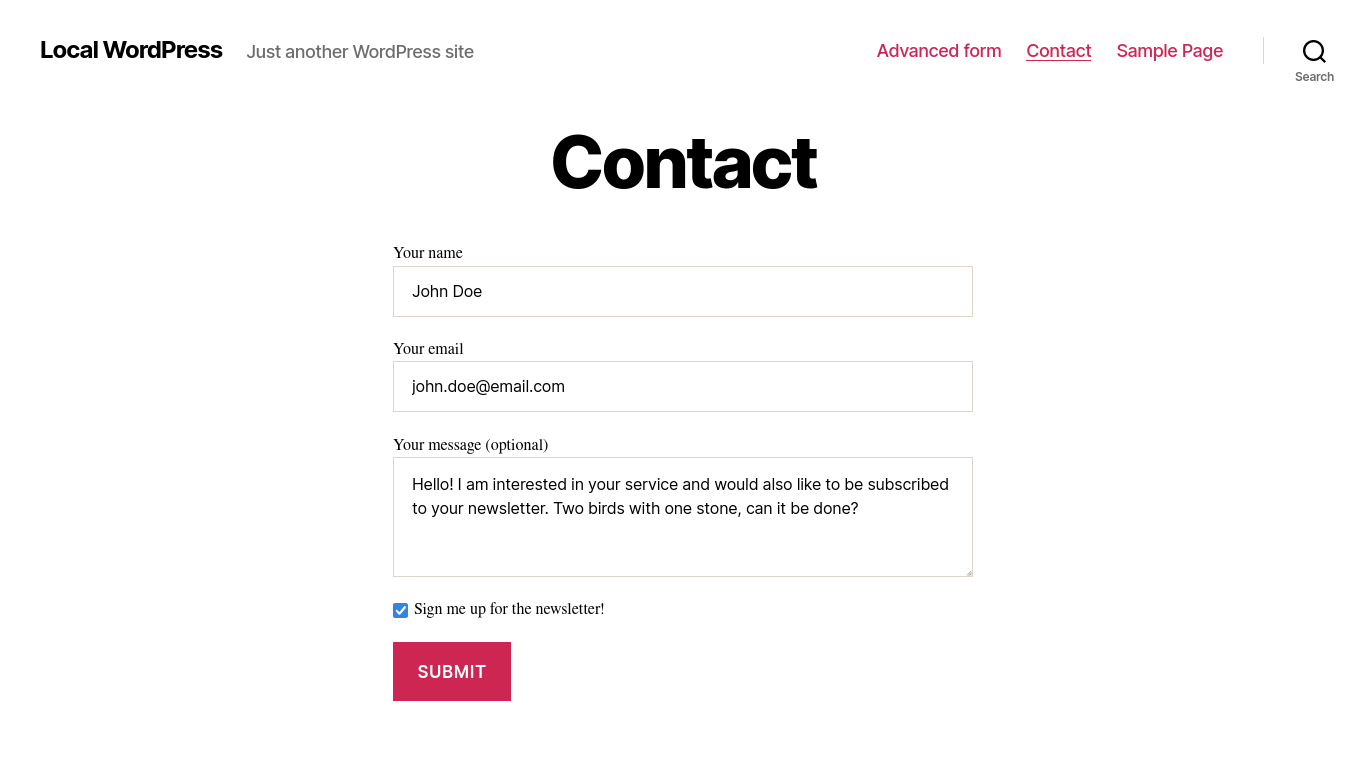
Example sign-up integration with a contact form. 
Settings page to connect with your Mailchimp account. 
Overview of sign-up integrations. 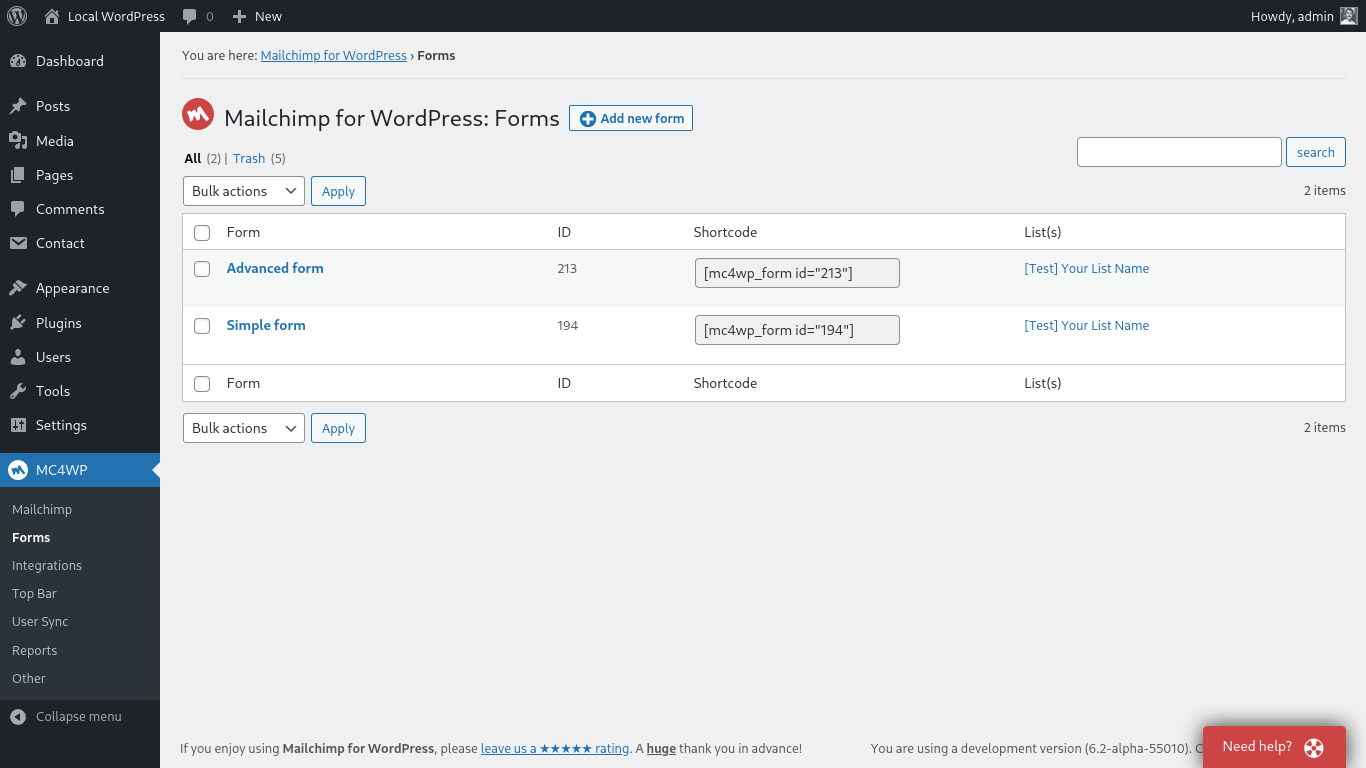
Overview of sign-up forms. 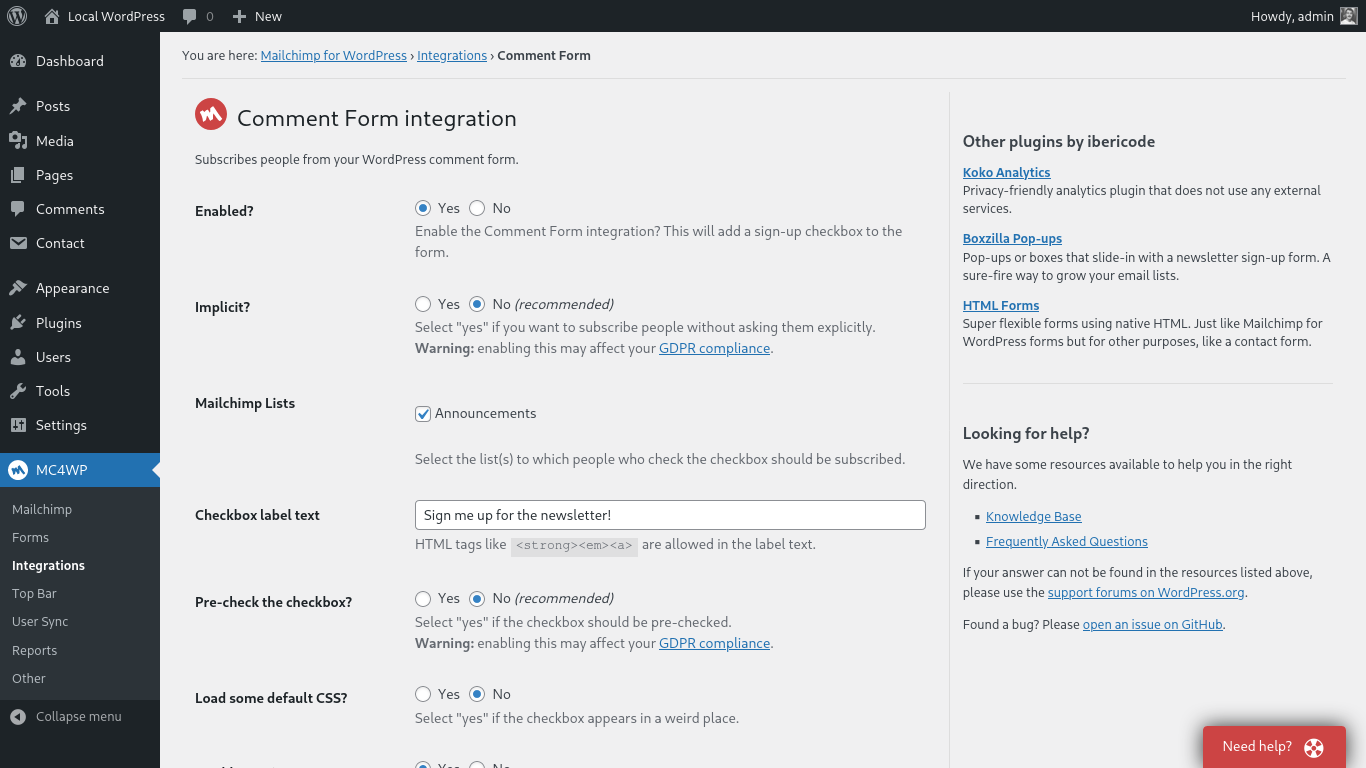
Settings page to configure an integration. 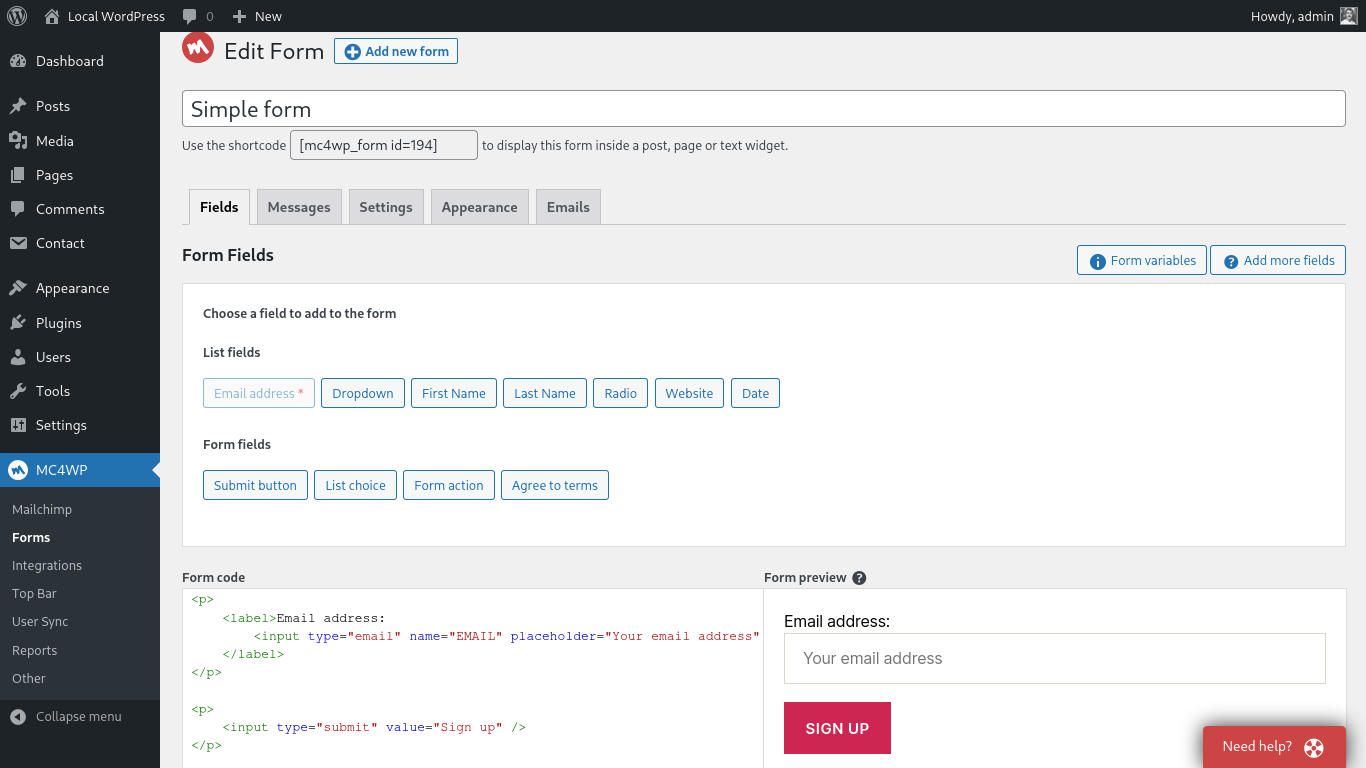
Page where you edit your sign-up forms. 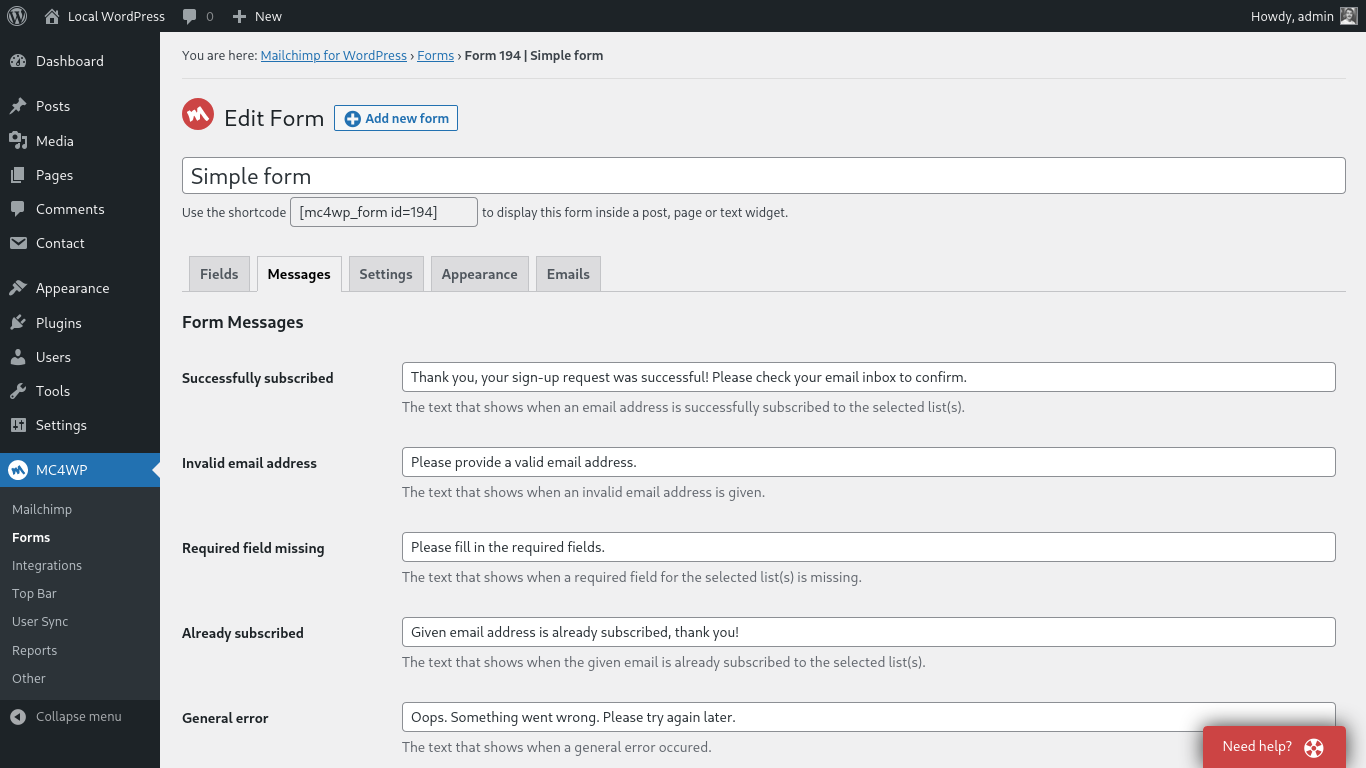
Page where you modify your form messages. 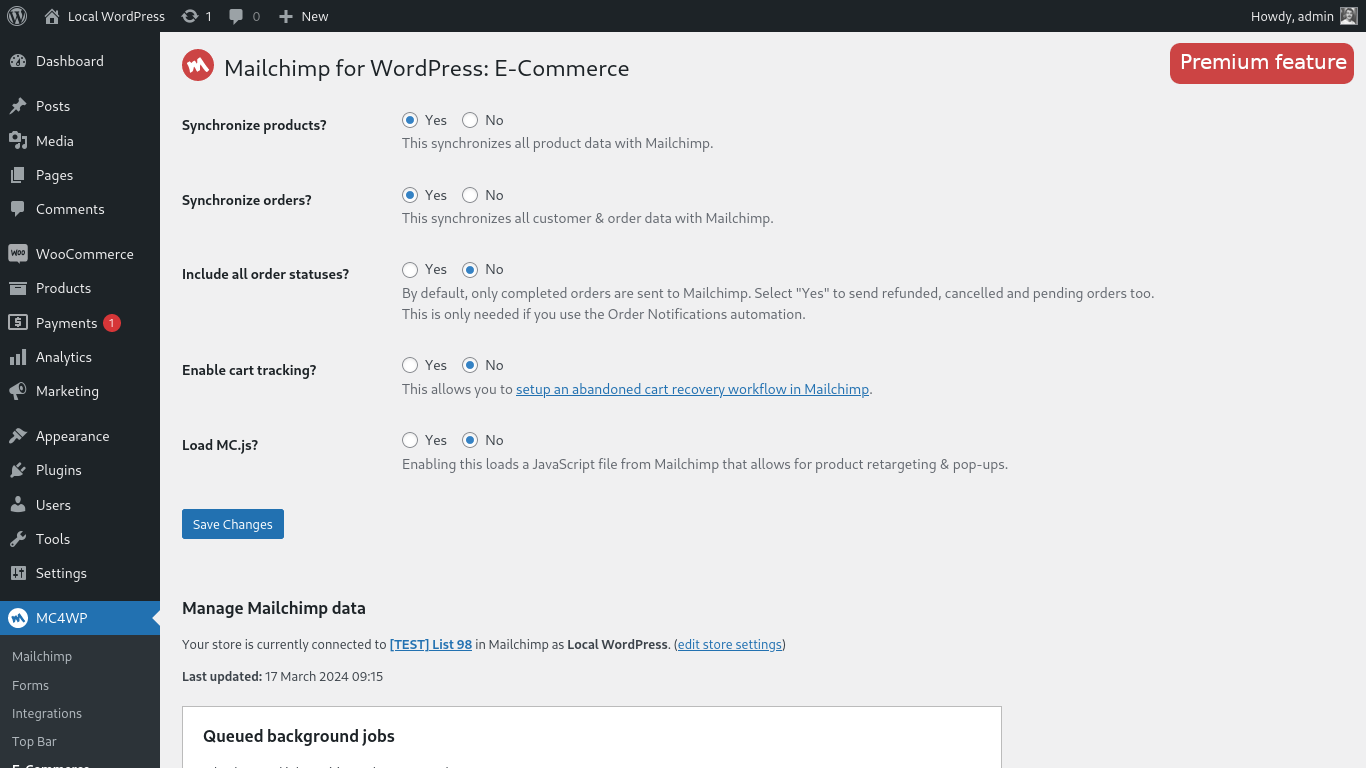
Settings page for e-commerce integration with Mailchimp. Requires Mailchimp for WordPress Premium.
Blocs
Cette extension fournit 2 blocs.
- Form
- Campaigns
Installation
Installing the plugin
- In your WordPress admin panel, go to Plugins > New Plugin, search for Mailchimp for WordPress and click « Install now«
- Alternatively, download the plugin and upload the contents of
mailchimp-for-wp.zipto your plugins directory, which usually is/wp-content/plugins/. - Activez l’extension
- Set your API key in the plugin settings.
Configuring Sign-Up Form(s)
- Go to Mailchimp for WP > Forms
- Select at least one list to subscribe people to.
- (facultatif) Ajouter des champs supplémentaires à votre formulaire.
- Embed a sign-up form in pages or posts using the
[mc4wp_form]shortcode or Gutenberg block. - Show a sign-up form in your widget areas using the « Mailchimp Sign-Up Form » widget.
- Show a sign-up form from your theme files by using the
mc4wp_show_form()PHP function.
Besoin d’aide ?
Please take a look at the MC4WP knowledge base first.
Si vous n’y trouvez pas de réponse, veuillez consulter les forums d’aide aux extensions ou lancez votre propre sujet.
FAQ
-
Where can I find my Mailchimp API key?
-
You can find your API key here
-
How to display a form in posts or pages?
-
Use the
[mc4wp_form]shortcode or the Gutenberg block. -
Go to Appearance > Widgets and use the Mailchimp for WP Form widget that comes with the plugin.
-
How to add a sign-up checkbox to my Contact Form 7 form?
-
Use the following shortcode in your CF7 form to display a newsletter sign-up checkbox.
[mc4wp_checkbox "Subscribe to our newsletter?"]Our knowledge base has more information on connecting Contact Form 7 and Mailchimp.
-
The form shows a success message but subscribers are not added to my list(s)?
-
If the form shows a success message, there is no doubt that the sign-up request succeeded. Mailchimp could have a slight delay sending the confirmation email though. Please check again in a few minutes (sometimes hours) and don’t forget to check your junk folder too.
When you have double opt-in disabled, new subscribers will be seen as imports by Mailchimp. They will not show up in your daily digest emails or statistics. We always recommend leaving double opt-in enabled.
-
How can I style the sign-up form?
-
You can use custom CSS to style the sign-up form if you do not like the themes that come with the plugin. The following selectors can be used to target the various form elements.
.mc4wp-form { ... } /* the form element */
.mc4wp-form p { ... } /* form paragraphs */
.mc4wp-form label { ... } /* labels */
.mc4wp-form input { ... } /* input fields */
.mc4wp-form input[type="checkbox"] { ... } /* checkboxes */
.mc4wp-form input[type="submit"] { ... } /* submit button */
.mc4wp-alert { ... } /* success & error messages */
.mc4wp-success { ... } /* success message */
.mc4wp-error { ... } /* error messages */
You can add your custom CSS to your theme stylesheet or (easier) by using a plugin like Simple Custom CSS
-
Comment afficher un formulaire d’inscription dans une fenêtre popup ?
-
Nous vous recommandons l’extension Boxzilla pop-up plugin pour cela. Vous pouvez utiliser les codes courts dans une fenêtre popup « box » pour afficher un formulaire d’inscription.
-
How do I subscribe from my WooCommerce checkout form?
-
You can use our WooCommerce integration for that. How to subscribe to Mailchimp from the WooCommerce checkout form.
-
How to connect my WooCommerce store with Mailchimp?
-
You can find instructions for connecting your WooCommerce store with Mailchimp on our website.
-
I’m getting an « HTTP Error » when trying to connect to Mailchimp.
-
the « HTTP Error » type is usually because of a firewall configuration issue or outdated software on your web server.
Please contact your webhost and ask them to check the following:
- Whether remote HTTP requests to
https://api.mailchimp.comare allowed. - Whether cURL and the PHP-cURL extension are installed and updated to a recent version.
- Whether remote HTTP requests to
-
My question is not listed here.
-
Please search through our knowledge base.
Avis


Contributeurs/contributrices & développeurs/développeuses
« MC4WP: Mailchimp for WordPress » est un logiciel libre. Les personnes suivantes ont contribué à cette extension.
Contributeurs


“MC4WP: Mailchimp for WordPress” a été traduit dans 33 locales. Remerciez l’équipe de traduction pour ses contributions.
Traduisez « MC4WP: Mailchimp for WordPress » dans votre langue.
Le développement vous intéresse ?
Parcourir le code, consulter le SVN dépôt, ou s’inscrire au journal de développement par RSS.
Journal des modifications
4.12.5
Release date: May 8, 2026
- Fix fatal error on plugin activation in some cases when wp_rand() returns a value below 10 for the minute part. Thanks Tim Carr!
4.12.3
Release date: May 5, 2026
- Improved Mailchimp Site Tracking Pixel support. Site is now automatically discovered or registered in Mailchimp when feature is enabled.
- Sign-up attempts for integrations are now processed asynchronously (via a scheduled event).
- Ensure mc4wp_refresh_mailchimp_lists is scheduled in site’s local timezone.
- Added missing translator comments to all translatable strings.
- General code hardening and minor improvements as reported by the Plugin Check tool.
4.12.2
Release date: Apr 20, 2026
- Add Mailchimp Campaign Archive block and [mc4wp_campaigns] shortcode to show an archive Mailchimp email campaigns. Thanks to Faisal Ahammad!
- WooCommerce: Allow « after email » position for sign-up checkbox when using Checkout Block.
- WooCommerce: Detect use of Checkout Block and only show available positions.
- Show warning when cron is behind schedule. Thanks to Faisal Ahammad!
- Add preliminary support for Mailchimp Site Tracking Pixel. Thanks to Faisal Ahammad!
4.12.1
Release date: Mar 26, 2026
- Supply a custom capability type to
register_post_typefor themc4wp-formpost type. - Limit allowed HTML in the various form messages to a safe subset on load (versus only on update).
4.12.0
Release date: Mar 9, 2026
- Remove the ability to unsubscribe through a form. You should migrate to the Mailchimp hosted form for this, which does email verification.
- Add block properties so the form block can be reordered inside the Gutenberg editor.
- Fix redirect not occuring after running MC4WP actions.
- Various type fixes, PHPDoc improvements and removal of unused code.
The following fixes and improvements were contributed by Faisal Ahammad:
- Add WP Forms field setting for configuring double opt-in.
- Add PeepSo registration form integration.
- Fix required validation for Ninja Forms integration.
- Add autocomplete attribute to form fields.
- Enable live updates in Gravity Forms editor.