Étiquette de l’extension : toolbar
-

Show Current Template
Une extension WordPress qui affiche le nom de fichier du modèle actuel, le nom du thème courant et qui le nom des fichiers de modèles inclus dans la barre d’outils.
-

What The File
What The File is the best tool to find out what template parts are used to display the page you're currently viewing!
-
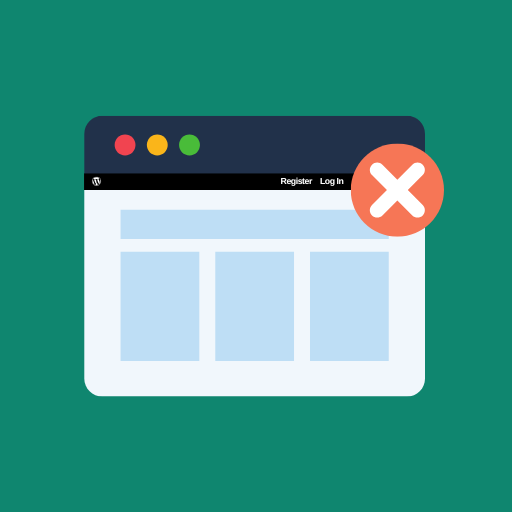
Hide Admin Bar from Non-Admins
Hides the WordPress toolbar (admin bar) for all non-admin users. Simple plugin with no settings to configure.
-

My WP Customize Admin/Frontend
Simply and easy-to-use the customize for Admin and Frontend. A lot of custom filters and actions, and included the developer tools.
-

Bricks Navigator
Ajoute des liens rapides dans la barre d’administration de WordPress pour les utilisateurs et utilisatrices du thème Bricks.
-
-
-

Admin Bar & Dashboard Access Control
Disable admin bar and control users access to WordPress dashboard.
-
Bottom Admin Toolbar
Stick the WordPress admin bar to the bottom of the screen. Hide it with SHIFT + Down Arrow keyboard shortcut.
-

WPDevDesign – Oxygen – Navigator
Adds useful links in the Toolbar for directly start editing Pages and Templates when using Oxygen.
-
-
-
-

Post Editor Buttons Fork
This plugin allows you add your own buttons to the post editor's TEXT mode toolbar.
-
Remove/Hide Admin Toolbar
Removes/hides the admin toolbar from the front end of the site when activated