

Description
ELX Chatbot is the WooCommerce connector for the ELX Chatbot platform.
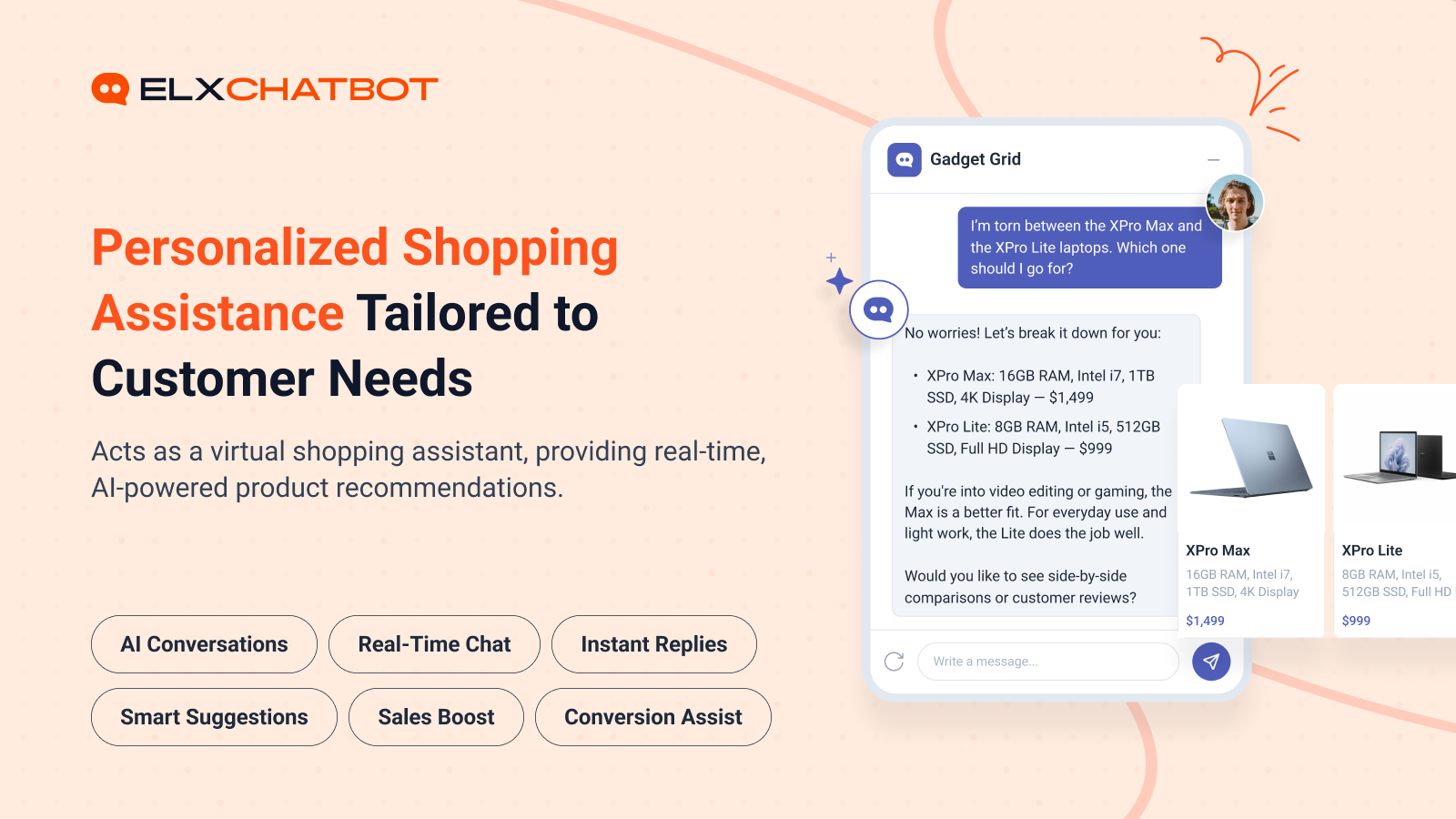
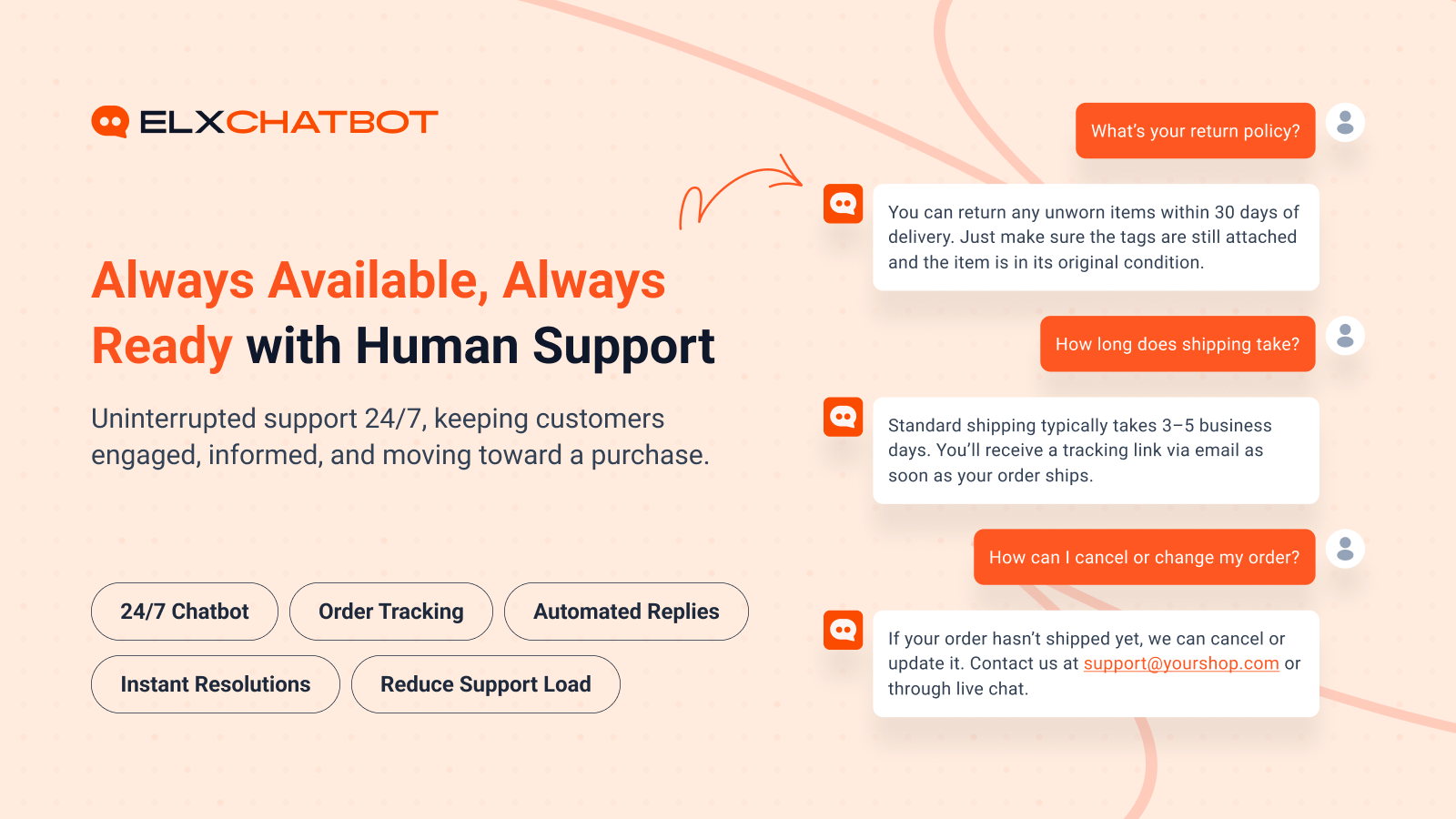
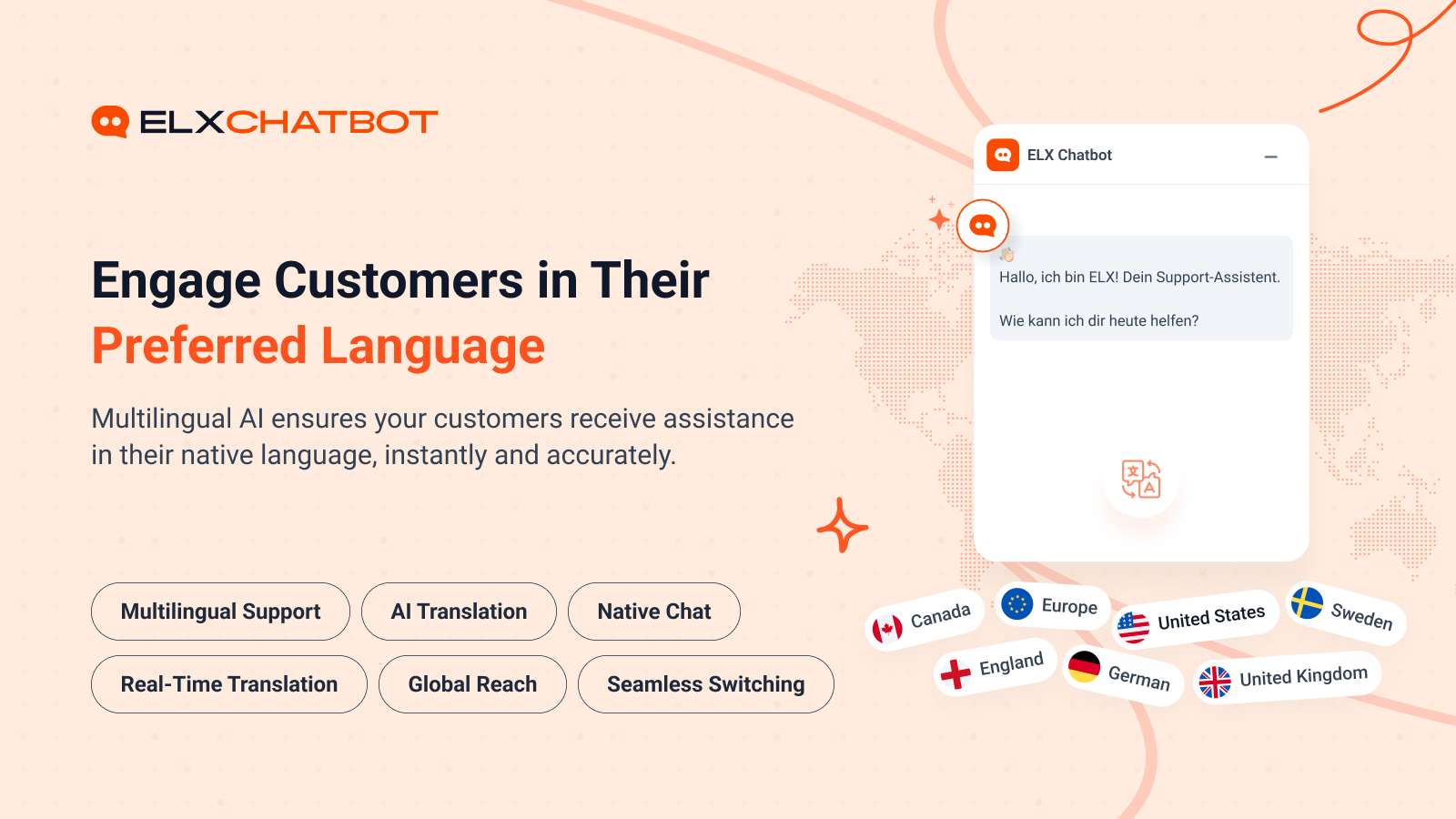
ELX Chatbot (the platform) is an AI-powered ecommerce assistant that helps online stores with customer support, product recommendations, product discovery, FAQ answers, and related shopping conversations. This WordPress plugin is not the chatbot itself. It is the integration layer that connects your WooCommerce store to your ELX Chatbot account so the platform can use your catalogue data.
Without this connector, ELX Chatbot does not have your WooCommerce product information. With the plugin installed and connected:
- You create an account and chatbot on the ELX Chatbot platform.
- You generate an Access Key from your ELX Chatbot account.
- You enter that Access Key in WordPress and connect your store.
- The plugin generates a JSON product feed from your WooCommerce catalogue.
- ELX Chatbot can then use that catalogue data to power storefront conversations.
What this plugin does
- Connects a WooCommerce store to an existing ELX Chatbot account using an Access Key.
- Verifies and registers the store with the ELX Chatbot platform.
- Generates a JSON product feed from your WooCommerce catalogue, including product variations.
- Lets you schedule automatic feed refreshes (hourly, daily, weekly, or monthly).
- Notifies ELX Chatbot when the product feed URL is available or refreshed.
- Loads the ELX Chatbot storefront widget once the store is connected.
- Provides JWT-authenticated REST endpoints used by the ELX Chatbot integration (token generation and cart actions).
What this plugin does not do
- It does not replace the ELX Chatbot SaaS platform.
- It does not train FAQs, design the bot, or run the AI conversation engine inside WordPress.
- Those capabilities are provided by your ELX Chatbot account on the ELX Chatbot platform.
Getting started
- Register at app.elxchatbot.ai and create a chatbot.
- Generate an Access Key from your ELX Chatbot dashboard.
- Install and activate this plugin (WooCommerce required).
- Go to Tools > ELX AI Chatbot.
- Paste your Access Key and click Connect & Verify.
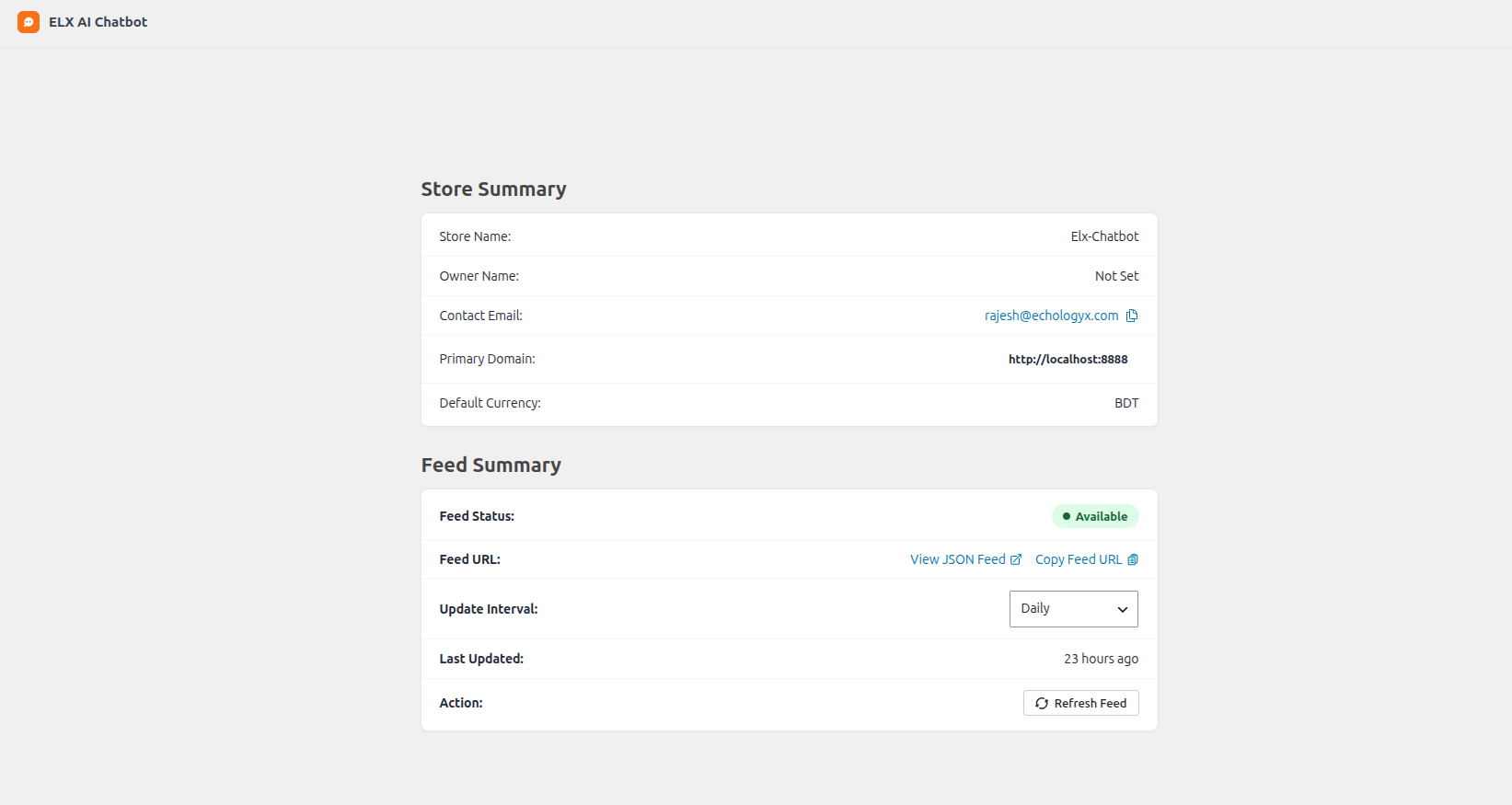
- Review feed status and set the refresh interval if needed.
Once connected, your WooCommerce catalogue is available to ELX Chatbot as a product feed, and the chatbot widget can appear on your storefront.
Feedback
Did you like this plugin? Dislike it? Have a feature request? Please share your feedback with us at support@elxchatbot.ai.
Third-Party Services
This plugin communicates with the following external services operated by ELX Chatbot:
-
ELX Chatbot Store API (elxchatbot.ai)
- Purpose: Verify the Access Key and register/connect the WooCommerce store with the merchant’s ELX Chatbot account.
- Data sent: Site name, primary domain/URL, store domain, store type (
woocommerce), WooCommerce currency, Access Key/secret key, and a short-lived access token generated by the plugin. - When: When an administrator clicks Connect & Verify on the plugin settings page.
- Privacy Policy: https://www.elxchatbot.ai/privacy-policy
- Terms of Service: https://www.elxchatbot.ai/terms-and-conditions
- Cookies Policy: https://www.elxchatbot.ai/cookies-policy
- Data Deletion: https://www.elxchatbot.ai/data-deletion-instructions
-
ELX Chatbot Feed API (elxchatbot.ai)
- Purpose: Notify ELX Chatbot that a product feed URL is available so the platform can consume the WooCommerce catalogue feed.
- Data sent: Product feed URL, Access Key/secret key, primary domain, and bot ID.
- When: When the product feed is refreshed/notified from the plugin settings.
- Note: The product catalogue JSON is generated and stored on your WordPress site. The Feed API receives the feed URL and identifiers so ELX Chatbot can retrieve the feed; the full catalogue is not posted in the notification request body.
- Privacy Policy: https://www.elxchatbot.ai/privacy-policy
- Terms of Service: https://www.elxchatbot.ai/terms-and-conditions
- Cookies Policy: https://www.elxchatbot.ai/cookies-policy
- Data Deletion: https://www.elxchatbot.ai/data-deletion-instructions
-
ELX Chatbot Frontend Script
- Purpose: Load the ELX Chatbot storefront widget after the store is connected.
- Data sent: Bot ID (as a script query parameter).
- When: On frontend page loads when a bot ID has been saved by a successful connection.
- Privacy Policy: https://www.elxchatbot.ai/privacy-policy
- Terms of Service: https://www.elxchatbot.ai/terms-and-conditions
- Cookies Policy: https://www.elxchatbot.ai/cookies-policy
- Data Deletion: https://www.elxchatbot.ai/data-deletion-instructions
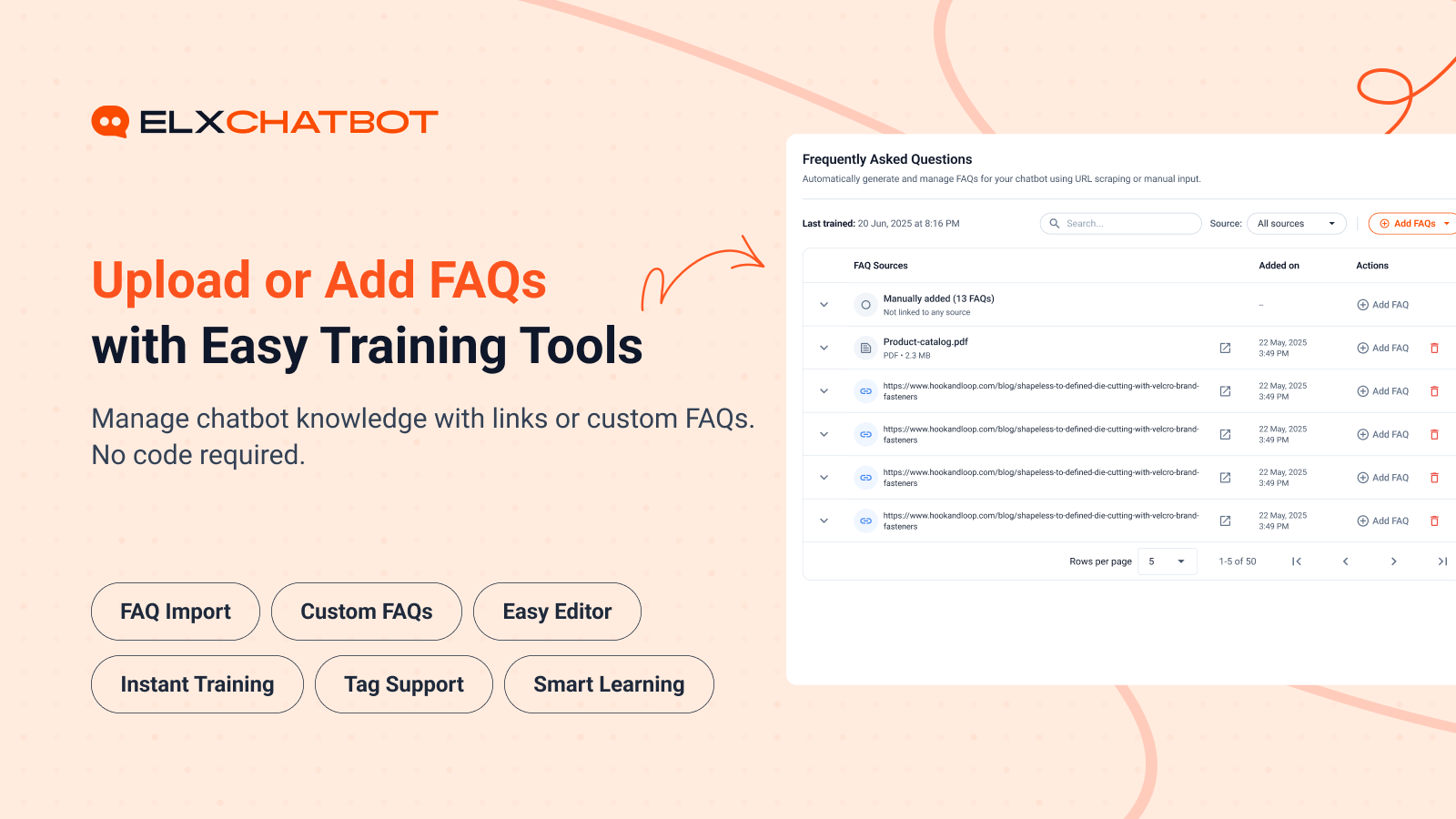
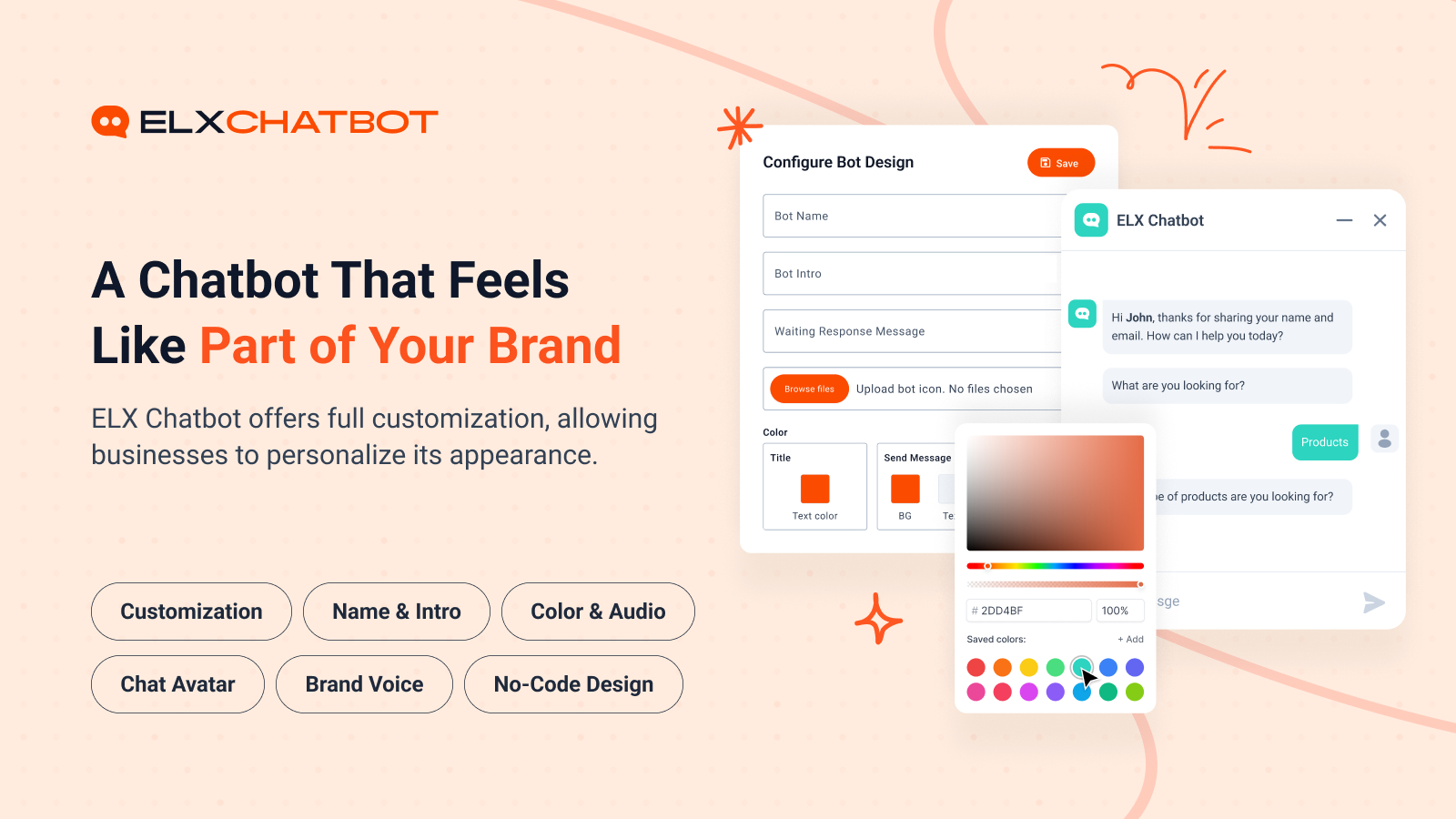
Captures d’écrans
Installation
Before you install
- Create an account at app.elxchatbot.ai.
- Create a chatbot in your ELX Chatbot dashboard.
- Generate an Access Key for that chatbot.
Install from WordPress
- In your WordPress admin, go to Plugins > Add New.
- Search for ELX Chatbot.
- Click Install Now, then Activate.
- Make sure WooCommerce is installed and active.
- Go to Tools > ELX AI Chatbot.
- Enter your Access Key and click Connect & Verify.
- Confirm the feed status and choose a feed refresh interval if needed.
Install from a ZIP file
- Download the plugin ZIP.
- Go to Plugins > Add New > Upload Plugin.
- Choose the ZIP file and click Install Now, then activate.
- Continue from step 4 in the instructions above.
Manual install
- Upload the plugin folder to
/wp-content/plugins/. - Activate ELX Chatbot from the Plugins screen.
- Continue from step 4 in the WordPress installation instructions above.
FAQ
-
What is the ELX Chatbot plugin?
-
It is the WooCommerce connector for the ELX Chatbot platform. It connects your store, generates a product feed, and helps ELX Chatbot use your catalogue data. The AI chatbot experience itself is provided by the ELX Chatbot platform.
-
Do I need an ELX Chatbot account?
-
Yes. You must register on the ELX Chatbot platform, create a chatbot, and generate an Access Key before you can connect this plugin.
-
Where do I get my Access Key?
-
Generate it from your ELX Chatbot account after creating a chatbot. Then paste it into Tools > ELX AI Chatbot in WordPress and click Connect & Verify.
-
Does this plugin require WooCommerce?
-
Yes. This plugin is a WooCommerce integration and will not run without WooCommerce active.
-
Does this plugin provide the AI chatbot?
-
No. This plugin provides the WooCommerce integration (connection, product feed, and related storefront script loading). The AI conversations, bot training, branding tools, and related chatbot features are provided by the ELX Chatbot platform.
-
What product data does ELX Chatbot use?
-
The plugin generates a JSON product feed from your published WooCommerce catalogue. The feed includes product details such as name, description, SKU, pricing, stock availability, categories/tags, images, URLs, and variation data where applicable.
-
Can ELX Chatbot access order information through this plugin?
-
This plugin focuses on store connection and product feed generation. It also provides JWT-authenticated REST endpoints used by the ELX Chatbot integration (including cart-related actions). Dedicated order-lookup endpoints are not exposed by the current plugin release. Order-related assistance on the ELX Chatbot platform depends on the connected store integration and platform capabilities.
-
Does the plugin support product variations?
-
Yes. Variable WooCommerce products and their variations are included in the generated product feed.
-
Can the product feed update automatically?
-
Yes. After connecting, you can set the feed refresh interval to hourly, daily, weekly, or monthly, and you can refresh the feed manually from the settings page.
-
Does it work with any WordPress theme?
-
Yes. The connector and product feed do not depend on a specific theme. The storefront chatbot widget is loaded by the plugin after a successful connection and should work with standard WordPress/WooCommerce themes.
-
Is the ELX Chatbot platform open source?
-
No. The ELX Chatbot SaaS platform is proprietary. This WordPress plugin is distributed under GPLv3 (or later) as required for WordPress.org hosting. That plugin license is separate from the ELX Chatbot platform.
You can post your questions on the support forum here
Avis
Il n’y a aucun avis pour cette extension.
Contributeurs/contributrices & développeurs/développeuses
« ELX Chatbot » est un logiciel libre. Les personnes suivantes ont contribué à cette extension.
Contributeurs
Traduisez « ELX Chatbot » dans votre langue.
Le développement vous intéresse ?
Parcourir le code, consulter le SVN dépôt, ou s’inscrire au journal de développement par RSS.
Journal des modifications
1.0.0
- Initial release.