

Description
GenDiscover enables AI-powered content discovery and answer engine, AI chat, AI search, and ad monetization on your website. Boost visitor engagement and revenue with intelligent content recommendations and interactive tools.
AI-Powered Chat & Search – Enable visitors to interact with your content through intelligent chat and search.
Content Discovery – Automatically recommend relevant content to keep visitors engaged.
Ad Monetization – Earn revenue through integrated ad placements.
Analytics Dashboard – Track traffic, engagement metrics, and content performance from the GenDiscover publisher dashboard.
GenDiscover helps publishers increase engagement, content discovery, and revenue through AI-powered tools.
Features
- AI-powered chat and search widget
- Content discovery and recommendations
- Text highlighting functionality
- Ad monetization and revenue sharing
- Analytics dashboard for traffic and engagement
- Automatic content crawling
- RSS feed integration
- Geographic targeting
- AI-generated questions on content
- Multi-project management
External services
This plugin relies on the GenDiscover service provided by Transfon Ltd. to deliver AI-powered chat, search, content discovery, and ad monetization features on your website.
When a Project ID (license key) is configured in the plugin settings, the plugin loads a JavaScript tag from the GenDiscover servers (https://tag.gendiscover.com/) on every public page of your site. The Project ID is sent to GenDiscover as a data attribute on the script tag to identify your site and load the correct configuration.
No data is sent if the Project ID is not configured.
- Service provider: GenDiscover by Transfon Ltd.
- Terms of use: https://www.gendiscover.com/terms
- Privacy policy: https://www.gendiscover.com/privacy
Captures d’écrans
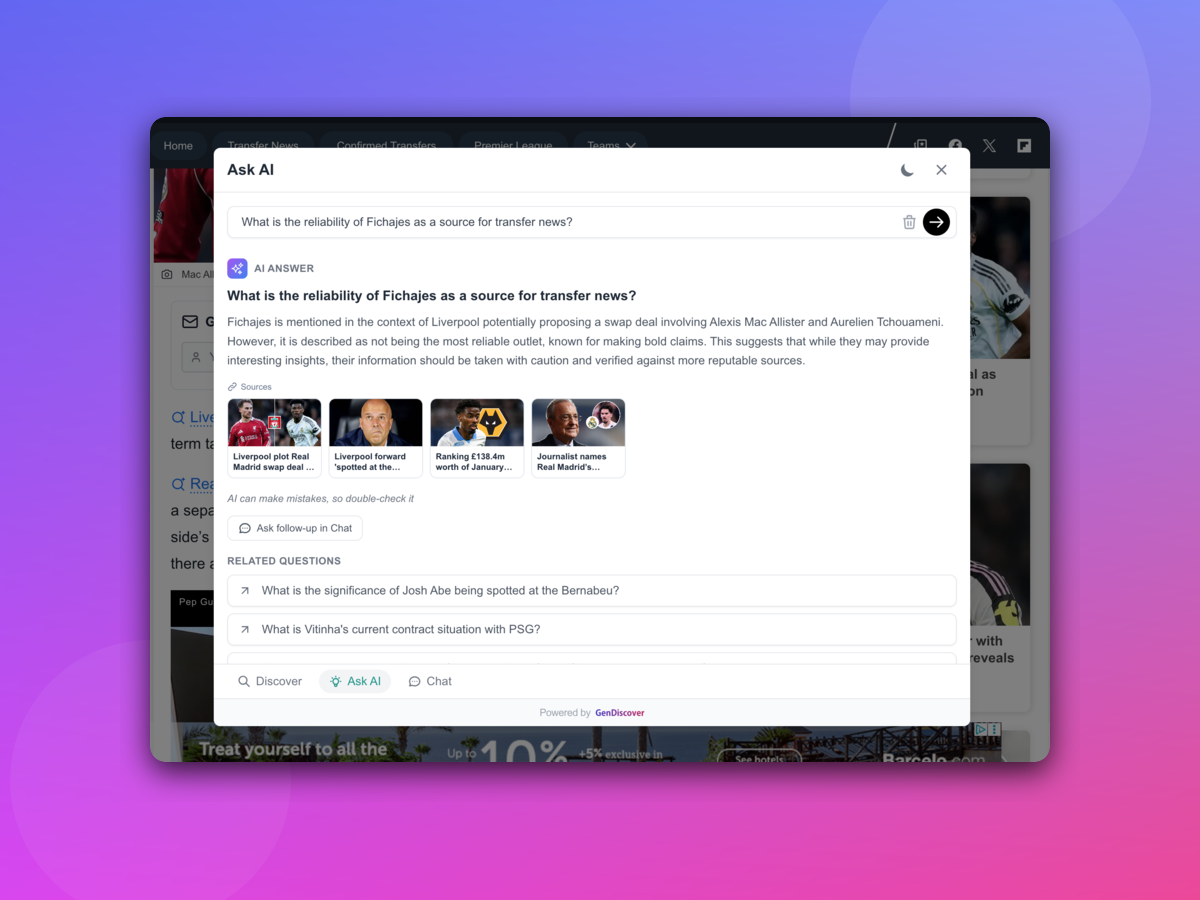
GenDiscover – AI Answer Engine & AI Search 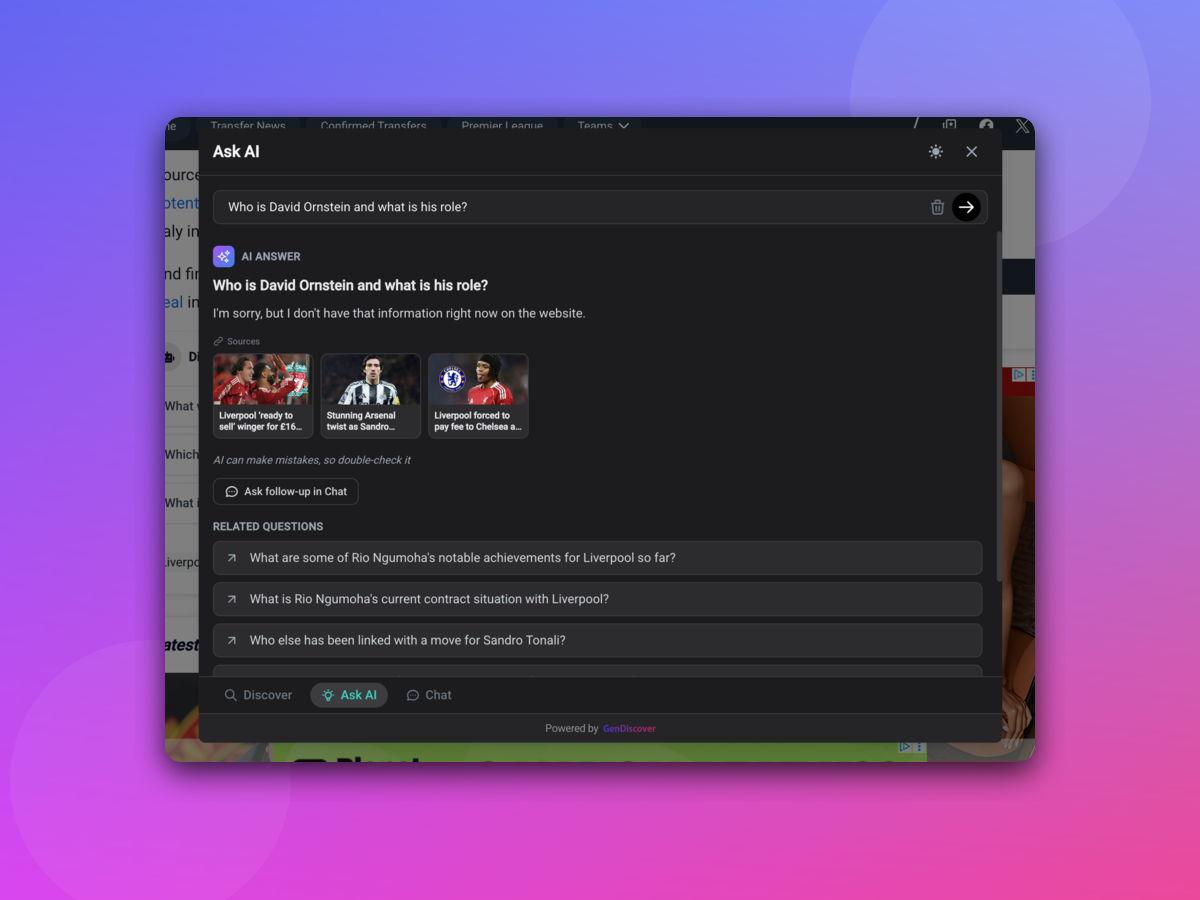
GenDiscover – AI Chat & AI Ask
Installation
This section describes how to install the plugin and get it working.
- Upload
gendiscoverto the/wp-content/plugins/directory - Activate the plugin through the ‘Plugins’ menu in WordPress
- Navigate to the GenDiscover admin page
- Enter your Project ID from the GenDiscover publisher dashboard
- Save your settings
FAQ
-
How do I get a Project ID?
-
Register at GenDiscover Dashboard, create a project for your website, and submit it for review. Once accepted, your Project ID will be available in the Integration section of your project.
-
Do I need to pay to use GenDiscover?
-
GenDiscover is free for up to 100 new URLs per month. Publishers also earn from ad impressions and engagement on their site through a revenue sharing model.
-
What does the plugin do?
-
The plugin adds the GenDiscover tag to your WordPress site. This tag enables the AI-powered chat widget, content discovery, and analytics features configured in your GenDiscover publisher dashboard.
-
The Button Selector is a CSS selector that specifies where the « Ask AI » button is automatically added on the page. For example,
.post-titleor#article-header. When set, GenDiscover will insert the « Ask AI » button into the matching element so visitors can start an AI conversation about the content. -
What is the Content Selector?
-
The Content Selector is a CSS selector that identifies the main content area of your page. For example,
.entry-contentorarticle.post. GenDiscover uses this to locate and process the primary content for AI chat, search, and content discovery features. -
Why is the tag not loading on my site?
-
Ensure your Project ID is entered correctly and your project has been accepted in the GenDiscover publisher dashboard. Projects in « Pending » or « In Review » status will not load the tag.
Avis
Il n’y a aucun avis pour cette extension.
Contributeurs/contributrices & développeurs/développeuses
« GenDiscover » est un logiciel libre. Les personnes suivantes ont contribué à cette extension.
Contributeurs
Traduisez « GenDiscover » dans votre langue.
Le développement vous intéresse ?
Parcourir le code, consulter le SVN dépôt, ou s’inscrire au journal de développement par RSS.
Journal des modifications
1.0.1
- Fix screenshots and improvements
1.0.0
- Initial Plugin Release