

Description
❤️ Excellent membership plugin! Over 15 years of experience, development, releases… Still going and growing!
Start your membership profits! Build your tribe, gather your followers, enroll your students, bring in your clients!
💵 Enjoy the benefits of getting paid repeatedly for access to your site!
⭐⭐⭐⭐⭐ Brilliant « So glad I found this. It works brilliantly for our needs… love the seamless integration with PayPal. Everything we need. Thank you so much for creating this! » –zarverk2000
The best way to make money from your WordPress site!
🤩 Sell unlimited memberships, turn free subscribers into members (subscriber to member s. 2 member s2Member), with a single payment or recurring payments subscriptions.
Easy and quick to use. Protect your membership content in a moment, and a moment later be ready to get payments for member access!
Easy to configure and very flexible. Protect the whole site, nothing, or just parts, even member files for paid downloads!
👉 Install s2Member now and make money! 😀
⭐⭐⭐⭐⭐ So much capacity & great support « I’m a novice and was able to quickly figure it out. When I got stuck I go to the support forum and Cristian is there with a quick answer to get me going again. » –blueruck
⭐⭐⭐⭐⭐ The very best plugin and support service « Great plugin, neat, easy to configure, and with interesting security features. A special mention to Cristian whose support is awesome, fast, clear even to free members like myself » –aflorarte
Packed with features, but not required to use them all, just those you want. Some of them:
➡️ Member user levels and custom access capabilities
➡️ Membership content protection (post, page, category, tag, etc)
➡️ Protect anything served by WP (post types, URLs)
➡️ Member file protection (sell downloads)
➡️ Prevent member account sharing (limit IPs, simultaneous logins)
➡️ Protect accounts (limit failed login attempts)
➡️ Cool security/trust badge with your domain
➡️ PayPal Standard buttons for membership payments (more in Pro)
➡️ Automatic member access demotion at end of paid access time
➡️ Tracking software integration (affiliates, etc)
➡️ Email list services (Mailchimp, etc)
➡️ Notifications (signups, payments, etc)
➡️ Integrate with bbPress, BuddyPress for member communities
➡️ Compatible with any well coded theme (Elementor, Divi, etc)
➡️ Customize the WP login/registration look
➡️ Custom redirection after member login
➡️ Create custom profile fields for member accounts
➡️ Customize the user welcome email
➡️ And more!
👉 Install and start using s2Member now! 🤩
⭐⭐⭐⭐⭐ Very Powerful Membership Plugin « This membership plugin does a lot and has many, many configuration options to achieve whatever you want… I received extremely quick and reliable support. » –liltrucks
⭐⭐⭐⭐⭐ Simple, Compatible, Secure, and Versatile! « We are seriously impressed with this plugin and we highly recommend it… We have not found ANY limitations to what we are trying to accomplish… a very smooth process… straight-forward and user-friendly!… exceeded our expectations! » –tips4gamers
⭐⭐⭐⭐⭐ Excellent plugin « This plugin does everything it says on the box. It does it well… the functionality is absolutely spot on. The developers/maintainers are also active and helpful. Totally recommended! » –richardfoley
⭐⭐⭐⭐⭐ Best Membership Plugin I’ve Used « I switched to s2 Member around 3 years ago after trying a few plugins. I found these other plugins inflexible and difficult to configure… Well worth investigating if you want a robust membership solution. » –rnwhalley
🤖 Not needed to know any PHP code or be a developer. Only code needed is copy-paste wp shortcodes, like for the paypal buttons… But is also developer-friendly to customize your installation if wanted.
Some reasons to get s2Member Pro
✅ Membership content dripping
✅ Stripe, PayPal Pro, Authorize.Net, ClickBank
✅ On-site one-step checkout with pro-forms (Stripe, PayPal, Auth.Net)
✅ Unlimited membership levels
✅ Membership renewal reminder emails
✅ Single-step member registration and payment with pro-forms
✅ Custom redirection after payment
✅ Coupon codes and gift/redemption codes
✅ Custom member offer redirections after login
✅ Pro API for new integrations
✅ Public members directory
✅ Members bulk import/update/exporter
✅ Multisite network support
✅ Login and registration forms to use in pages/posts
👉 Click here for more 🙂
⭐⭐⭐⭐⭐ The Best Membership Plugin « I have built with most Membership plugins and literally dozens using S2 Pro and I can tell you, bar none it is the best of all of them. Extremely powerful, anything you might want to do it can do… I highly recommend you try it out. » –antwoords
⭐⭐⭐⭐⭐ Excellent plugin & top support « We’ve used s2member pro on a few projects now & find it has met all our membership needs. Most impressive has been the support. Excellent communication, knowledgeable, friendly and super patient 🙂 » –aaee6
⭐⭐⭐⭐⭐ Awesome Support « I’ve been using s2Member for 9 years… Amazing support of a high-end plugin and much appreciated. This is one of the reasons I stick with s2Member. Support has always been great! » –graphichome
⭐⭐⭐⭐⭐ Wonderful Support « Above and beyond. I’ve used this plugin for over ten years with various clients and whenever I need help, they’ve helped find a solution. » –germars
The free s2Member Framework integrates with PayPal Website Payments Standard (also free). Sell « Buy Now » or Membership access to your site. Restrict access to Roles, Capabilities, Posts, Pages, or anything else in WordPress.
Protect your WordPress Posts, Pages, Tags, Categories, URIs, BuddyPress, bbPress, and even portions of content within Posts, Pages, themes, plugins. Easily configurable and highly extensible. You can even protect downloadable files and streaming audio/video. Store files locally, or use s2Member’s integration with Amazon S3/CloudFront.
s2Member is powered almost entirely by WordPress shortcodes, making advanced integrations quick and easy. Sell recurring (or non-recurring) subscriptions with lots of flexibility. Or sell « Buy Now » membership access in various ways. You can also sell specific Posts/Pages, sell member access to file downloads, or sell members Custom Capabilities that provide highly configurable access to specific portions of your content.
👉 Install now s2Member and start making money! 😀
Captures d’écrans

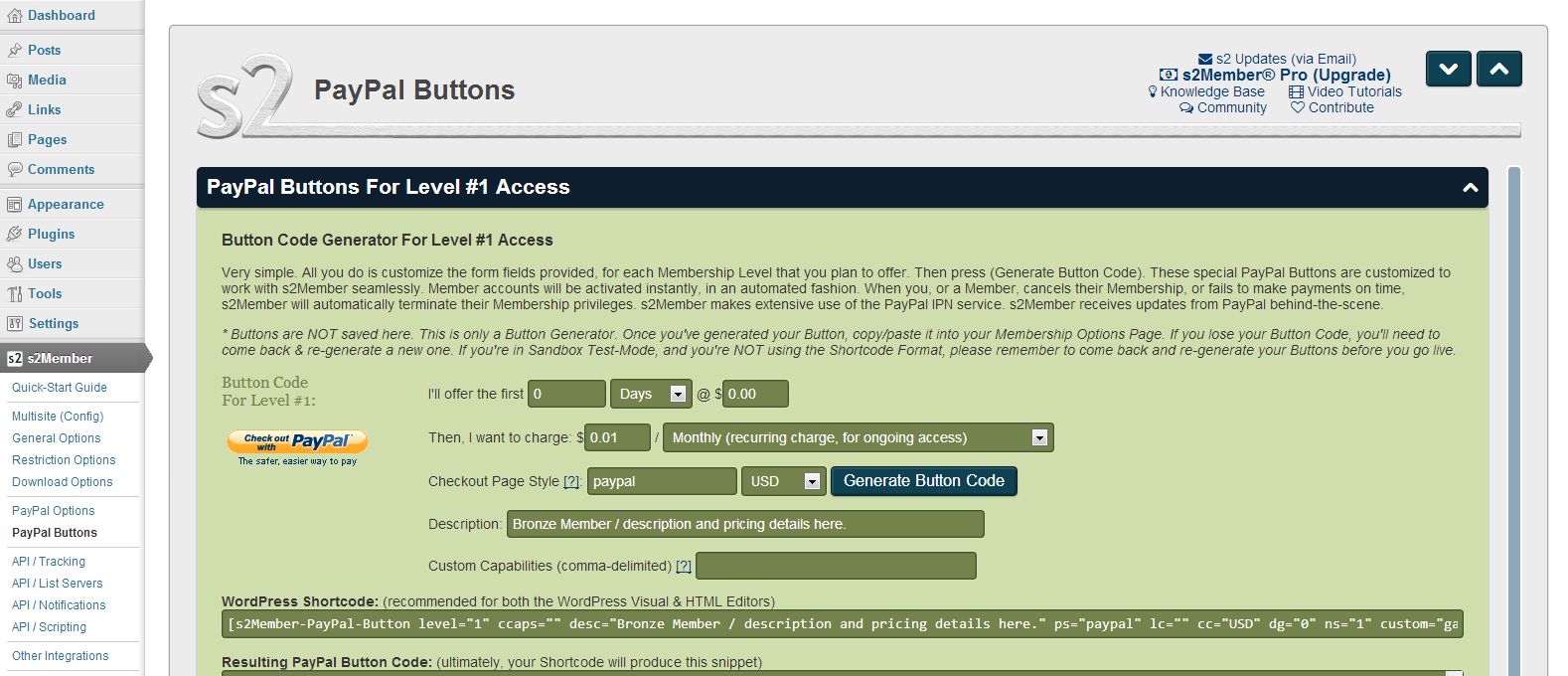
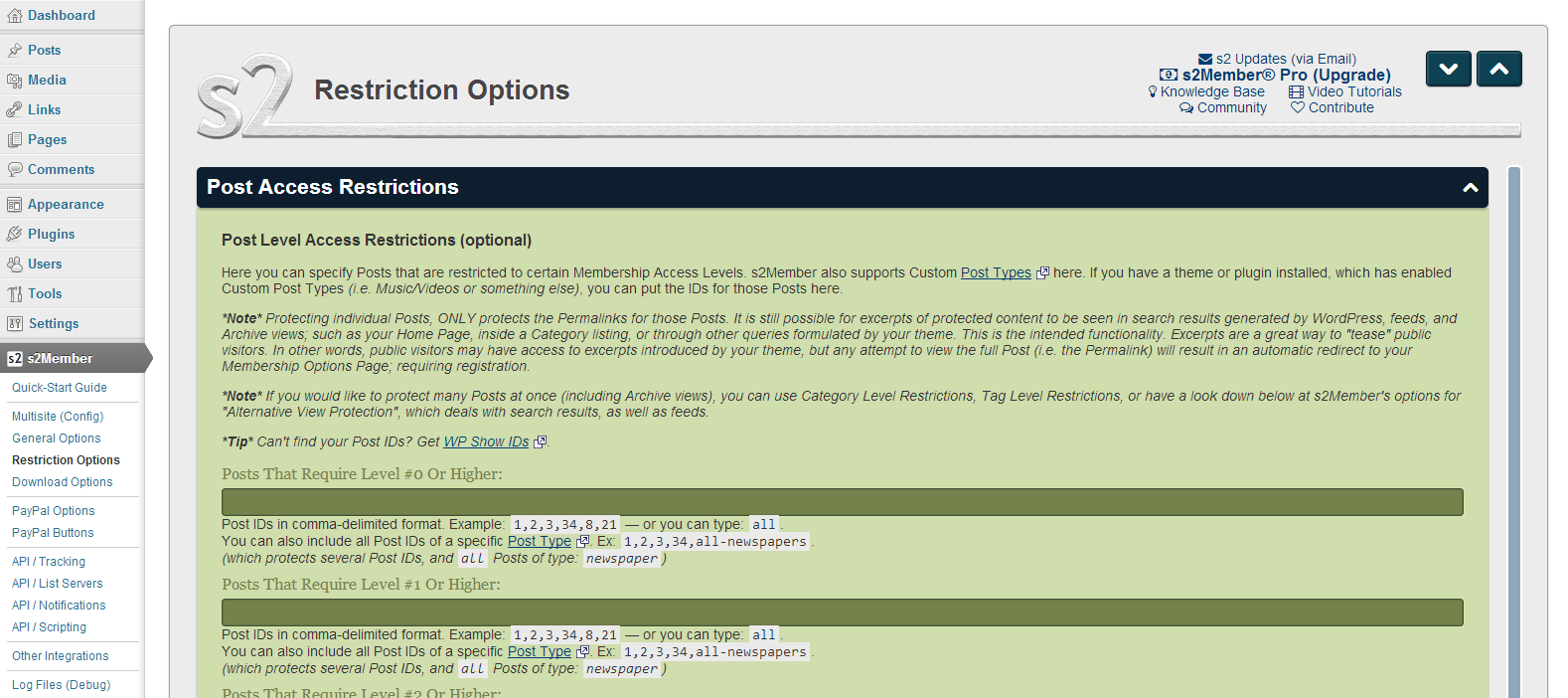
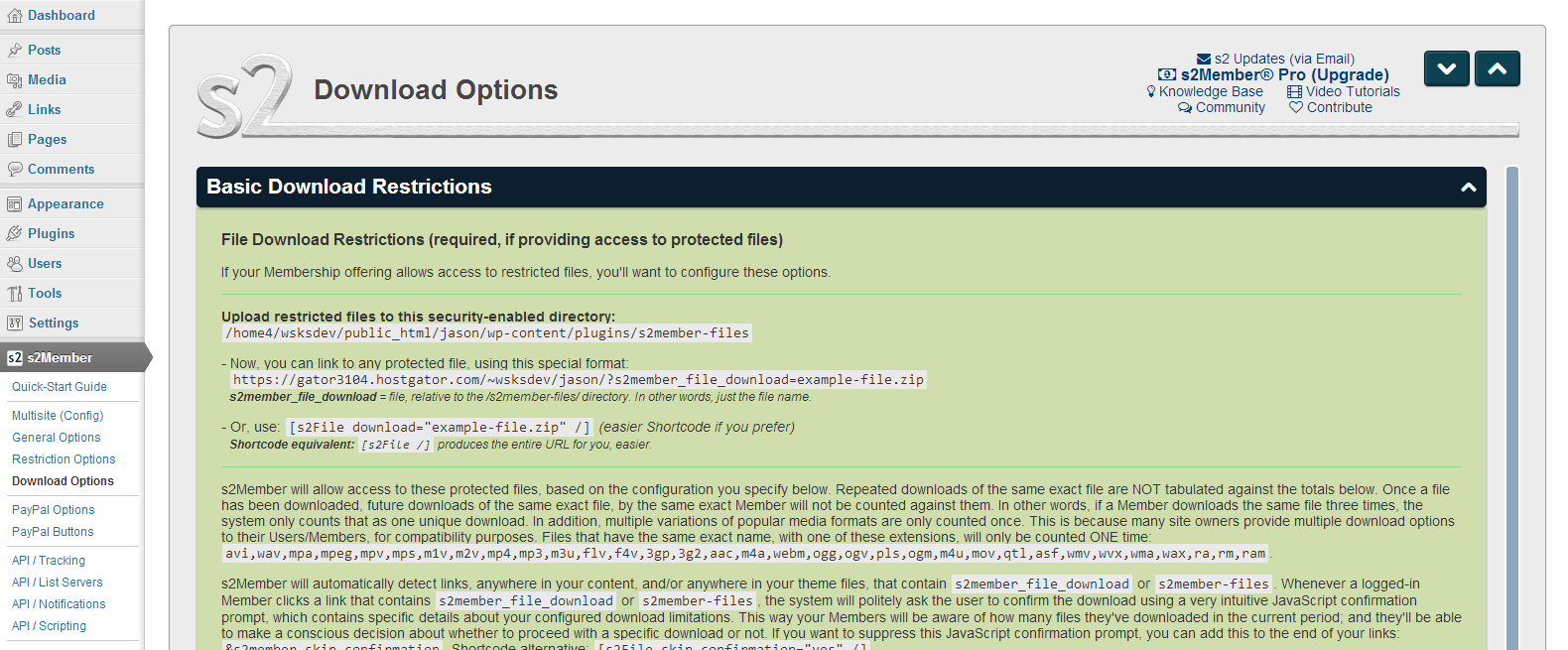

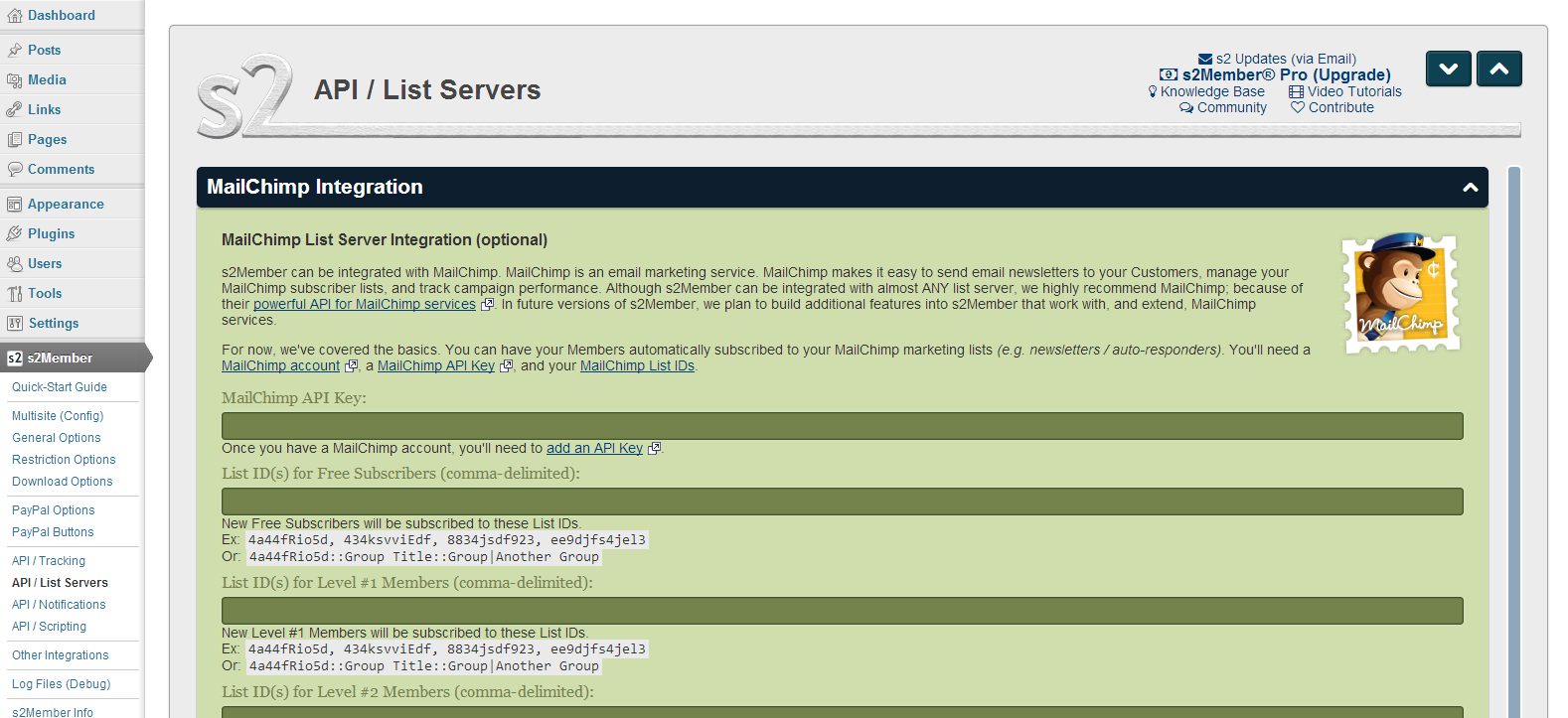

Installation
NOTICE: For help with s2Member Pro, please use our forum.
s2Member is very easy to install
Just like any other normal plugin:
- From the WP Admin’s Plugins Add New Screen.
- Or via FTP upload the
s2memberfolder from the zip to your/wp-content/plugins/directory. - Activate it from Plugins page in your WordPress Admin.
Here’s a quick-start video for a simple basic setup to get you started.
See also
Detailed installation/upgrade instructions.
Is s2Member compatible with Multisite Networking?
Yes, requires s2Member Pro for Unlimited Sites. After you enable Multisite Networking, with s2Member Framework and Pro active, navigate to s2Member → Multisite (Config) in the Dashboard on your Main Site.
FAQ
NOTICE: For help with s2Member Pro, please use our forum.
-
Is s2Member compatible with Multisite Networking?
-
Yes, s2Member Pro for Unlimited Sites is compatible with Multisite Networking. After you enable Multisite Networking, with s2Member Framework and Pro enabled, navigate to
s2Member → Multisite (Config)in the Dashboard on your Main Site. -
Where can I find more information?
-
- s2Member FAQs: http://s2member.com/faqs/
- Knowledge Base: http://s2member.com/kb/
- Video Tutorials: http://s2member.com/videos/
- Community: http://s2member.com/r/forum/
- Codex: http://s2member.com/codex/
-
Translating s2Member
-
Please see: http://s2member.com/r/translations/
Avis


Contributeurs/contributrices & développeurs/développeuses
« s2Member – Excellent for All Kinds of Memberships, Content Restriction Paywalls & Member Access Subscriptions » est un logiciel libre. Les personnes suivantes ont contribué à cette extension.
Contributeurs


“s2Member – Excellent for All Kinds of Memberships, Content Restriction Paywalls & Member Access Subscriptions” a été traduit dans 2 locales. Remerciez l’équipe de traduction pour ses contributions.
Le développement vous intéresse ?
Parcourir le code, consulter le SVN dépôt, ou s’inscrire au journal de développement par RSS.
Journal des modifications
v260917
-
(Framework) Performance: Further improved searching on the WP Admin > Users screen, building on the performance improvements introduced in v260909. Searches across user profiles and s2Member membership data now require substantially less database work, with the biggest benefit on sites with large member databases. This can make member administration noticeably faster while preserving the same searchable fields, sorting, and pagination.
-
(Pro) Performance: Significantly improved
[s2Member-List]and[s2Member-List-Search]performance for member directories and searches, especially on sites with larger user databases. Member searches now require substantially less database work, with much more efficient profile-field searching, filtering, sorting, and pagination. This can make large member directories noticeably faster and more responsive while preserving the shortcodes’ existing Custom Field, wildcard, filtering, pagination, and sorting features. See: s2Member-List Shortcode Documentation. -
(Framework) Performance: Improved Alternative View Protection performance on sites with larger amounts of protected content. Searches, archives, menus, widgets, and other areas where restricted content needs to be filtered now do less repeated work during each page request, helping busy pages load more efficiently while preserving the same access-control behavior. WP Admin > s2Member > Alternative View Protection
-
(Pro) Performance: Reduced overhead when End-of-Term reminder emails are disabled. The heavier reminder processing, health, and email code is now loaded only when it is actually needed.
-
(Framework & Pro) Security & UI: Added a prominent admin warning for outdated s2Member Pro installations that predate the current Pro updater. The Framework now warns administrators when an old Pro version may be missing recent security fixes, shows how old the installed release is, and provides a prominent link to download the latest Pro version. The warning does not disable the installed Pro add-on or its features.
-
(Pro) Security: Enforced the Shortcode User Fields Whitelist for
[s2Member-List]‘sshow_fieldsattribute. Fields not on the whitelist are now omitted from Member Lists, with an administrator notice identifying blocked fields that may need to be allowed. WP Admin > s2Member > General Options > Shortcode User Fields Whitelist -
(Pro) Security: Enforced the Pro Shortcode Templates Whitelist. Custom templates specified with the
templateattribute are now blocked unless specifically allowed. The shortcode uses its standard template instead, and an administrator notice identifies blocked template files that may need to be allowed. WP Admin > s2Member > General Options > Pro Shortcode Templates Whitelist -
(Pro) Improvement: Hardened validation of PayPal Pro-Form
successURLs used after subscription cancellation. Redirects are now limited to normal HTTP(S) destinations after replacement codes are processed, preventing executable or other non-web URL schemes from being used. Also hardened malformed programmaticsuccessvalues to avoid PHP warnings. -
(Framework) Fix & UI: Corrected Asset Health reporting when static CSS or JavaScript cannot be used because the site’s current hooks or configuration require dynamic delivery. This intentional compatibility behavior is now treated as healthy instead of being reported as an unexpected fallback, and it no longer creates misleading « Latest Issues » entries. Asset Health now identifies why dynamic delivery is required, explains when the Full WordPress Dynamic Loader is necessary, and points to the « JavaScript Text Delivery » setting when it can help more pages continue using static JavaScript.
-
(Framework) Improvement: EOT demotion traditionally replaced all of a member’s WordPress roles, but some sites need to preserve unrelated roles. The new Demote From setting can now remove only the member’s s2Member Level role instead. New installations use this level-only behavior by default; existing installations keep the legacy replace-all behavior unless changed. Thanks to Craig for suggesting this. See: thread #13494.
-
(Framework) Improvement: EOT demotion normally sends members to Subscriber / s2Member Level 0, and using another role previously required custom code. The new Demote To Role setting lets site owners choose another s2Member Level or an available custom role directly from the EOT settings. Existing customizations using the
ws_plugin__s2member_force_demotion_rolefilter continue to work. -
(Pro) Improvement: PayPal Checkout cancellation buttons using
output="button"can now also use asuccess=""attribute to redirect the member after a successful subscription cancellation. If no Success URL is provided, the existing cancellation confirmation remains unchanged. Thanks to Felix for suggesting this. See: thread #13462 -
(Framework) Improvement: Added date formatting support to the
[s2Get /]shortcode when retrieving the current user’s registration timestamps.S2MEMBER_CURRENT_USER_REGISTRATION_TIMEandS2MEMBER_CURRENT_USER_PAID_REGISTRATION_TIMEcan now use the existingdate_formatattribute (e.g.,m/d/Y,default, ortimestamp), making these timestamps easier to display as readable dates without custom PHP. Also corrected the related scripting documentation to distinguish registration day counts from Unix timestamps. Thanks to Gerard for suggesting this. See thread #13221. -
(Framework) Improvement: Expanded the AWS S3 region selector with several compatible regions that were missing: Canada Central (
ca-central-1), Ohio (us-east-2), Mumbai (ap-south-1), Paris (eu-west-3), and Stockholm (eu-north-1). Sites using buckets in those regions can now select them directly. Thanks to David for the reminder. See: thread #4706. -
(Framework & Pro) Improvement: Added some needed filters that were missing, giving developers more ways to customize s2Member emails and Tracking Codes.
-
(Pro) Fix: Resolved PHP 8.x warnings in
[s2Member-List]caused by optional member-query arguments, includingmeta_query, not always being present. -
(Framework) Fix: Prevented a fatal error in the s2Member-Only dynamic CSS/JS loader when BuddyPress is detected but its
bp_is_create_blog()helper is unavailable. This also prevents affected sites from unnecessarily falling back to the Full WordPress Dynamic asset loader.
v260913
-
(Framework) Fix: Made frontend CSS/JavaScript monitoring less impatient on sites where expected assets take a little longer to become active. Although the monitor already waited until the page had fully loaded before checking, some setups make their CSS/JavaScript become active a little later, which could cause a false alarm. This has now been fixed. Thanks to Gerard for reporting this. See: thread #13609
-
(Framework) Enhancement: Expanded the frontend CSS/JavaScript monitoring introduced in the previous release into a new « CSS/JS Asset Health » system. The earlier monitoring layer is now smarter, more patient, more informative, more self-healing, quieter when the administrator does not need to intervene, and still designed to stay lightweight during normal frontend traffic.
- New overall health status: « CSS/JS Asset Health » monitors frontend assets, including the Pro add-on’s assets when installed, keeps track of recent delivery results, and summarizes the current situation as « Healthy », « Recent issue », « Working, review suggested », or « Needs attention » instead of reacting to every individual hiccup in isolation.
- More patient, configurable checks: The original monitor checked whether expected assets had become active 1 second after the page finished loading. The default wait is now 3 seconds, and the new « Wait Before Checking Frontend Assets » setting lets site owners adjust that delay for setups where optimization, caching, networking, or other conditions make assets become active a little later.
- Smarter issue handling: A single delayed or uncertain result no longer needs to become an immediate administrator problem. Asset Health considers both how recent and how persistent problems are, and can return to « Healthy » as normal loads continue.
- More resilient automatic recovery: If an enabled static asset file unexpectedly disappears, s2Member will try to rebuild it automatically the moment the problem is encountered instead of waiting for the administrator to refresh it manually. Assets that need rebuilding can also be recovered during normal admin activity, avoiding an extra rebuild during a frontend page-load when possible, and relevant settings changes can trigger affected assets to be rebuilt immediately, too.
- Clearer diagnostics: The new Asset Health panel shows each CSS/JavaScript asset and its current delivery state, including « Healthy », « Late », « Fallback », « Failed », « Not generated yet », and « Pending rebuild », with plain-language details when more information is useful. A persistent « Last issue » reminder and compact « Latest Issues » log preserve useful troubleshooting details, including affected frontend URLs, occurrence times, and repeated occurrences, with controls to clear them when they are no longer useful.
- Fallback visibility: Asset Health understands s2Member’s existing automatic fallback behavior, distinguishes successful delivery from successful fallback, and shows when the preferred delivery method could not be used but a compatible fallback kept the asset working. It can also show when the fallback itself is unavailable, even while the preferred delivery method is still working, so the administrator knows that the safety net needs attention before it’s needed.
- More useful administrator notices: Short-lived issues are given time to recover without unnecessary warnings. When a problem persists long enough to deserve attention, or is serious enough to require attention sooner, s2Member can show a compact administrator notice explaining the affected asset and link directly to the « CSS/JS Asset Health » section for review.
- Manual recovery and rechecking: The « Refresh Static Assets » button rebuilds the enabled static files, while the « Recheck Asset Health » button performs a fresh check of the current delivery setup. Refreshing static assets also rechecks their health automatically afterward.
- Performance-conscious health tracking: Frontend page-loads save small, independent Asset Health records without waiting for the shared health history to be updated. Those events are merged into the rolling history separately and in chronological order, preserving delayed reports and recent-issue details without making normal frontend page-loads wait on Asset Health bookkeeping.
-
(Framework) UI: Refined the CSS/JavaScript delivery controls and status presentation. Renamed the beta section to « CSS/JS Delivery & Optimization (Beta) », improved the shared health-status colors used across s2Member status sections, clarified help text and status explanations, and corrected the disabled « Refresh Static Assets » button so it remains visibly disabled when unavailable because static assets are not enabled or a configuration change needs to be saved first.
-
(Framework) Fix: Corrected a compatibility issue that could cause a PHP fatal error when another plugin printed WordPress scripts unusually early, before s2Member had finished initializing. s2Member now handles that early script output safely. Thanks to Sim Architect for reporting it.
-
(Pro) Improvement: EOT Reminder failure notices are now more actionable. Reminder Status can identify the oldest failing recipient and, when available, the related WordPress user. Persistent admin warnings can now be dismissed for the current incident, while retry and failure details remain available in the EOT Reminder Status section. A materially new or escalated critical reminder problem will alert administrators again. Thanks to Matt for reporting this.
-
(Framework & Pro) Fix: Restored compatibility with WordPress 4.2–4.3 by replacing uses of
wp_parse_url(), which wasn’t introduced until WordPress 4.4.
v260909
-
(Framework & Pro) Major Improvement: Until now, s2Member normally generated CSS/JS assets dynamically because some of their contents can change depending on the visitor or other conditions. Dynamic generation requires PHP and WordPress to load before each file can be built. s2Member can now build in advance the parts that don’t change and whose contents are shared across all visitors, and save them as static files, allowing the web server to return them directly without loading WordPress for each request. In our tests, static requests were consistently more than 100× faster than dynamic delivery, helping pages load faster while reducing server work. See WP Admin > s2Member > General Options > Performance & Caching > Static CSS/JS Optimization (beta).
- Flexible opt-in controls: Enable static CSS, static JavaScript, or both. The existing CSS/JS Lazy Loading option still controls which pages load s2Member’s files.
- Better caching for logged-in users: Most of s2Member’s JavaScript is the same for everyone, so it can now be shared and cached instead of being rebuilt separately for each visitor. Personal/member-specific values stay with the WordPress page and are never stored in reusable static files. This lets logged-in and logged-out visitors reuse the same shared JavaScript more effectively across page views.
- Pro and gateway support: Pro core and enabled-gateway CSS and JavaScript can use the same static delivery, combining, and minification options.
- Flexible static asset delivery: Static Framework and Pro assets can be kept separate for more granular caching, refreshing, and monitoring, or combined into one CSS file and one JavaScript file to minimize the number of requests.
- Optional automatic minification: Generated CSS and JavaScript can also be minified automatically. Smaller files take less time and bandwidth to download, helping pages load faster, especially on slower connections.
- Multilingual-site optimization: Sites that change language between pages or visitors can reuse the same static JavaScript file across languages. s2Member loads translated messages and other page-varying values with each WordPress page instead, while personal/member details always remain page-specific and are never stored in reusable static files. Single-language sites can keep more site-wide values in the static JavaScript file for maximum efficiency.
- Reliable automatic fallback: Static delivery is an optimization, not a requirement for the site to keep working. If a static file cannot be used, rebuilt, or delivered correctly, s2Member automatically falls back to a compatible dynamic delivery method instead of serving a stale or broken asset.
- Targeted refreshes and recovery: When relevant settings change, s2Member refreshes only the affected static files. During normal WordPress admin use, s2Member also checks that active generated files are still available and working. If a problem is confirmed, it can fall back safely, show an administrator warning, and provide a Refresh Static Assets control to recreate the files.
- Troubleshooting and event logging: When s2Member logging is enabled, a dedicated
css-js.logrecords important CSS/JavaScript delivery events such as generation and refreshes, configuration changes, loader or delivery problems, automatic fallbacks and recoveries, browser-reported runtime issues, and stale-file cleanup, without logging routine page loads. - Safer plugin updates: s2Member keeps its generated static JavaScript synchronized with the installed Framework and Pro versions. If an older generated file no longer matches the current plugin files, s2Member rebuilds it or falls back safely instead of risking broken JavaScript after an update.
- Cache-safe cleanup: Recently replaced static files are kept temporarily so visitors can still load pages cached with an older file URL. Older unused generations are cleaned up automatically, preventing the generated-assets directory from growing indefinitely.
-
(Framework & Pro) Improvement: Added a choice of loaders for dynamically generated CSS and JavaScript. The Lightweight s2Member Loader remains the default and avoids loading more of WordPress than necessary for better performance. A WordPress Loader option is also available, loading WordPress normally for these asset requests on sites where the server or security software blocks direct s2member-o.php requests. Configure it from WP Admin > s2Member > General Options > Performance & Caching > Dynamic CSS/JS Loader. See Mod Security (Odd 403, 503, 500 Errors)
-
(Framework & Pro) Fix: Due to an earlier change in WordPress, s2Member’s dynamic CSS and JavaScript loader could end up loading more of WordPress than necessary, making those files slower to load. Its original lightweight loading behavior has now been restored. See: s2Member-Only Mode
-
(Framework) Improvement: Added a shared checkout recovery system that lets supported gateways preserve an in-progress checkout across requests, prevent overlapping processing, and recognize a checkout that already completed even if the browser lost the final response. Recovery information can be retained securely for up to 7 days by default, providing a common foundation for safer retry and recovery behavior across payment gateways.
-
(Pro) Improvement: PayPal Checkout Pro-Forms now keep a durable checkout identity across reloads, back/forward navigation, and interrupted browser requests. This gives s2Member a reliable way to reconnect the customer with the same PayPal checkout already in progress, while remaining compatible with older in-progress recovery state during the transition.
-
(Pro) Security: Hardened password handling across Pro-Forms as part of the new checkout recovery protections. Submitted passwords are not carried into reusable PayPal Checkout recovery state or repopulated if the form has to be shown again after submission. If an interrupted checkout is later recovered without the original browser session, WordPress’s secure set-password flow is used instead.
-
(Pro) Security: Hardened Specific Post/Page checkout recovery by minimizing the form data saved for interrupted-checkout recovery. Sensitive payment fields are explicitly excluded from saved recovery state, adding an extra safeguard against unexpected checkout data being retained.
-
(Pro) Fix: Significantly extended Stripe Pro-Form duplicate-billing protection for interrupted or retried checkouts. If a reload, interrupted request, lost response, or 3D Secure retry leaves an existing Stripe payment or subscription in progress, s2Member now preserves enough checkout state to find and resume that same payment or subscription instead of accidentally starting another one. This extends the duplicate-charge protection added in v260829 to several additional failure and recovery paths. See thread 13589.
-
(Pro) Fix: Improved handling when a successful Stripe Pro-Form checkout completes on the server but the final confirmation never reaches the customer. Because the form can still appear unfinished, the customer may submit it again even though Stripe already completed the payment. Successful checkout results are now retained server-side so s2Member can recognize the completed checkout and resume from the saved result instead of treating the retry as a new payment attempt.
-
(Pro) Fix: Strengthened duplicate-subscription protection in PayPal Checkout Pro-Forms. Subscriptions are now created server-side and recorded before browser approval continues, so reloads, lost PayPal responses, interrupted callbacks, and retries can recover and reuse the subscription already created at PayPal instead of creating another one.
-
(Pro) Fix: Corrected PayPal Checkout subscription activation handling so membership access is not granted while PayPal still considers the subscription pending approval. s2Member now waits for PayPal to confirm activation, and can recover that confirmation through PayPal’s webhook if the browser response is lost or delayed.
-
(Pro) Fix: Added comprehensive recovery for interrupted or delayed PayPal Checkout one-time payments. s2Member now keeps track of both the PayPal order and its payment capture, safely handles lost or ambiguous responses, keeps access pending until PayPal confirms the payment completed, and can later recover a completed payment through either the browser or PayPal’s webhook without attempting a second capture. The recovery state is also kept deliberately minimal without retaining sensitive checkout data.
-
(Framework) Performance: Reduced overhead in high-frequency query and capability checks by bypassing hook and filter setup when nothing is registered and avoiding unnecessary construction of hook context variables, while preserving registered callbacks and WordPress
allhook compatibility. Screens and operations that perform many capability checks, such as the WordPress Users list, can benefit especially from these savings. -
(Framework) Performance: Reduced database overhead during page loads by eliminating repeated access-restriction database queries within the same request, reusing the initial lookup result.
-
(Pro) Improvement: The Pro updater now handles version mismatches more clearly when the latest Pro release is ahead of the installed Framework. It recommends updating the Framework first, or links to the Release Archive for a matching Pro version when staying on the current Framework.
-
(Pro) Performance: Moved checks for available Pro updates to a background task. The latest available Pro version is now saved locally and reused for up to a day when deciding whether to show the Pro Updater. This way, slow Pro availability checks or connection problems can’t delay frontend or admin page loads. After Framework updates, a fresh background check keeps compatibility information current.
-
(Pro) Performance: Moved the Pro server environment details collection to a background task, so it can’t delay normal admin page loads.
-
(Pro) Performance: Eliminated repeated cron and transient housekeeping during normal page loads when End-of-Term reminders are disabled, moving the necessary cleanup to settings changes and stale background callbacks.
-
(Framework) Improvement: End-of-Term Administrative Notes in the user’s profile now use the level custom names when the « Force WordPress to use your Labels » setting is enabled. Also, if a user is already in the configured demotion role, the note now says so instead of recording a « role change » to the same role.
-
(Framework) Fix: Solved a remaining PayPal cancellation EOT issue when stored IPN Signup Vars are completely missing. An older subscription check could prevent the newer PayPal lookup from running, causing the EOT to fall back to an incorrect one-day period. s2Member now uses PayPal’s next billing date when available. Thanks to Felix for reporting this. See thread 13462.
-
(Framework) Fix: Improved Automatic End-of-Term health warnings on low-traffic sites. A delayed WP-Cron event, which can happen when there have been few or no site visitors to trigger it, is now shown as an Attention item without triggering the admin warning by itself, while missing cron or an actual overdue EOT backlog still triggers the stronger warning. EOT warning links also now open the relevant settings panel and jump directly to the affected setting.
-
(Framework) Fix: Prevented PHP warnings during some Stripe cancellation/End-of-Term processing when currency information is missing. s2Member now recovers the stored payment currency when possible, and continues processing cleanly without PHP warnings.
-
(Framework) Fix: In some edge cases, legacy encryption/decryption could trigger a PHP 8.5 deprecation warning for certain byte values. The byte handling is now explicitly normalized while preserving compatibility with existing encrypted data.
-
(Framework) Fix: Redacting sensitive data in large multiline gateway/API logs could cause the regular-expression redaction step to fail and trigger PHP 8.1+ deprecation warnings. Redaction now handles large log entries more reliably.
-
(Framework) Fix: The bundled Mailchimp API client could trigger a PHP 8.1+ deprecation warning by passing a deprecated
nullvalue during query-string construction. It now uses the correct empty-string value instead, preserving the same API request behavior. -
(Pro) Fix: ClickBank request processing could trigger PHP 8.1+ deprecation warnings by passing a deprecated
nullvalue during query-string construction. Those calls now use the correct empty-string value instead, preserving the same request behavior. -
(Framework) Fix: PayPal notifications and returns could trigger PHP warnings when the optional
s2member_paypal_proxyands2member_paypal_proxy_usefields were absent. Those optional fields are now set to empty values when missing before processing, while preserving existing gateway integration behavior. -
(Pro) Fix: Prevented a PHP warning when processing malformed Stripe webhook payloads by validating the decoded event before accessing its ID.
-
(Framework) Fix: Corrected an off-by-one issue in Brute Force Login Protection that allowed one additional login attempt after the configured failed-login limit had been reached.
v260829
-
(Framework) Major Improvement: Rebuilt the Automatic End-of-Term processing engine so membership expirations are handled more reliably and promptly when due, even on busy sites or after delays, while making the system safer to administer and easier to review and troubleshoot.
- Faster, adaptive processing: Instead of stopping after 6 users, the new engine uses the safe processing time available in each run and adapts to current speed, allowing it to handle hundreds of users in one pass.
- Rapid queue catch-up: s2Member processes each member as promptly as practical after their actual EOT time is reached. If work remains, it continues about a minute later instead of waiting for the next regular 10-minute check. In our stress testing, a 1,000-user queue was processed in under 2 minutes, while the old 6-user limit would take almost 28 hours.
- More resilient processing: Overlapping runs are prevented, interrupted or stale runs recover cleanly, and unfinished work remains available for the next pass instead of being lost or unnecessarily delayed.
- Safer « Delete » behavior and review: Automatic Delete now removes membership access and moves the user account to Pending Deletion instead of permanently deleting it, preserving useful payment/subscription details for review before single/bulk deletion. Irreversible automatic deletion can still be enabled with the
ws_plugin__s2member_allow_eot_user_deletionfilter. WP Admin > Users > Pending Deletion - New End-of-Term user lists: Added separate Current and Previous lists with EOT Time, Last EOT, and EOT Demotion columns. Current shows users with an EOT, earliest first; Previous shows prior EOTs, most recent demotion first. Older demotion times are recovered from Administrative Notes where possible. WP Admin > Users > End-of-Term Current / End-of-Term Previous
- Better demotion history: EOT actions, including moves to Pending Deletion, now leave more useful Administrative Notes with the role change, removed Custom Capabilities, subscription details, and the EOT that triggered the action. For example: 2026-08-31 00:03 EDT s2Member: Demoted from Level 1 to Subscriber (removed ccaps: courses). PayPal I-ABC123. EOT 2026-08-31 00:01 EDT.
- Visible health and automatic recovery: A new Automatic Behavior Status shows pending and overdue EOTs, recent processing activity, the next scheduled run, and the current processing runtime, making delays and other problems visible instead of silent. s2Member repairs a missing WP-Cron schedule automatically when possible, and alerts administrators when a problem persists and needs attention.
-
(Pro) Major Improvement: Rebuilt the End-of-Term Reminder Email processing engine so renewal notices have a better chance of going out promptly on their intended day, even after WP-Cron delays or temporary email sending problems that could previously prevent them from being sent.
- Fast, adaptive processing: The new engine replaces the old 6-member limit with safe runtime-based processing, prevents overlapping runs, recovers interrupted ones, and continues about a minute later when more work remains. On our test server, 1,000 reminders were handed off through WordPress’s mail system in about 42 minutes, while the old engine would need almost 28 hours.
- Independent reminder engine: Reminders based on stored End-of-Term dates now have their own schedule and processing engine, so they no longer depend on membership-expiration processing completing first and aren’t held up by a large or stalled End-of-Term queue.
- Forgiving timing and smart retries: Reminder eligibility now uses calendar days, giving s2Member opportunities throughout the intended send day plus an extra recovery day in case of delays. Failed sends are retried after about 10 minutes, 30 minutes, 1 hour, and then every 3 hours while still eligible, with each recipient tracked independently to avoid duplicate resends.
- Visible health and automatic recovery: A new End-of-Term Reminder Status shows scheduling activity, recent successful delivery, and recipients currently being retried, with additional failure and recovery details when something goes wrong. s2Member repairs a missing reminder schedule when possible, retries failed recipients automatically, and alerts administrators when problems persist and need attention.
-
(Framework & Pro) Fix: Fixed the long-standing issue where the Automatic End-of-Term setting could appear blank when its WP-Cron event was missing. The saved setting now remains visible while s2Member reports and repairs the scheduling problem separately.
-
(Pro) Fix: End-of-Term renewal reminders are no longer sent when membership access ended because of a refund, payment reversal, or chargeback. These payment exceptions are now distinguished from normal membership expirations so they don’t trigger inappropriate renewal notices.
-
(Pro) Enhancement: Modernized s2Member Pro-Forms with PayPal Checkout, using PayPal’s current REST APIs and Smart Payment Buttons for off-site payments. When PayPal Checkout is enabled in s2Member, it replaces the legacy PayPal Express Checkout integration for payments completed on PayPal’s site. Existing Pro-Form shortcodes work as-is (no edits required). Enable it under WP Admin > s2Member > PayPal Options > PayPal Checkout (Beta).
-
(Framework) Improvement: Strengthened PayPal Checkout REST order validation, capture reliability, retry handling, and payment processing safeguards.
-
(Framework) Improvement: Better PayPal Checkout button feedback with clearer, more visible error and status messages below the button.
-
(Framework) Improvement: Better compatibility for sites using PayPal Checkout while older PayPal subscriptions remain active. Since PayPal subscriptions generally need the integration that created them, s2Member now uses the appropriate one for next payment dates, reminder emails,
[s2EOT], and cancellations. -
(Framework) Security: Strengthened PayPal Checkout return validation and payment-flow integrity.
-
(Framework) Fix: Improved PayPal Checkout subscription fulfillment retry handling, preventing failed payment notifications from being incorrectly marked complete and allowing browser or webhook recovery to retry safely.
-
(Framework) Fix: PayPal Checkout now registers all required webhook events. Existing configured webhooks are updated automatically after upgrading, adding notifications for subscription activation/updates, payment refunds/reversals, and disputes/chargebacks.
-
(Pro) Fix: Strengthened Stripe Pro-Forms against duplicate charges from concurrent or repeated submissions of the same rendered checkout. Stripe requests now use a stable per-checkout idempotency ID, simultaneous submissions are blocked while payment processing is in progress, and a failed update to an existing PaymentIntent no longer falls through to creating another one. Thanks to DrCheap for the detailed report and investigation. See thread 13589.
-
(Pro) Fix: Fixed a Stripe compatibility issue that could cause
[s2Member-Profile /]and Stripe billing-update forms to crash when retrieving an existing subscription with newer Stripe API responses/SDK behavior. Thanks to Tim Hibberd for reporting it and providing a patch. See thread 13575. -
(Pro) UI: Updated Stripe Webhook/IPN setup guidance to list all seven events s2Member handles. Sites with an existing Stripe webhook configured for selected events should make sure all seven are selected, including
charge.dispute.created, so disputes/chargebacks can follow the configured Reversals/Disputes EOT behavior. -
(Pro) Improvement: Added an optional
placeholderattribute for Authorize.Net, PayPal, and Stripe Pro-Form Checkout Options. This allows a Pro-Form to start with a non-payable prompt instead of automatically selecting the first Checkout Option, requiring the customer to choose a real option before the full checkout form is shown. -
(Framework & Pro) Fix: Improved shortcode attribute handling when editors replace straight quotes with smart/curly quotes. s2Member now also normalizes literal smart quotes so values such as
attribute=“0”are interpreted correctly. Thanks to Vincent for reporting it. See thread 13572. -
(Framework) Enhancement: Added a hook after profile modifications are saved and s2Member refreshes the user data, allowing integrations to read freshly updated user and custom profile fields. Thanks to Craig for bringing attention to this use case. See thread 13515.
-
(Framework & Pro) Improvement: Bumped PHP version compatibility up to PHP 8.5.9 after addressing the remaining deprecation notices and related compatibility issues, while maintaining support for older PHP versions.
-
(Framework) Fix: Hardened PayPal recurring-payment handling for missing optional IPN fields and memberships without Custom Capabilities, preventing PHP warnings and deprecation notices.
-
(Framework) Fix: Hardened gateway notification and return handlers against missing or null optional transaction fields, preventing PHP warnings and deprecation notices.
-
(Framework) Fix: Prevented PHP warnings during registrations or membership updates when optional details (like Custom Capabilities or EOT) weren’t used.
-
(Framework) Fix: Corrected an edge case in subscription modifications where an optional EOT component could end up in the Custom Capabilities value.
-
(Framework) Fix: Fixed PHP 8 compatibility issues in legacy OpenSSL/RSA signing and the Markdown fallback that could fail in some cases.
v260814
- (Framework) Improvement: Better s2Member Security Encryption Key handling and related guidance in …