
Description
Text Swap is a powerful WordPress plugin that allows you to dynamically replace text in your posts and pages. Whether you need to update outdated information, change keywords for SEO purposes, or simply swap out text for any reason, Text Swap makes it easy and efficient.
With a user-friendly interface, you can define replacement rules and select specific locations (posts, pages, or widgets) where the replacements should occur. The plugin also supports multiple replacement rules, giving you flexibility in managing your content.
Usage
- Go to the Text Swap settings page in your WordPress admin.
- Select the locations where you want to apply text replacements.
- Add your search and replace rules.
- Save your changes and see the magic happen on your site!
Support
If you encounter any issues or have questions, please visit the support forum on the WordPress plugin page.
License
This plugin is licensed under the GPL v2 or later. See the license for more details.
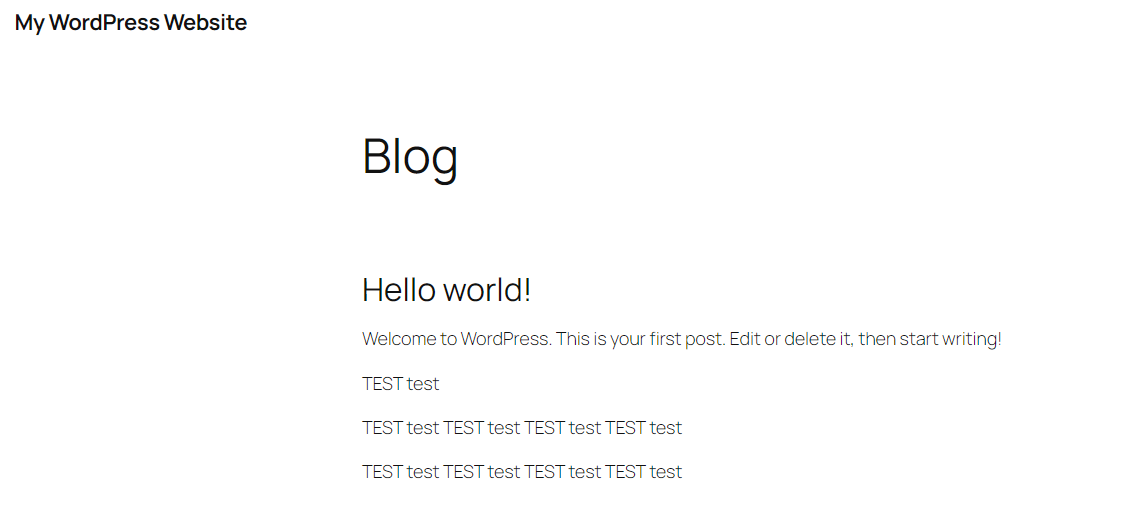
Captures d’écrans


Installation
- Upload the
text-swapfolder to the/wp-content/plugins/directory. - Activate the plugin through the ‘Plugins’ menu in WordPress.
- Navigate to the Text Swap settings page to configure your replacement rules.
FAQ
-
How do I use the Text Swap plugin?
-
Simply navigate to the Text Swap settings page, add your search and replace rules, and select where you want the replacements to occur.
-
Can I use this plugin on custom post types?
-
Yes! The plugin works with standard posts, pages, and widgets.
Avis
Il n’y a aucun avis pour cette extension.
Contributeurs/contributrices & développeurs/développeuses
« Text Swap » est un logiciel libre. Les personnes suivantes ont contribué à cette extension.
Contributeurs
Traduisez « Text Swap » dans votre langue.
Le développement vous intéresse ?
Parcourir le code, consulter le SVN dépôt, ou s’inscrire au journal de développement par RSS.
Journal des modifications
1.0
- Initial release of the Text Swap plugin.